EasyManua.ls Logo

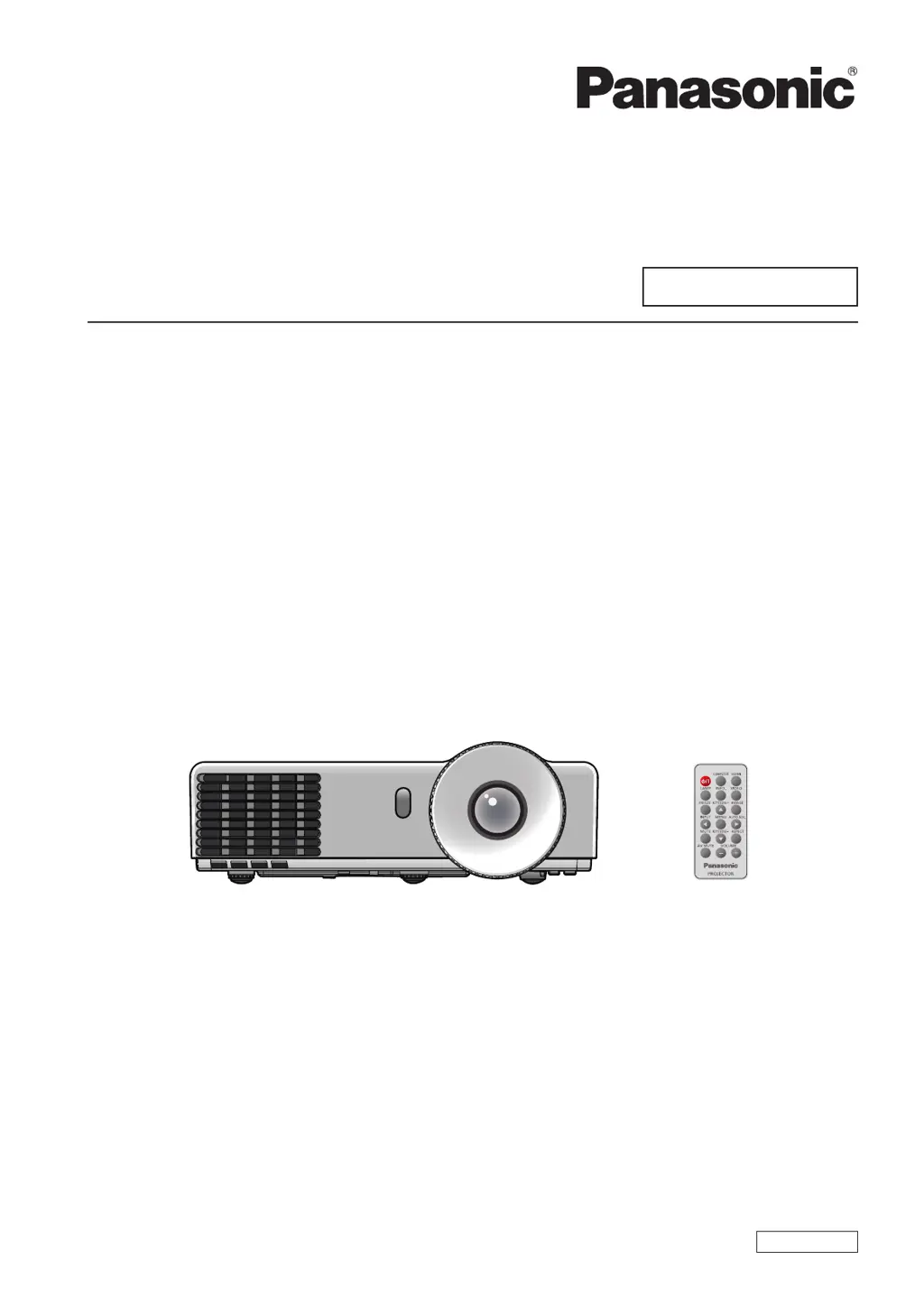
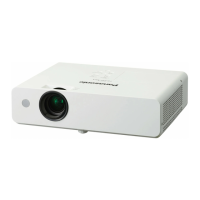
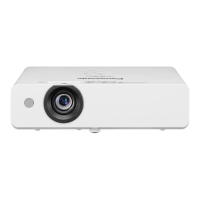
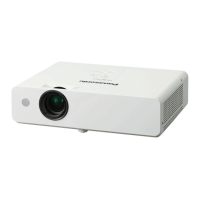
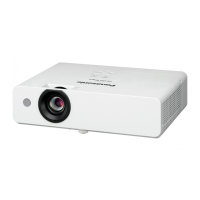
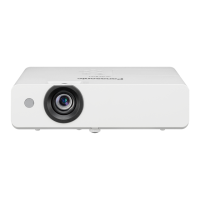
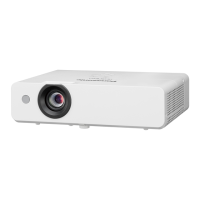
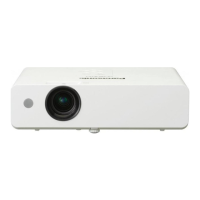
Panasonic PT-LW321U - User Manual

Panasonic PT-LW321U
72 pages
Print Icon
To Next Page IconTo Next Page
Loading...
Operating Instructions
Functional Manual
DLP
Projector
Commercial Use
Thank you for purchasing this Panasonic Product.
This manual is intended for products manufactured from Nov. 2013 and beyond.
J
Before operating this product, please read the instructions carefully, and save this manual
J
for future use.
Before using your projector, be sure to read “Read this rst!” (See pages 2 to 8).
J
Model No.
PT-LW321U
PT-LW271U
PT-LX351U
PT-LX321U
PT-LX271U
ENGLISH
TQBJ0614-1

Table of Contents

Questions and Answers

  • C
    christopheronealSep 4, 2025
    What do messages on my Panasonic PT-LW321U Projector mean?
    • D
      david01Sep 4, 2025
      When messages appear on the Panasonic Projector, it could mean a few things: * If the message displays when the projector has reached the timer set in the Filter Reminder (Hour), clean or replace the air filters. * If the message indicates the lamp has reached its end of life, replace it as soon as possible. * If the fan has stopped during projection, unplug the power cord and contact your dealer. * If the internal temperature is too high, confirm the display items.
  • M
    Michael SteinSep 18, 2025
    What to do if my Panasonic Dlp projector power does not turn on?
    • G
      Gregory GardnerSep 18, 2025
      If your Panasonic Dlp projector isn't powering on, start by checking the power cord to ensure it's properly connected. Next, verify that the wall outlet has electric supply. Also, make sure that the lamp cover is securely installed. Finally, check your circuit breakers and reset them if they have tripped.
  • K
    Kathy GriffithSep 16, 2025
    What to do if my Panasonic PT-LW321U Projector stops responding?
    • D
      Daniel GarzaSep 16, 2025
      If your Panasonic Projector stops responding to all controls, try turning it off, unplugging the power cord, waiting at least 30 seconds, and then reconnecting the power.
  • K
    Keith AndersonSep 14, 2025
    How do I fix a stretched image on my Panasonic PT-LW321U?
    • J
      Jill RiceSep 14, 2025
      If the image on your Panasonic Projector is stretched due to different video sources, adjust [16:9] or [4:3] in [Aspect Ratio] within the [Position] menu.
  • J
    Jeffrey FreemanSep 12, 2025
    How do I remove vertical lines from my Panasonic PT-LW321U image?
    • B
      Brian MillerSep 13, 2025
      To correct vertical lines seen in the image of your Panasonic Projector, adjust [Clock] in the [Position] menu.
  • C
    cooperfeliciaSep 12, 2025
    How do I fix an unstable or flickering image on my Panasonic PT-LW321U Projector?
    • D
      Denise GrantSep 12, 2025
      To address an unstable or flickering image on your Panasonic Projector, adjust the [Phase] in the [Position] menu.
  • C
    Christine NguyenSep 9, 2025
    Why does my Panasonic PT-LW321U have pale or grayish color?
    • J
      Julie HuntSep 9, 2025
      If the color on your Panasonic Projector appears pale or grayish, first adjust the [Color Mode] or [Hue] settings. Next, verify the settings of the input source. If you are using an RGB cable, replace it if it is damaged.
  • R
    Rebecca SimsSep 7, 2025
    What to do if Panasonic Projector stops responding?
    • M
      Marilyn PerkinsSep 7, 2025
      If your Panasonic Projector stops responding to all controls, try turning it off. Then, unplug the power cord, wait at least 30 seconds, and reconnect the power.
  • S
    Shannon NorrisSep 5, 2025
    How to remove vertical lines on Panasonic PT-LW321U Projector?
    • V
      Victor StewartSep 6, 2025
      To fix vertical lines seen on the image of your Panasonic Projector, adjust the Clock setting in the Position menu.
  • E
    Elizabeth RodriguezAug 21, 2025
    How to fix a Panasonic PT-LW321U that does not turn on?
    • C
      Carly MyersAug 21, 2025
      If your Panasonic Projector isn't turning on, there are several potential causes: * The power cord may not be properly connected, so ensure it is securely plugged in. * The wall outlet may not be providing electricity, so check if the outlet is functional. * The circuit breakers may have tripped, so inspect and reset them if needed. * The lamp cover may not be securely installed, so ensure it is correctly fitted.

Panasonic PT-LW321U Specifications

General IconGeneral
Brightness3, 200 lumens
Resolution1280 x 800 (WXGA)
Contrast Ratio16, 000:1
Aspect Ratio16:10
Zoom Ratio1.2x
ConnectivityHDMI, VGA, USB
Projection Size30 to 300 inches
OutputsAudio Out, VGA Out
Lamp Life5, 000 hours (Normal mode), 10, 000 hours (Eco mode)
InputsHDMI, VGA, USB

Related product manuals