EasyManua.ls Logo

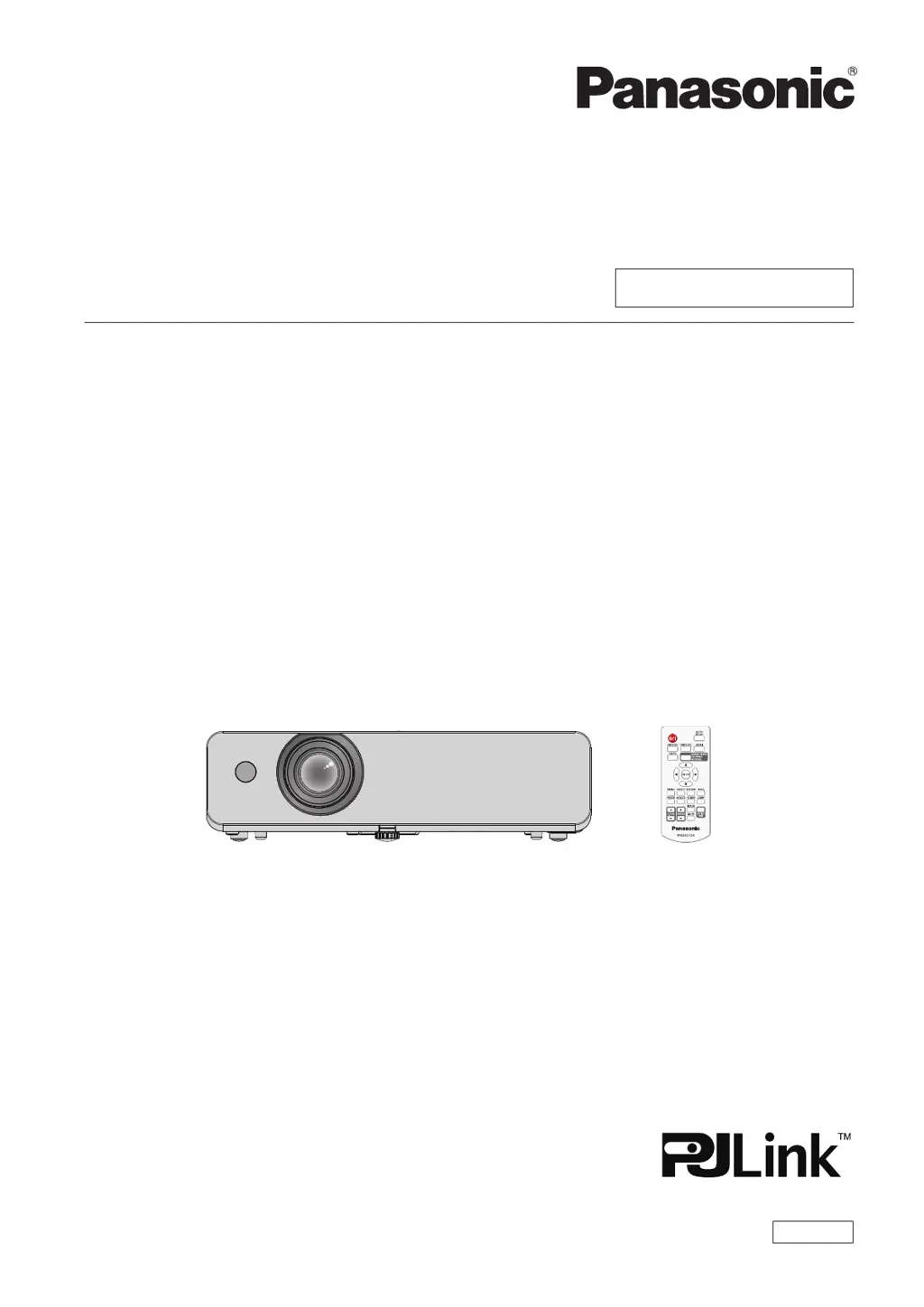
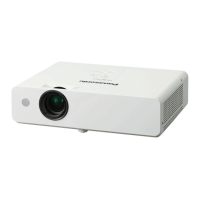
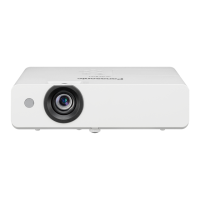
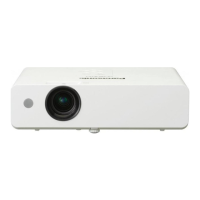
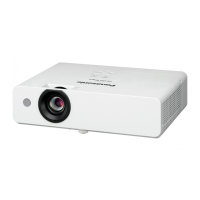
Panasonic PT-LW373 - User Manual

Panasonic PT-LW373
114 pages
Print Icon
To Next Page IconTo Next Page
Loading...
Operating Instructions
Functional Manual
LCD Projector
Commercial Use
Thank you for purchasing this Panasonic Product.
This manual is intended for products manufactured from Jul. 2018 and beyond.
Before operating this product, please read the instructions carefully, and save this manual for
future use.
Before using your projector, be sure to read “Read this rst!” (x pages 4 to 11).
Model No.
PT-LW373
PT-LW333
PT-LB423
PT-LB383
PT-LB353
PT-LB303
ENGLISH
DPQP1122ZC/X1

Table of Contents

Other manuals for Panasonic PT-LW373

Questions and Answers

  • J
    Jessica MurphySep 9, 2025
    Why do control buttons of Panasonic PT-LW373 not operate?
    • F
      franciscohortonSep 9, 2025
      If the control buttons on your Panasonic Projector are not working, check if the control panel operation is set to disabled in the [Key lock] of the [Setting] menu.
  • T
    tsmithAug 23, 2025
    How to fix a Panasonic PT-LW373 when the power does not turn on?
    • S
      Stephanie ColeAug 23, 2025
      If your Panasonic Projector isn't powering on, please check the following: Ensure the power cord is properly connected, verify that the wall outlet has electricity, and confirm that the circuit breakers haven't tripped. Also, check if the power or warning indicator is lit or blinking, and make sure the lamp cover is securely installed.
  • B
    bericksonAug 25, 2025
    What to do if there is no picture on my Panasonic PT-LW373 Projector?
    • M
      Melanie PhelpsAug 25, 2025
      If no picture appears on your Panasonic Projector, try these steps: * Ensure the video signal input source is properly connected to the terminal. * Verify the input selection setting. * Adjust the [Brightness] setting to ensure it is not at the minimum. * Check if the input source connected to the projector is working correctly. * Turn off the AV mute function if it is in use.
  • G
    Gregg HuffmanAug 26, 2025
    Why is the picture fuzzy on my Panasonic PT-LW373?
    • T
      Thomas AllenAug 26, 2025
      If the picture on your Panasonic Projector is fuzzy, it could be due to a few reasons. First, adjust the lens focus to see if that sharpens the image. If not, reposition the projector to ensure it is at the correct distance from the screen. A dirty lens can also cause fuzziness, so try cleaning the lens. Lastly, adjust the tilt of the projector.
  • J
    Jared BaldwinAug 27, 2025
    What to do if picture from a HDMI device does not appear or picture is not stable on Panasonic PT-LW373 Projector?
    • C
      Crystal AndersonAug 27, 2025
      If the picture from an HDMI device is not appearing or is unstable on your Panasonic Projector, first ensure the HDMI cable is securely connected. If the issue persists, power cycle the projector and the connected devices by turning them off and then back on. Also, check for unsupported signal cables.
  • M
    matthewbrownAug 29, 2025
    What to do if my Panasonic Projector shows no picture?
    • Z
      Zachary MooreAug 29, 2025
      If your Panasonic Projector displays no picture, verify that the video signal input source is correctly connected and the input selection setting is accurate. Adjust the Brightness setting if it's at its minimum. Check that the connected projector input source is functioning and that the AV mute function is not in use.
  • M
    Mrs. Christine WatersSep 18, 2025
    Why does the Panasonic PT-LW373 display color that is pale or grayish?
    • S
      Stephanie MoralesSep 18, 2025
      If the color on your Panasonic Projector appears pale or grayish, adjust the [Color] or [Tint] settings. Also, ensure the connected input source is adjusted correctly and check for any damage to the RGB cable.
  • A
    Amanda HowardSep 19, 2025
    How to get sound output from a HDMI device on my Panasonic PT-LW373 Projector?
    • D
      davidstephanieSep 22, 2025
      To get sound output from an HDMI device on your Panasonic Projector, set the sound channel of the attached device to Linear PCM. If connecting a computer, use an HDMI-DVI conversion cable to connect to the terminal, set [Sound] of [HDMI Setup] to [Computer], and input analog audio signal to the terminal.
  • J
    jessica91Sep 7, 2025
    What to do if no sound from the internal speaker of Panasonic PT-LW373 Projector?
    • M
      Miranda MitchellSep 8, 2025
      If you're not getting any sound from the internal speaker of your Panasonic Projector, here's what you can do: * Ensure the input terminals are correctly connected. * Increase the volume level. * Turn off the AV mute function. * Unplug the VARIABLE AUDIO OUT if it's plugged in, as this disables the built-in speaker. * Turn off the Mute function.
  • H
    haasjackSep 4, 2025
    Why doesn't the picture from my computer appear on the Panasonic PT-LW373?
    • J
      John JamesSep 4, 2025
      If the picture from your computer isn't appearing on the Panasonic Projector, check if the cable is longer than the optional cable. Also, verify the external video output from the laptop computer.

Panasonic PT-LW373 Specifications

General IconGeneral
Contrast Ratio16, 000:1
Aspect Ratio16:10
Display TypeLCD
Lamp Life (Normal)5, 000 hours
Lamp Life (Eco)10, 000 hours
Zoom Ratio1.2x
Projection Size30 - 300 inches
ConnectivityHDMI, VGA, USB, RS-232C
Resolution1280 x 800 pixels

Related product manuals