EasyManua.ls Logo

Panasonic RX-CS710 - Radio Operation; Tuning and Reception; FM Stereo and Mono; Graphic Equalizer and Antennas

Panasonic RX-CS710
12 pages
Print Icon
To Next Page IconTo Next Page
To Previous Page IconTo Previous Page
Loading...
RADIO
TAPE
PLAYBACK
1.
Set
the
Function
Selector
to
“RADIO”’.
2.
Set
the
Band
Selector
to
the
desired
radio
band.
3.
Tune
in
your
favourite
station
using
the
Tuning
Control.
4.
Adjust
the
Volume
and
Graphic
Equalizer
Controls
to
the
desired
settings.
(Refer
to
“Graphic
Equalizer”.)
5.
The
radio
can
be
turned
off
by
setting
the
Function
Selector
to
“TAPE/
[qffT
.
Notes;
•To
receive
FM
stereo
broadcasts,
set
the
FM
Mode
Selector
to
“STEREO”.
The
FM
Stereo
Indicator
will
light
during
stereo
broadcasts.
If
FM
stereo
reception
is
poor
(excessive
noise,
FM
Stereo
Indicator
flickers),
set
the
FM
Mode
Selector
to
“MONO”.
This
will
reduce
the
noise
and
provide
clear
reception;
however,
the
broadcast
will
not
be
heard
in
stereo.
Graphic
Equalizer
It
aliows
you
to
tailor
the
frequency
response
of
the
unit
to
compensate
for
room
acoustics
and
other
factors
which
affect
frequency
response.
The
overall
tone
can
be
altered
by
adjusting
the
five
controls
which
control
the
following
frequency
bands:
100
Hz,
330
Hz,
1
kHz,
3.3
kHz,
10
kHz.
Positioning
the
control
to
the
“+”
side
of
the
detent
will
amplify
the
corresponding
frequency
band;
the
side
will
attenuate
it.
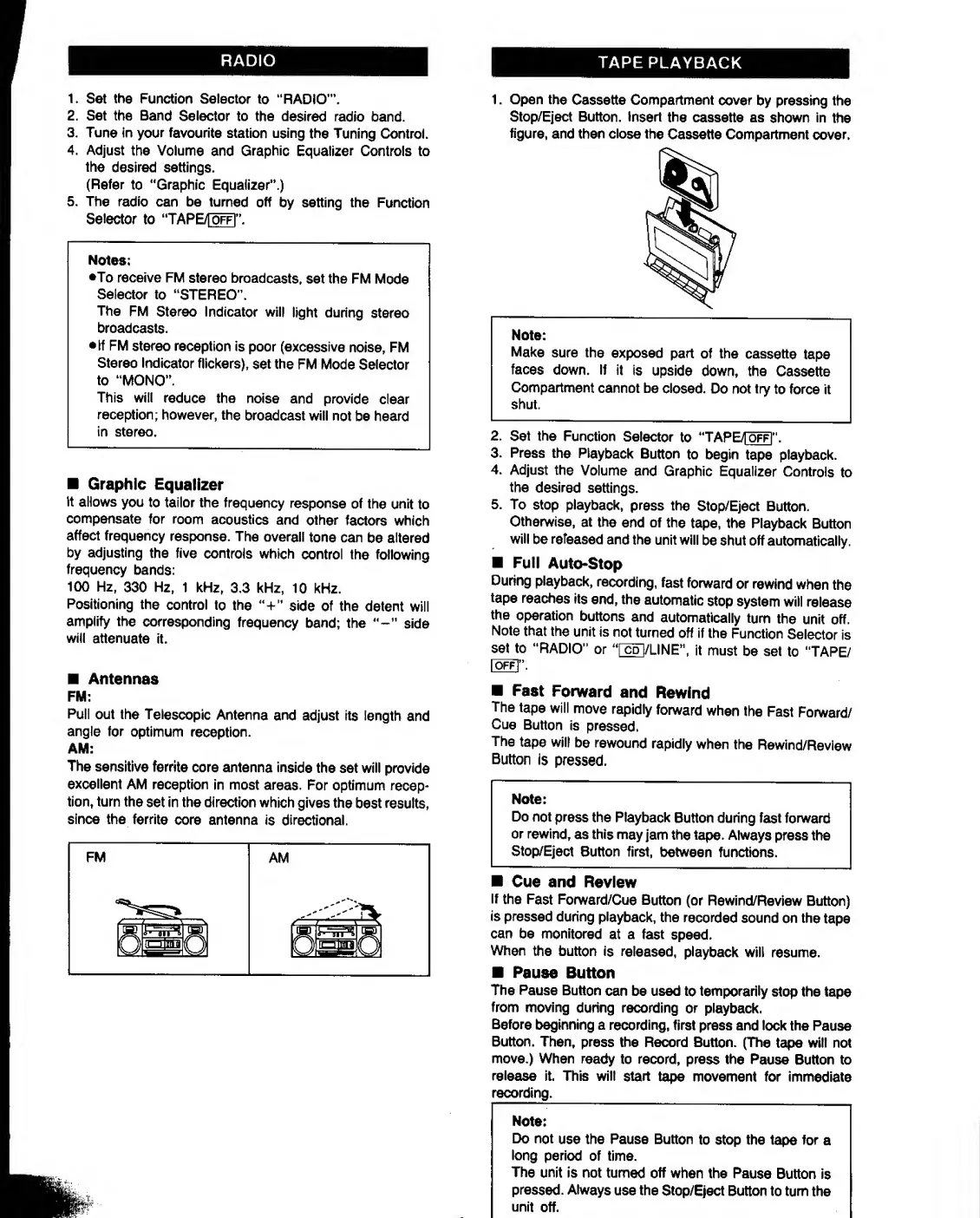
1.
Open
the
Cassette
Compartment
cover
by
pressing
the
Stop/Eject
Button.
Insert
the
cassette
as
shown
in
the
figure,
and
then
close
the
Cassette
Compartment
cover.
2.
Set
the
Function
Selector
to
“TAPE/
[qff]
m
.
3.
Press
the
Playback
Button
to
begin
tape
playback.
4.
Adjust
the
Volume
and
Graphic
Equalizer
Controls
to
the
desired
settings.
5.
To
stop
playback,
press
the
Stop/Eject
Button.
Otherwise,
at
the
end
of
the
tape,
the
Playback
Button
will
be
refeased
and
the
unit
will
be
shut
off
automatically.
Full
Auto-Stop
During
playback,
recording,
fast
forward
or
rewind
when
the
tape
reaches
its
end,
the
automatic
stop
system
will
release
the
operation
buttons
and
automatically
turn
the
unit
off.
Note
that
the
unit
is
not
turned
off
if
the
Function
Selector
is
set
to
“RADIO”
or
TcdI/LINE”,
it
must
be
set
to
“TAPE/
Antennas
FM:
Pull
out
the
Telescopic
Antenna
and
adjust
its
length
and
angle
for
optimum
reception.
AM:
The
sensitive
ferrite
core
antenna
inside
the
set
will
provide
excellent
AM
reception
in
most
areas.
For
optimum
recep¬
tion,
turn
the
set
in
the
direction
which
gives
the
best
results,
since
the
ferrite
core
antenna
is
directional.
Fast
Forward
and
Rewind
The
tape
will
move
rapidly
forward
when
the
Fast
Forward/
Cue
Button
is
pressed.
The
tape
will
be
rewound
rapidly
when
the
Rewind/Review
Button
is
pressed.
Note:
Do
not
press
the
Playback
Button
during
fast
forward
or
rewind,
as
this
may
jam
the
tape.
Always
press
the
Stop/Eject
Button
first,
between
functions.
Cue
and
Review
If
the
Fast
Forward/Cue
Button
(or
Rewind/Review
Button)
is
pressed
during
playback,
the
recorded
sound
on
the
tape
can
be
monitored
at
a
fast
speed.
When
the
button
is
released,
playback
will
resume.
Pause
Button
The
Pause
Button
can
be
used
to
temporarily
stop
the
tape
from
moving
during
recording
or
playback.
Before
beginning
a
recording,
first
press
and
lock
the
Pause
Button.
Then,
press
the
Record
Button.
(The
tape
will
not
move.)
When
ready
to
record,
press
the
Pause
Button
to
release
it.
This
will
start
tape
movement
for
immediate
recording.
_
Note:
Do
not
use
the
Pause
Button
to
stop
the
tape
for
a
long
period
of
time.
The
unit
is
not
turned
off
when
the
Pause
Button
is
pressed.
Always
use
the
Stop/Eject
Button
to
turn
the
unit
off.

Other manuals for Panasonic RX-CS710

Related product manuals