Before using
9
RQT5621
SC-AK44
SC-AK22 SC-AK12SC-AK33
2
32
31
33
15
25
27
36
14
35
29
34
37
38
17
16
40
39
41
42
43
2
32
31
33
15
36
14
35
29
34
27
37
38
17
16
40
39
41
42
43
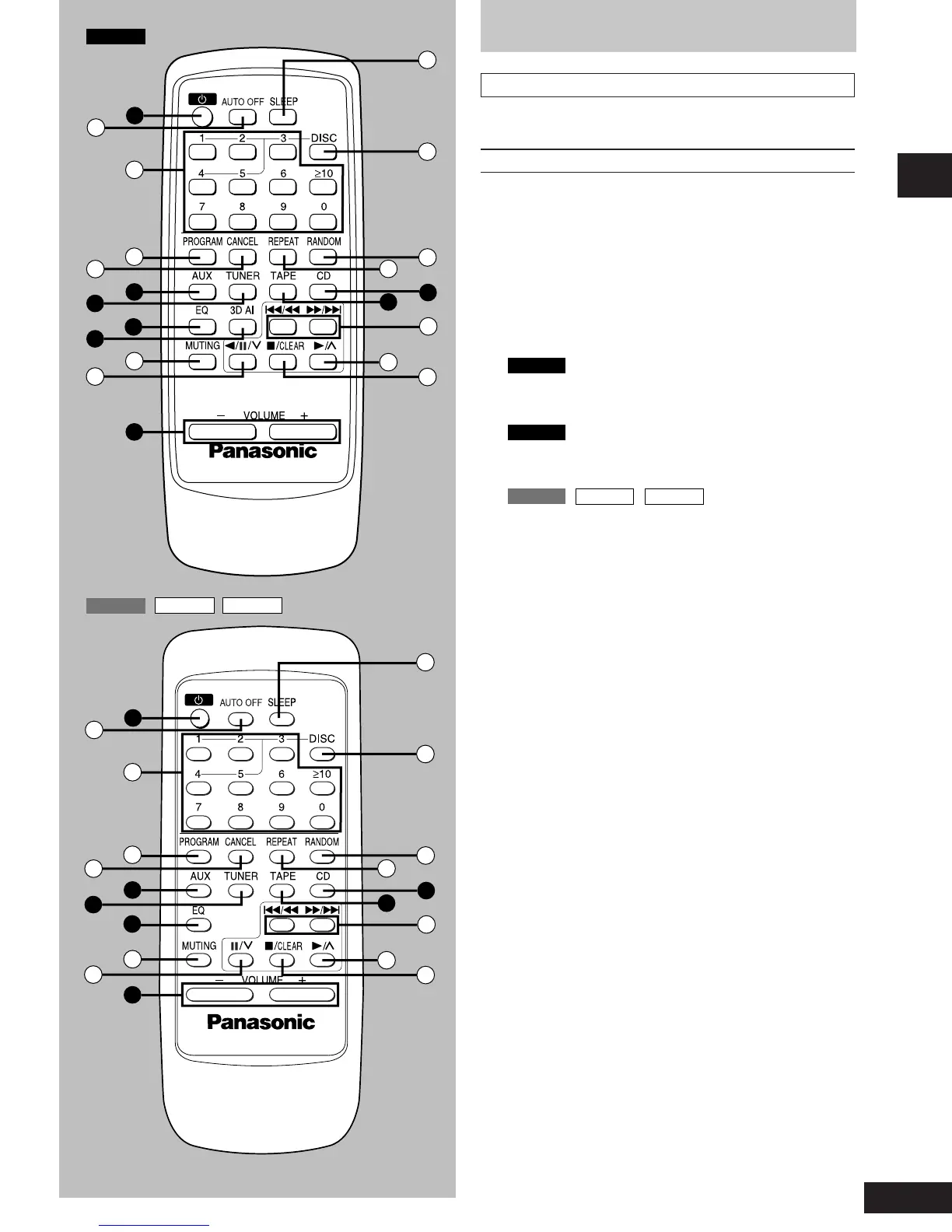
Remote control
Buttons such as 2 functions in exactly the same way as the buttons
on the main unit.
No. Name Ref. page
2 Standby/on button (f) ...............................................11
[ Auto off button (AUTO OFF) .................................... 10
\ Numeric buttons (≥10, 1–9, 0) ............................ 13, 16
] Program button (PROGRAM) ................................... 17
^ Cancel button (CANCEL) ...........................................17
% AUX button (AUX) ...................................................... 29
& Tuner/band select button (TUNER) ......................... 12
= EQ select button (EQ) ................................................25
;
SC-AK44
only
3D AI select button (3D AI) ...................................... 26
_ Muting button (MUTING) ...........................................11
{
SC-AK44
Reverse side playback/pause/preset
channel select button (
;;
;;
;/
JJ
JJ
J/3) ..................... 13, 15, 19
SC-AK33
SC-AK22
SC-AK12
Pause/preset channel select button (
JJ
JJ
J/3) ........ 13, 15
? Volume buttons (– VOLUME +) ................................ 12
| Sleep button (SLEEP) ................................................ 29
} Disc button (DISC) .....................................................16
V Random button (RANDOM) ...................................... 16
0 Repeat button (REPEAT) ...........................................16
) CD button (CD) ...........................................................17
( Tape/deck select button (TAPE) .............................. 19
1 Skip/search buttons (
gg
gg
g/
((
((
(,
))
))
)/
ff
ff
f) ........ 15, 20
2 Play/preset channel select button (-/4).... 13, 15, 19
3 Stop/program clear button (L/CLEAR) ........ 15, 17, 19
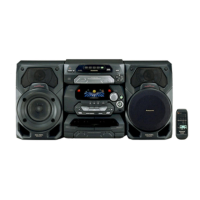
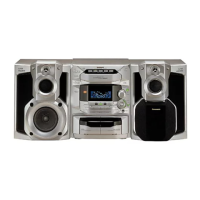
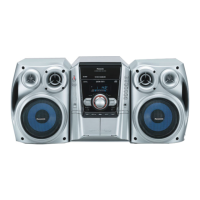
Front panel controls






 To Next Page