Before using
8
RQT5621
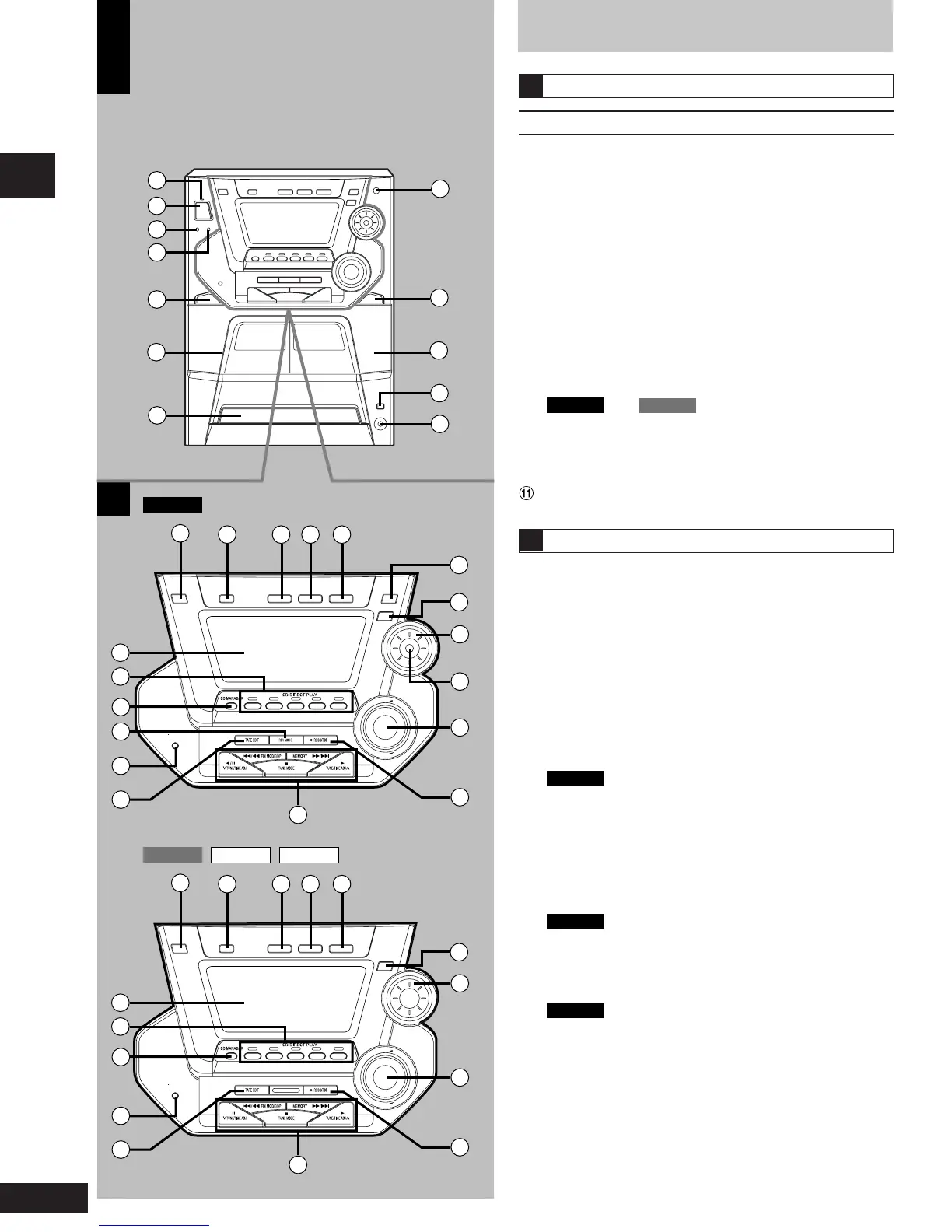
Front panel controls
Main unit
No. Name Ref. page
1 AC supply indicator (AC IN)
This indicator lights when the unit is connected to the AC power
supply.
2 Standby/on switch (f/I, POWER) ............................. 11
Press to switch the unit from on to standby mode or vice versa.
In standby mode, the unit is still consuming a small amount of
power.
3 Play timer/record timer button
(rPLAY/rREC) ......................................................... 27
4 Clock/timer button (CLOCK/TIMER) ............ 11, 27, 28
5 Deck 1 open button (c DECK 1 OPEN) .................. 19
6 Deck 1 cassette holder ..............................................19
7 Disc tray
8
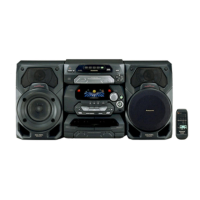
SC-AK44
and
SC-AK33
only
Super woofer on/off button (S.WOOFER) ............... 25
9 Deck 2 open button (c DECK 2 OPEN) .................. 19
! Deck 2 cassette holder ..............................................19
CD open/close button (c, OPEN/CLOSE) ............... 15
# Headphone jack (PHONES) ...................................... 29
Center console
$ Remote control signal sensor ................................... 5
% AUX button (AUX) ...................................................... 29
& Tuner/band select button (TUNER, BAND) ............. 12
( Tape/deck select button (TAPE, DECK 1/2) ............ 19
) CD button (CD) ...........................................................18
~ Display
+ Disc direct play buttons and indicators
(CD 1 ~ CD 5) .............................................................15
, CD manager button
(CD MANAGER) ................................................... 18, 24
-
SC-AK44
only
SC Reverse mode select button (REV MODE) .............. 19
. Display select/demonstration button
(-DISPLAY/–DEMO) ............................................. 10, 11
/ Tape edit button (TAPE EDIT) .................................. 21
: Basic operating buttons
Functions change according to the source.
;
SC-AK44
only
3D AI button (3D AI) .................................................. 26
< Super sound EQ button (SUPER SOUND EQ) ........ 25
= Jog control (SOUND EQ) ...........................................25
>
SC-AK44
only
Joy stick (SOUND EQ) ............................................... 26
? Volume control (VOL) ................................................ 12
@ Recording start/stop button (a REC/STOP) ............ 22
A
B
A
B
DISPLAY/
DEMO
AUX CD
SOUND EQ
SUPER SOUND EQ
BAND
TUNER
DECK 1/2
TAPE
VOL
DOWN
UP
CD 1 CD 2 CD 3 CD 4 CD 5
DISPLAY/
DEMO
AUX CD
3D AI
SOUND EQ
SUPER SOUND EQ
BAND
TUNER
DECK 1/2
TAPE
VOL
DOWN
UP
CD 1 CD 2 CD 3 CD 4 CD 5
10
3
1
2
4
5
6
7
11
12
8
9
13
14 15 16 17
24
25
26
27
28
21
22
23
29
30
19
18
20
13
14 15 16 17
24
26
27
22
23
29
30
19
18
20
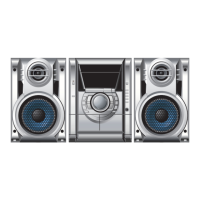
SC-AK44
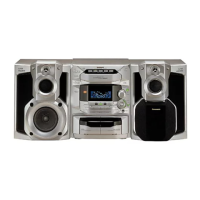
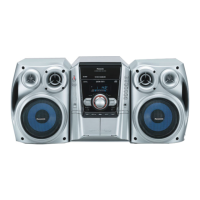
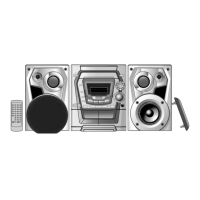
SC-AK22 SC-AK12SC-AK33






 To Next Page