EasyManua.ls Logo

Panasonic SC-AK310 - User Manual

Panasonic SC-AK310
16 pages
Print Icon
To Next Page IconTo Next Page
Loading...
RQT6693-1P
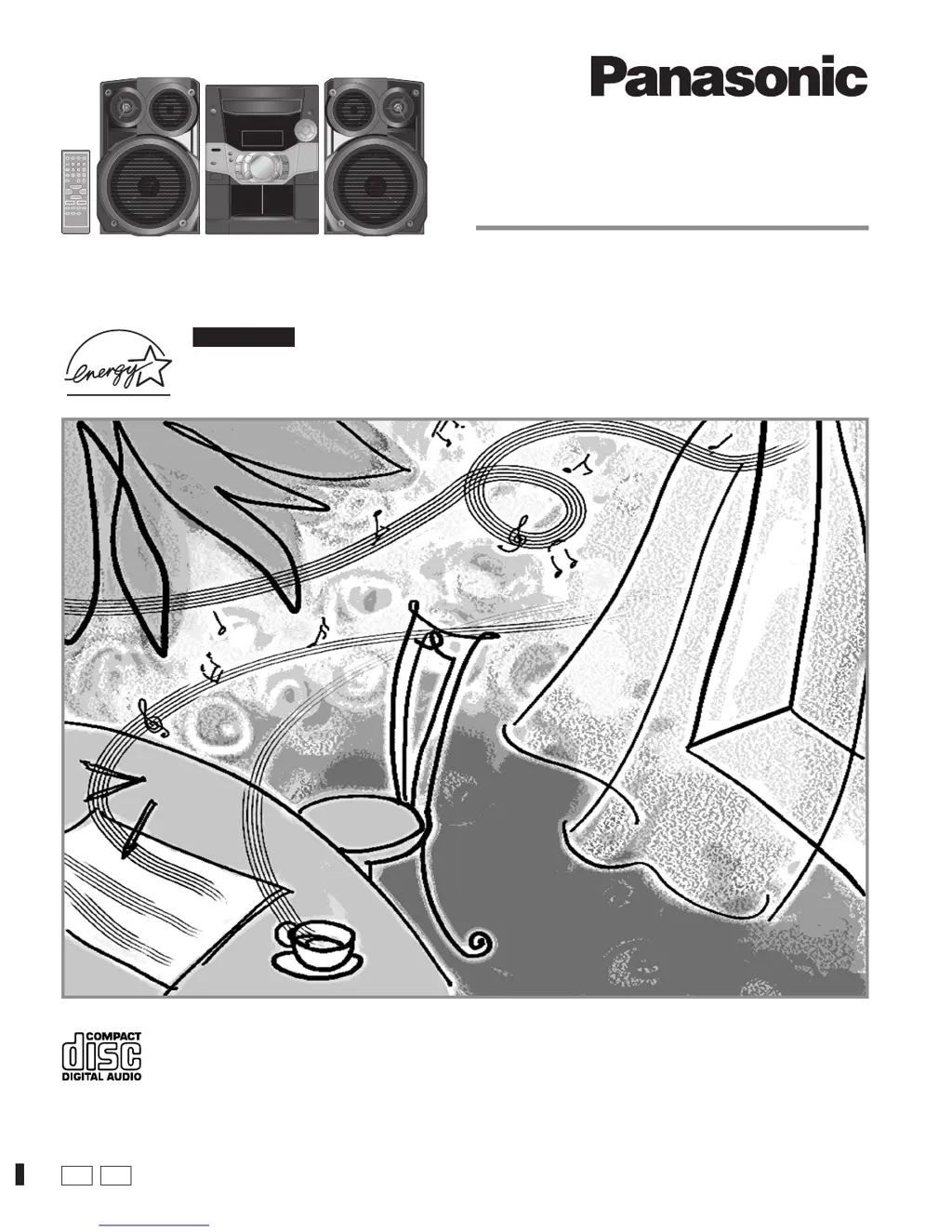
CD Stereo System
Operating Instructions
Model No. SC-AK310
SC-AK110
Before connecting, operating or adjusting this product, please read these
instructions completely.
Please keep this manual for future reference.
As an ENERGY STAR
®
Partner, Panasonic has determined
that this product meets the ENERGY STAR
®
guidelines for
energy efficiency.
P PC
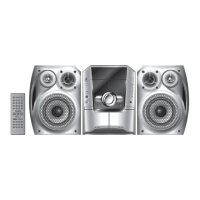
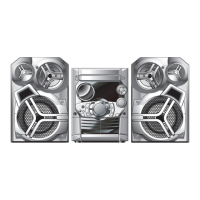
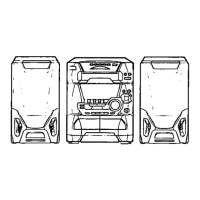
The illustrations show SC-AK310.
For U.S.A. only

Questions and Answers

  • R
    Rebekah SparksJul 31, 2025
    What to do if Panasonic Stereo System remote control doesn’t work?
    • J
      Julie GomezJul 31, 2025
      If your Panasonic Stereo System's remote control isn't working, first check that the batteries are inserted correctly. If they are, try replacing the batteries, as they may be worn.
  • J
    Jeffrey BaldwinAug 7, 2025
    How to fix noise on Panasonic SC-AK310?
    • J
      jreidAug 7, 2025
      If you are experiencing noise, a flickering or unlit stereo indicator, distorted sound, a beat sound, or a low hum during AM broadcasts on your Panasonic Stereo System, try the following: Use an outdoor antenna. Turn off the TV or separate it from the unit. Separate the antenna from other cables and cords.
  • P
    Phyllis GarciaAug 15, 2025
    What to do if my Panasonic Stereo System has no sound?
    • Z
      zharringtonAug 15, 2025
      If your Panasonic Stereo System produces no sound, the sound stops, is unfixed, reversed, or only comes from one speaker, or if you hear humming during play, or see “ERROR”, “– –:– –” or “F61” displayed, causes may include shorted positive and negative speaker wires, speakers strained by excessive volume, or using the unit in a hot environment. Try turning up the volume. If that doesn't work, switch off the unit, determine and correct the cause, then switch it back on. Also, check the speaker connections. If the problem persists, it indicates a power supply issue, and you should consult a dealer.
  • E
    elizabethmooreAug 22, 2025
    Why does the picture on the TV disappears when using Panasonic SC-AK310 Stereo System?
    • J
      Justin CollinsAug 22, 2025
      If the picture on your TV disappears or stripes appear on the screen when using your Panasonic Stereo System, it might be due to an incorrect antenna location or orientation. If you're using an indoor antenna, try switching to an outdoor antenna. Additionally, ensure the antenna wire of the TV is separated from the unit.

Summary

Product Introduction and Identification

Model Information

Identifies the specific models SC-AK310 and SC-AK110.

Energy Star Compliance

Details the product's compliance with ENERGY STAR guidelines for energy efficiency.

Safety Precautions and Warnings

General Safety Instructions

Provides essential safety warnings for operating the unit.

Laser Radiation Hazard

Warns about hazardous radiation exposure from the laser.

Electrical Shock Prevention

Alerts users to potential electric shock risks and precautions.

Safety, Listening, and Regulatory Information

Detailed Operation Safety

Detailed instructions for safe operation and installation.

Safe Listening Practices

Advises on safe listening levels to prevent hearing damage.

FCC Compliance and User Guidance

Outlines FCC rules and user guidance for interference.

System Components and Placement

Included Accessories

Lists all items included with the audio system.

Remote Control Setup

Details battery insertion and usage for the remote control.

Speaker Placement Guidelines

Provides instructions on optimal speaker positioning.

Initial Setup and Connections

Preparation for Connection

Steps for preparing antenna wires and speaker cords.

Antenna Installation

Instructions for connecting FM and AM antennas.

Speaker Connection Procedure

Guides on connecting speakers to the main unit.

Unit Controls and Remote Functions

Main Unit Interface

Identifies and explains buttons on the main unit's front panel.

Center Console Controls

Explains controls located on the center console area.

Remote Control Button Mapping

Details the functions of buttons on the remote control.

Radio Tuning Operations

Manual Station Tuning

Instructions for manually tuning to radio stations.

Station Presetting Methods

Explains automatic and manual station presets.

Accessing Preset Stations

How to access and play preset radio stations.

CD Playback Basics

CD Handling and Selection

Guidelines for choosing and handling CDs.

Core CD Playback Commands

Instructions for playing, pausing, searching, and skipping tracks.

CD Display Functions

How to view elapsed and remaining track times.

Advanced CD Playback Modes

Track-Specific Playback

How to begin playback from a chosen track.

Custom Playlist Creation

Creating custom playlists of up to 24 tracks.

Diverse Playback Sequences

Choosing playback modes like ALL-DISC, 1-SONG, RANDOM.

Cassette Operations and Sound Enhancement

Tape Playback Procedures

Instructions for playing tapes, rewinding, and fast-forwarding.

Audio Quality Adjustments

Using PRESET EQ and SUPER SOUND EQ for audio enhancement.

Recording from Various Sources

Guides for recording from radio, CD, or tape.

Recording, Antenna, and External Connections

Recording Management Tips

Stopping recording, preventing erasure, and handling protected tapes.

Antenna Setup Guide

Instructions for connecting optional FM and AM antennas.

External Device and Headphone Use

Connecting external devices and using headphones.

Convenience Features and Time Setting

Display Modes and Auto-Off

Managing display modes and the auto-off power saving function.

Operational Convenience Functions

Dimming the display, switching displays, and muting volume.

Clock Configuration

How to set and display the 12-hour clock.

Timer Operations

Setting Play and Record Timers

Programming the unit to play or record at set times.

Sleep Timer Functionality

Setting the unit to turn off automatically after a specified time.

Troubleshooting and Routine Maintenance

Resolving Common Issues

Solutions for common issues like no sound or display errors.

Radio and Component Troubleshooting

Troubleshooting radio noise, TV interference, and cassette problems.

Disc and Remote Control Troubleshooting

Resolving issues with disc playback and remote control function.

Cleaning and Care Instructions

Instructions for cleaning the unit's surfaces and heads.

Product Specifications and Service

Audio and Cassette Specifications

Detailed technical data for amplifier and cassette deck sections.

Speaker and Tuner Specifications

Technical details for speakers and FM/AM tuner sections.

General Unit Details and Service

General unit specifications and service contact details.

Warranty and Customer Support

U.S. Limited Warranty Terms

Details the warranty period and coverage for audio products.

Customer Service Contact Information

Contact information for product assistance and service.

Panasonic SC-AK310 Specifications

General IconGeneral
TypeMini Hi-Fi System
Number of Discs5
Playable MediaCD, CD-R/RW, MP3
CD PlayerYes
TunerYes
FM RadioYes
Preset Stations30
Tape DeckYes
BluetoothNo
USB PortNo
Remote ControlYes
Speaker Type2-Way Speakers

Related product manuals