27
Disc operations
RQT6345
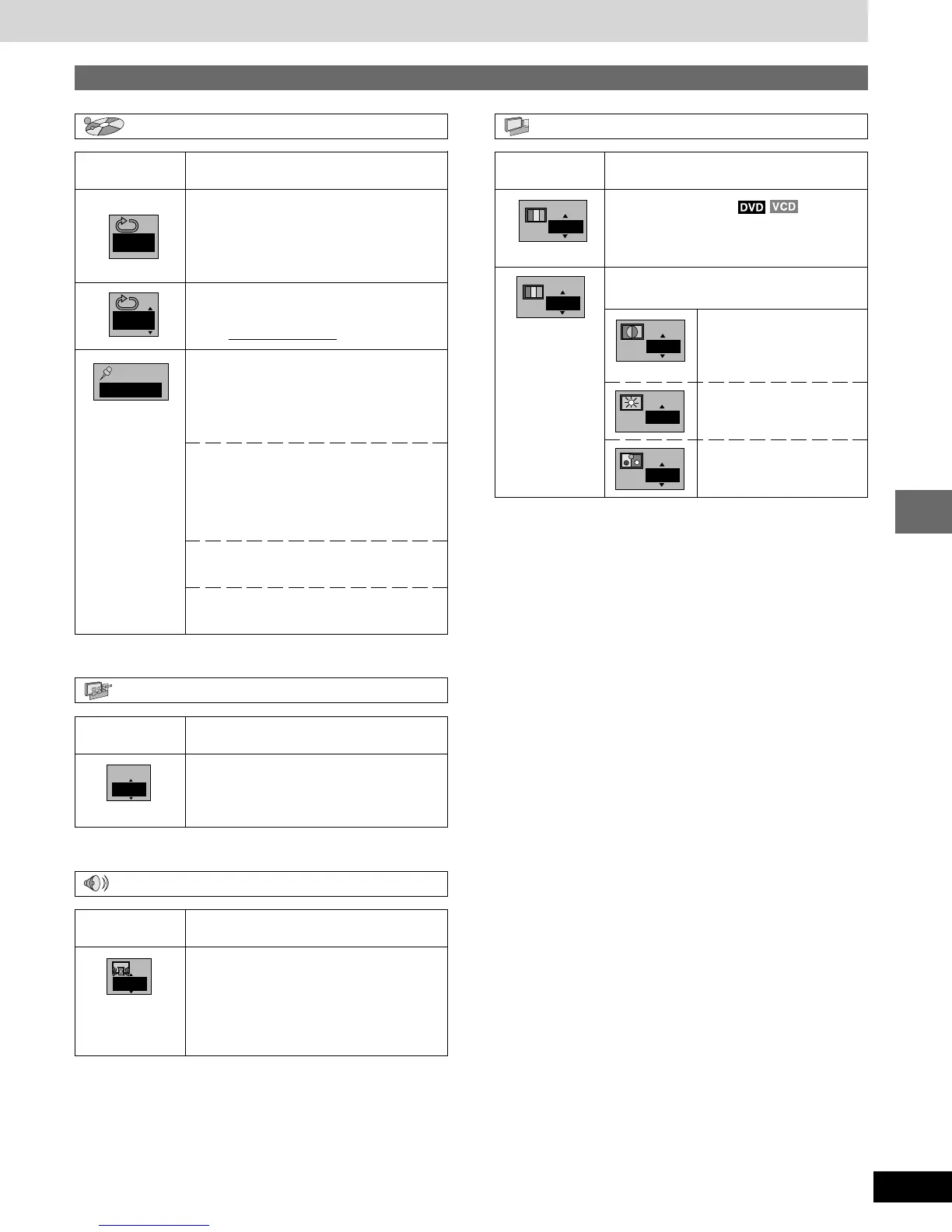
Play menu
→
Unit information
Audio menu
Display menu
→
AB
OFF
1 2 3
¤ ¤
OFF
Content
IPB display (➡ page 58)
Displays the picture type (I/P/B) in the still
picture mode.
ON ↔ OFF
Icon
OFF
IPB
Content
Digital picture mode
Nor.: Normal mode
Cin.1/Cin.2: Cinema mode (➡ page 18)
User: User mode (➡ see below)
The following items are also displayed when
you select “User”.
Icon
Video menu
Nor.
User
0
0
0
Contrast (–7 to +7)
Increases the contrast
between white and black
parts of the picture.
Brightness (0 to +15)
Brightens the picture.
Color (–7 to +7)
Adjust the shade of the
picture’s color.
Content
A-B repeat (➡ page 21)
[ENTER] (start point)→[ENTER] (finish point)
To cancel
[ENTER]
Repeat play (➡ page 21)
C (Chapter)↔T (Title)↔OFF
Marker (➡ page 20)
You can mark up to 5 positions to play
again.
[ENTER] so the unit is ready to accept
markers.
To mark a position
[ENTER] (at the desired point)
To mark another position
[/], [-]→[ENTER]
To recall a marker
[/], [-]→[ENTER]
To erase a marker
[/], [-]→[SHIFT] + [CLEAR]
Icon
Content
(Dolby Digital, 3-channel or over only)
Dialogue Enhancer
The volume of the dialogue from the center
channel is raised when you select “ON”.
ON ↔ OFF
(Actual result depends on discs)
Icon















 To Next Page