52
LSQT1473
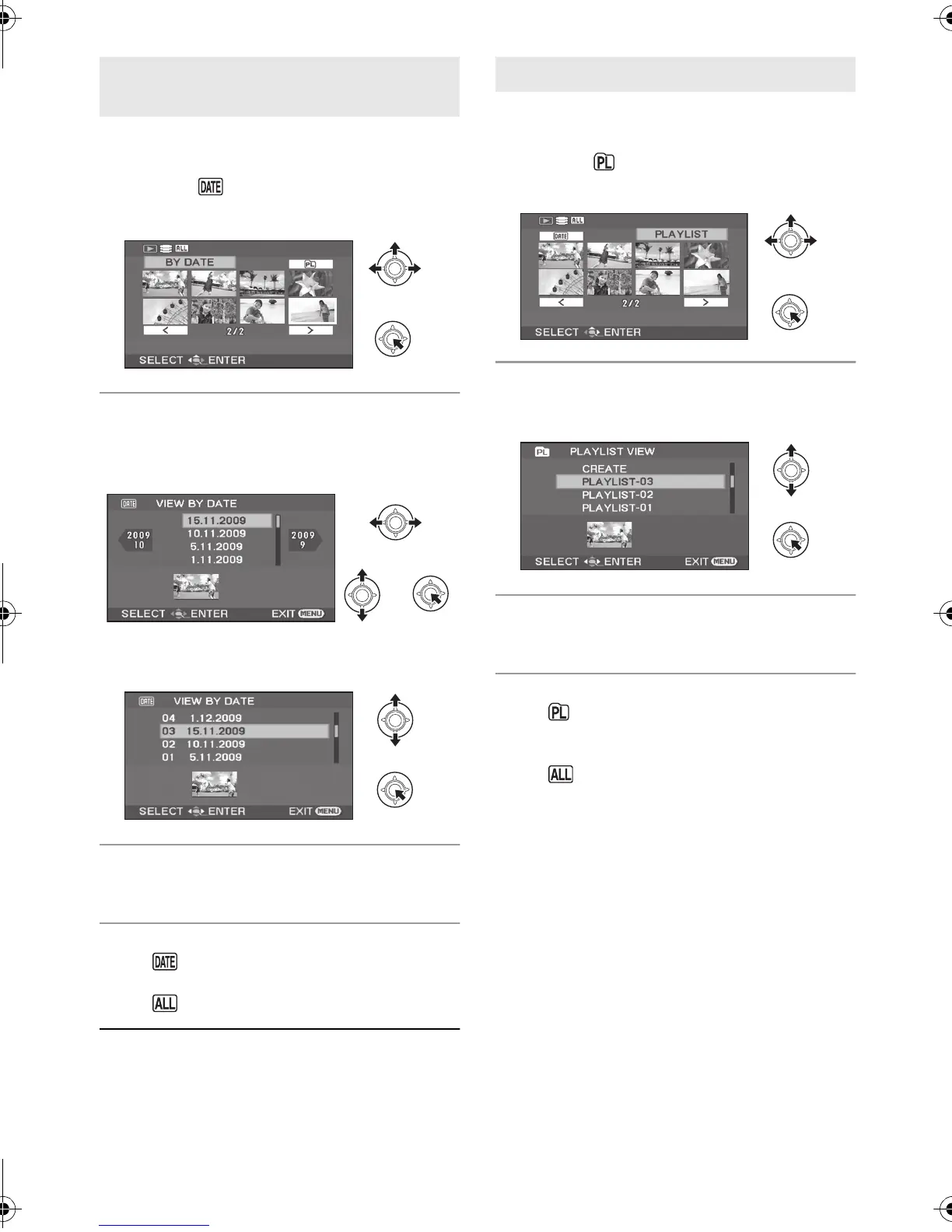
Scenes recorded on the same day can be played
back in succession.
1 Select (BY DATE), then press
the joystick.
2 Select the playback date, then
press the joystick.
(When playing back motion pictures on the HDD)
(When playing back motion pictures on the SD
card)
3 Select the scene to be played
back, then press the joystick.
To select a different date
Select (BY DATE), then press the joystick.
To return to the screen showing all scenes
Select (VIEW ALL), then press the joystick.
≥ Even if scenes are recorded on the same day,
they are grouped separately in the following
cases.
jWhen the number of scenes exceeds 99
jWhen the world time setting is changed
Creating a new playlist (l 60)
[HDD]
1 Select (PLAYLIST), then press
the joystick.
2 Select the playlist to be played
back, then press the joystick.
3 Select the scene to start
playback, then press the joystick.
To select a different playlist
Select (PLAYLIST), then press the joystick.
To return to the screen showing the original
scenes
Select (VIEW ALL), then press the joystick.
Playing back motion pictures by
date
Playing back a playlist
SDR-H90&80EB-LSQT1473_mst.book 52 ページ 2009年1月27日 火曜日 午前11時48分















 To Next Page