Section 5 – MENU SETUP
30
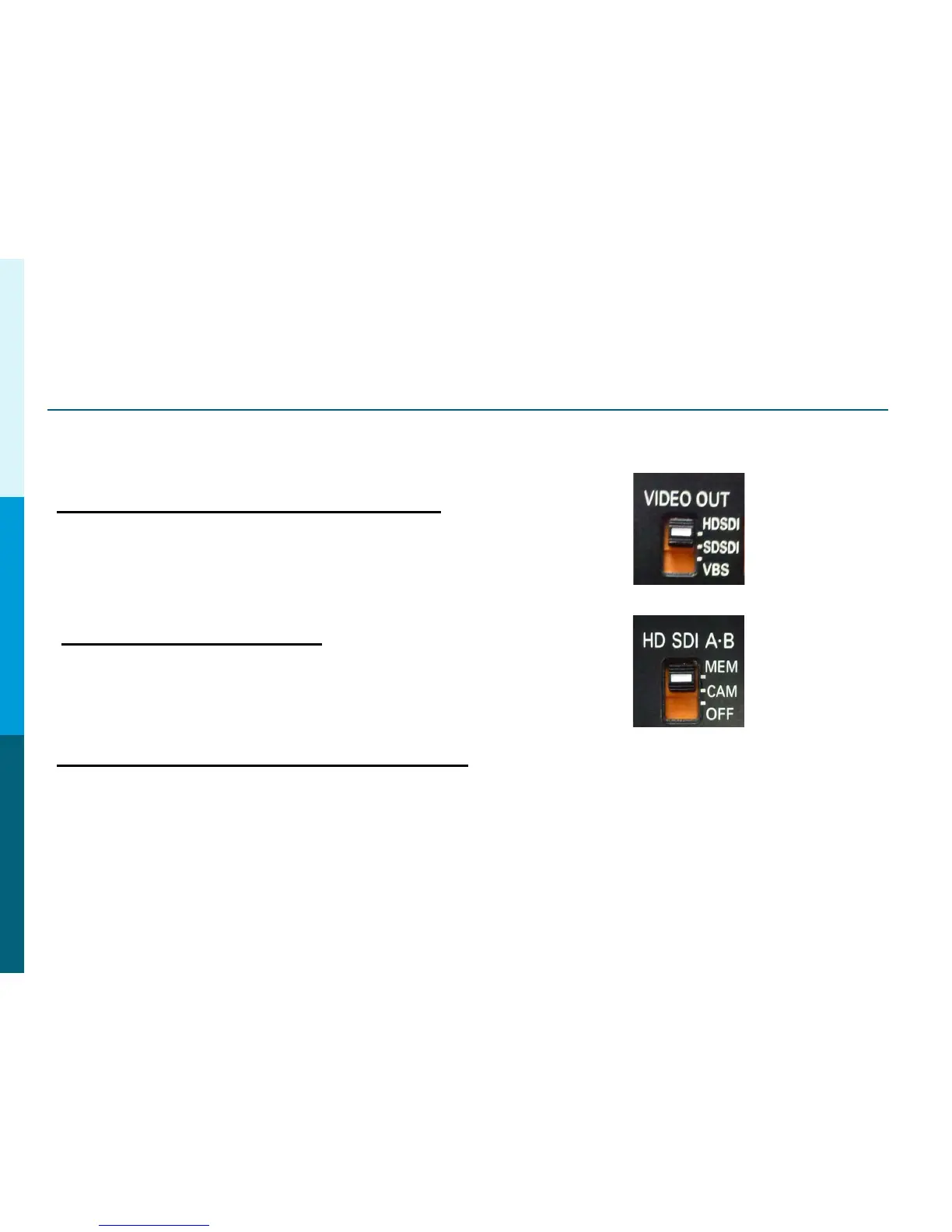
SDI Video Out Setup
AJ-HDX900, AJ-HPX2000, AJ-HPX3000
Set the Video Out Switch to HS-SDI or SD-SDI respectively.
The switch is located under the camera side door.
AG-HPX300, AG-HPX370 and AG-HPX500
1. Press Menu button.
2. Select OUTPUT SEL.
3. Select SDI = AUTO
4. Exit Menu
Panasonic Solutions Company
AJ-HPX2700, AJ-HDX3700
Set the HD-SDI A-B Switch to MEM or CAM.
The switch is located under the camera side door.
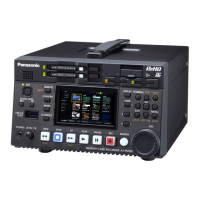
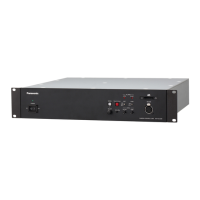
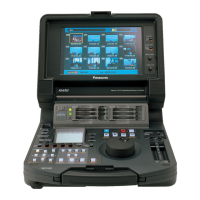
AJ-HDX900
AJ-HPX2000
AJ-HDX3000
AJ-HPX2700
AJ-HDX3700



 To Next Page