EasyManua.ls Logo

Panasonic TH-103PF10EK - User Manual

Panasonic TH-103PF10EK
56 pages
Print Icon
To Next Page IconTo Next Page
Loading...
Please read these instructions before operating your set
and retain them for future reference.
Model No.
Operating Instructions
High De nition Plasma Display
English
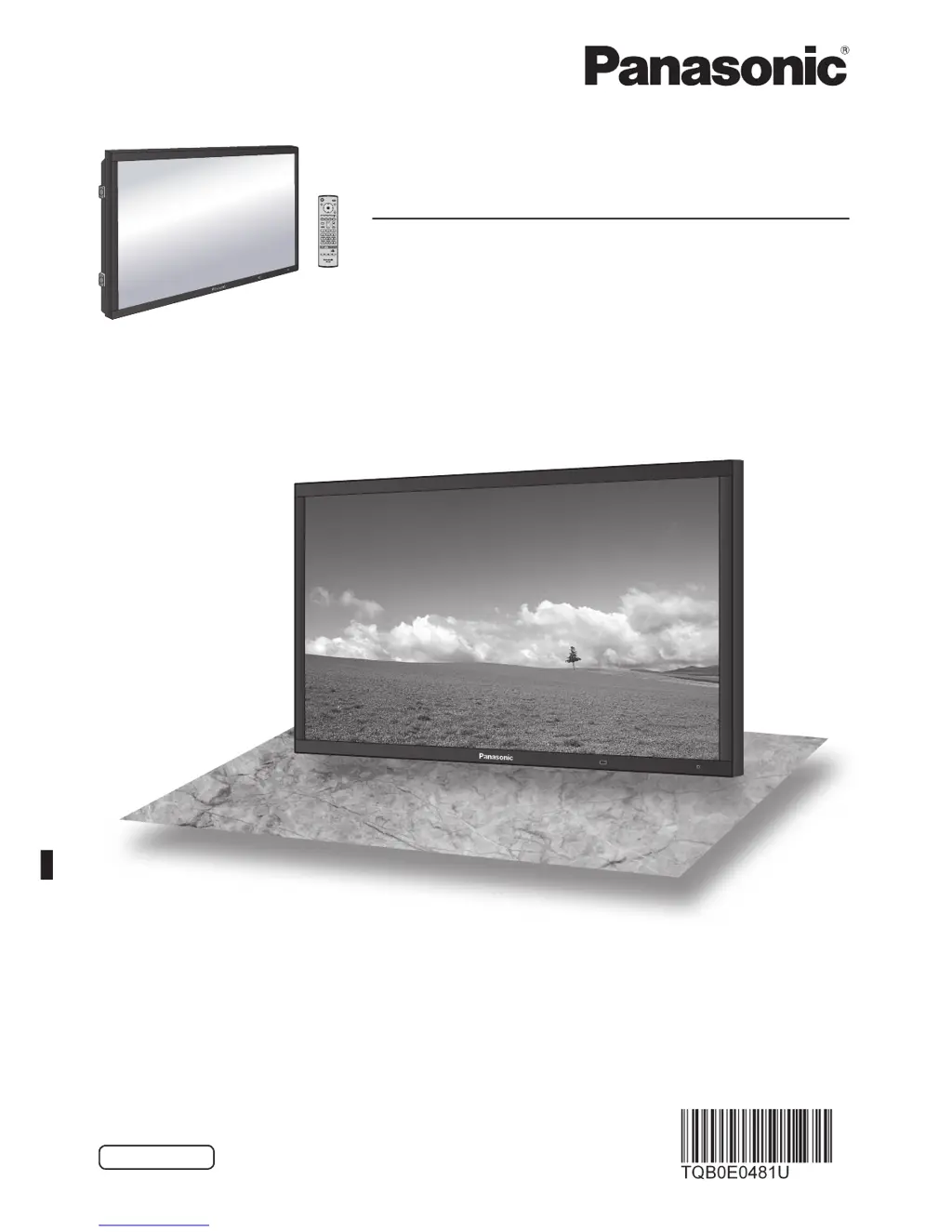
The illustration shown is an image.
TH-103PF10EK

Table of Contents

Questions and Answers

  • K
    Kevin PattersonAug 19, 2025
    How to fix no sound on Panasonic Monitor?
    • T
      tellisAug 19, 2025
      If there is no sound on your Panasonic Monitor, first verify that the mute function is not activated on the remote control. Also, ensure the unit is properly plugged into the AC outlet and switched on by pressing the power switch or stand-by button on the remote. Finally, check the Picture and Brightness/Volume settings.
  • J
    Jason WilliamsAug 21, 2025
    What to do if Panasonic TH-103PF10EK Monitor remote control not working?
    • J
      Jeffery DavisAug 21, 2025
      If the remote control isn't working with your Panasonic Monitor, check if the batteries have discharged completely or were not inserted properly. Also, make sure the remote control sensor isn't exposed to strong light. Finally, ensure you are using the remote control specifically designed for your unit.
  • M
    millercharlesAug 23, 2025
    How to prevent image retention on Panasonic TH-103PF10EK?
    • C
      Connor BeckAug 23, 2025
      To prevent image retention on your Panasonic Monitor, avoid displaying a still picture for extended periods.
  • T
    Tina MooreAug 26, 2025
    How to restore color on Panasonic Monitor?
    • S
      Sarah JohnsonAug 26, 2025
      If there is no color on your Panasonic Monitor, adjust the Color controls. You may also need to refer to the color system settings.
  • B
    Bill ThomasAug 28, 2025
    Why does my Panasonic TH-103PF10EK make cracking sounds?
    • R
      Robert MarshAug 28, 2025
      The occasional cracking sound from your Panasonic Monitor is normal. It's caused by the cabinet undergoing slight contractions due to changes in room temperature.
  • K
    Kristina SawyerAug 30, 2025
    Why are parts of the image missing when I zoom on my Panasonic TH-103PF10EK?
    • C
      Chris SuttonAug 30, 2025
      If areas at the top and bottom of the screen where the image is missing appear when you use the zoom function on your Panasonic Monitor, it is a common occurrence with certain video software programs when using a video software program with a screen wider than 16:9 mode.
  • V
    Virginia SteinSep 1, 2025
    Why does the screen darken on my Panasonic Monitor sometimes?
    • A
      agreenSep 2, 2025
      The screen of your Panasonic Monitor darkens slightly when bright pictures with minimal movements are shown to reduce image retention.
  • P
    patricia60Sep 4, 2025
    Why does it take so long for the picture to appear on my Panasonic TH-103PF10EK?
    • M
      mmartinezSep 4, 2025
      The delay for the picture to appear on your Panasonic Monitor is because the unit digitally processes the various signals.
  • R
    rodgerskarenSep 6, 2025
    Why can I hear sounds from inside my Panasonic Monitor?
    • J
      Jennifer CarterSep 6, 2025
      Hearing sounds from inside your Panasonic Monitor is normal and not indicative of malfunctioning.
  • P
    Patricia CarrSep 8, 2025
    Why do the edges of images flicker on my Panasonic Monitor?
    • T
      Terrence CrawfordSep 8, 2025
      The flickering edges on images displayed on your Panasonic Monitor are due to the characteristics of the system used to drive the panel and are normal.

Panasonic TH-103PF10EK Specifications

General IconGeneral
Screen Size103 inches
Display TypePlasma
Aspect Ratio16:9
Viewing Angle160 degrees
Resolution1920 x 1080
Input TerminalsHDMI, Component, Composite

Related product manuals