EasyManua.ls Logo

Panasonic TH-103PF9EK - User Manual

Panasonic TH-103PF9EK
48 pages
Print Icon
To Next Page IconTo Next Page
Loading...
Please read these instructions before operating your set
and retain them for future reference.
Model No.
Operating Instructions
High De nition Plasma Display
English
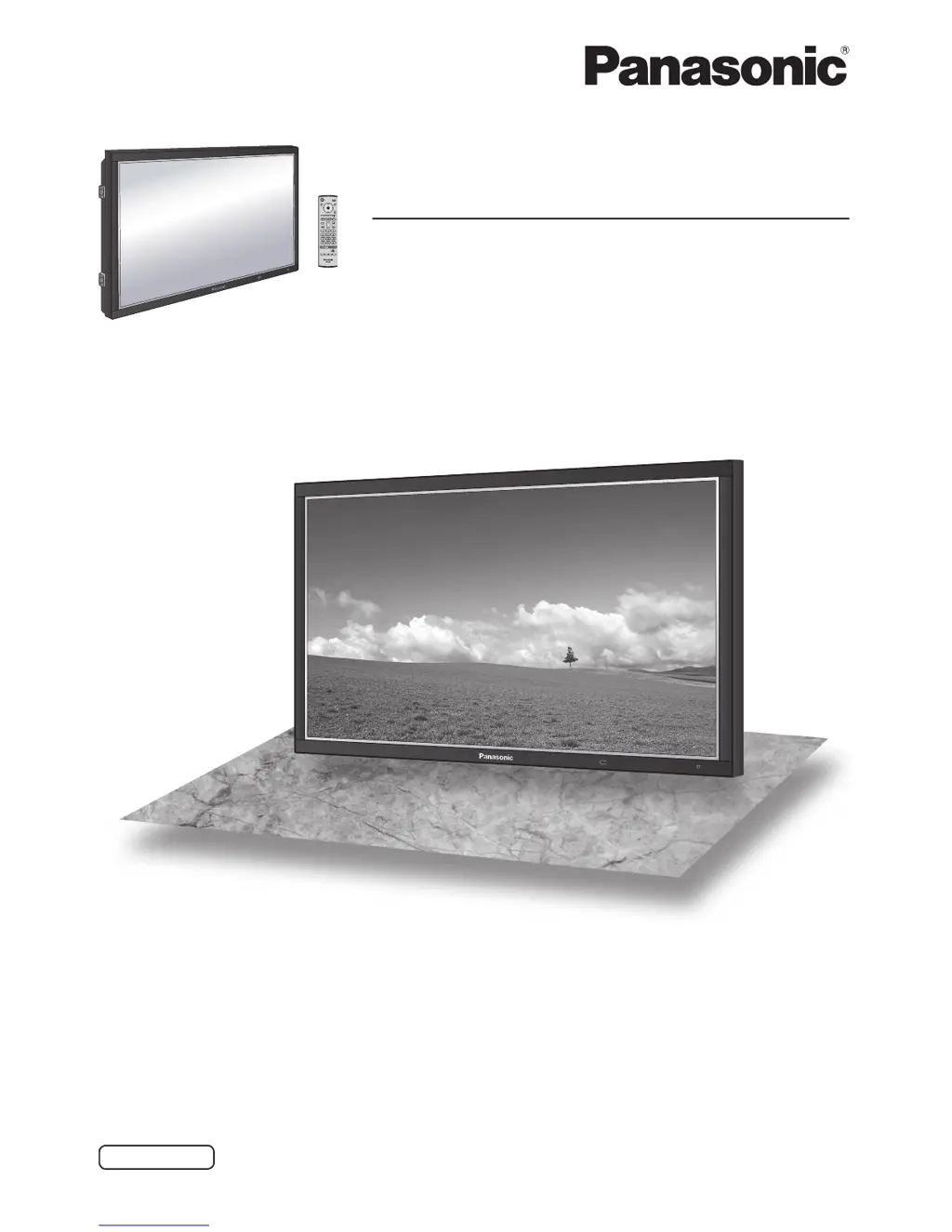
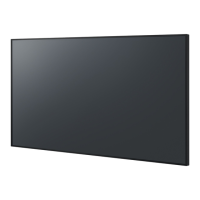
The illustration shown is an image.
TH-103PF9EK
TQBC2125-1

Other manuals for Panasonic TH-103PF9EK

Questions and Answers

  • B
    Brett ThomasAug 14, 2025
    How to prevent after-images on Panasonic TH-103PF9EK?
    • J
      Joseph HernandezAug 14, 2025
      To prevent after-images on your Panasonic Monitor, avoid displaying still pictures for extended periods. This is because the Plasma Display's technology can cause a permanent after-image if a static image remains on the screen for too long.
  • K
    Kenneth FletcherAug 17, 2025
    What to do if the Panasonic TH-103PF9EK Monitor remote control is not working?
    • D
      Donna HollandAug 18, 2025
      If your Panasonic Monitor's remote control isn't working, it could be due to several reasons. First, check if the batteries have run out or are not properly inserted. Second, ensure that the remote control sensor on the monitor isn't exposed to direct outdoor light or strong fluorescent light. Lastly, verify that you are using the correct remote control specifically designed for your unit.
  • K
    Kelly OsborneAug 20, 2025
    How to fix no sound on Panasonic Monitor?
    • G
      George DelgadoAug 20, 2025
      If there is no sound on your Panasonic Monitor, there might be a few reasons. First, check if the monitor is properly plugged into the AC outlet and switched on. You can also check if the mute function has been activated on the remote control. Finally, verify the Picture and Brightness/Volume settings.
  • C
    Courtney ShawAug 25, 2025
    Why is there sound coming from inside my Panasonic Monitor?
    • B
      Brandy Simmons MDAug 25, 2025
      If you hear sounds coming from inside your Panasonic Monitor, it is likely the sound of the display panel being driven when the power is turned on. This is normal and not indicative of a malfunction.
  • J
    Jill WestAug 27, 2025
    Why is there a time lag between image and audio on my Panasonic Monitor?
    • M
      Mrs. Jody CarrilloAug 27, 2025
      A slight time lag may occur between image and audio on your Panasonic Monitor, depending on the type of input signal. This is due to the special image processing used by the Plasma Display and is not a malfunction.
  • D
    David JohnsonAug 30, 2025
    What to do if the display shows message “HOT” on my Panasonic TV Mount?
    • C
      Christopher StephensonAug 30, 2025
      The “HOT” message appears because the control has built-in overheat protection that has been activated. To resolve this, wait for at least 15 minutes until the control cools down and the message disappears from the display. After this, the control can be used again.
  • M
    Mary Erickson DDSSep 3, 2025
    Why is my Panasonic TV Mount control or remote control not functioning?
    • P
      pauldaltonSep 3, 2025
      There could be several reasons why the control or remote isn't working. First, ensure the voltage supply cable is properly connected. Also, check the remote control connection. A bad plug contact could also be the issue, so ensure the control and supply cable are correctly connected. If these steps don't work, the control or power cable might be defective, and you should contact the dealer. Alternatively, the remote control itself may be defective, and you should replace it.
  • B
    bankschristinaSep 6, 2025
    What to do if my Panasonic TV Mount ScreenLifter does not exceed lift position 39?
    • M
      Michael WilliamsSep 6, 2025
      This issue might occur if the switch on the bottom of the cap was accidentally pressed. To solve this, insert the transportation pins, lift the cap, and check if any object is pressing the switch on the bottom of the cap. Also, if the surface is too soft, like a shag pile carpet, move the ScreenLifter or change the surface.
  • E
    Elizabeth MejiaSep 9, 2025
    Why does my Panasonic TV Mount lift run in one direction only?
    • J
      Julie HarrisSep 10, 2025
      If the lift only runs in one direction, it could be due to a defect in the lift or the control itself. Additionally, ensure the control panel is correctly connected with the supply cable. If the issue persists, the control might be defective, and you should contact the dealer or replace the remote control.

Summary

Important Safety Notice

General Safety Warnings

Covers essential safety precautions regarding electrical shock, fire hazards, and proper usage.

Moulded Plug Safety

Instructions and warnings related to the unit's moulded power plug and fuse.

Earthing and Wiring

Details on the importance of earthing and correct wiring connections for safety.

Safety Precautions During Use

Handling and Usage Safety

Guidelines for safe operation, including ventilation, plug insertion, and cable handling.

Emergency Procedures

Actions to take if smoke, abnormal odors, water, or foreign objects enter the unit.

User Cautions and Maintenance

Handling Cautions

Precautions for handling the unit, including ventilation, cable management, and viewing distance.

Accessories and Setup

Included Accessories

List and visual identification of all items supplied with the plasma display.

Connections

Connectivity Options

PC Input Terminal Connection

Guide for connecting a computer via the PC input terminal using a Mini D-sub 15P cable.

Control and Data Connections

Serial Terminal Connection

Instructions for connecting the unit to a computer via the serial terminal for control.

Video Input Connections

DVI-D Connection

Guide for connecting a digital video source using a DVI-D cable.

Component and RGB Connection

Details on connecting analog video sources via component or RGB inputs.

Powering the Display

Connecting and Initial Power On

Steps for connecting the power plug to the wall outlet and initial power-on sequence.

Powering On and Off

How to turn the plasma display on and off using the unit or remote control.

Initial Setup Procedures

Selecting Input Signals

Procedure for selecting the desired input signal source for display.

Setting On-Screen Menu Language

Guide for selecting the preferred language for the on-screen display menus.

Basic Operations

Unit and Remote Control Overview

Identification of the remote control sensor, power indicator, and main buttons.

Key Remote Control Functions

Explanation of primary functions of buttons like Surround, Pos./Size, Picture, and Aspect.

Remote Control Functions

Power and Navigation Buttons

Operation of power, position, action, return, status, and setup buttons.

Input and Special Function Buttons

Usage of direct input, volume, off timer, and digital zoom buttons.

On-Screen Menu Navigation

Accessing Main Menus

How to navigate to Picture, Sound, and Setup menus using the MENU button.

Signal and Setup Menus

Picture Aspect Ratio Control

Picture Position and Size Adjustment

Picture Quality Settings

Audio Settings

Timer and Time Settings

Timer Configuration

Screensaver Time and After-Image Reduction

Factory Reset

Shipping Condition Reset

Procedure to reset the unit to its original factory settings.

Troubleshooting Guide

Common Picture and Sound Issues

Diagnosing common problems like interference, no sound, or no picture.

Plasma Panel Specific Issues

Addressing panel-related issues like screen darkening, lag, flickering, and after-images.

Panasonic TH-103PF9EK Specifications

General IconGeneral
Screen Size103 inches
Resolution1920 x 1080
Panel TypePlasma
Weight220 kg
Aspect Ratio16:9
Response Time0.001 ms
Power Consumption900 W
Input TerminalsHDMI, DVI, VGA, Component

Related product manuals