EasyManua.ls Logo

Panasonic TH-42PS10BK - User Manual

Panasonic TH-42PS10BK
56 pages
Print Icon
To Next Page IconTo Next Page
Loading...
T
H
-
4
2
P
S
9
TH-42PS9
Please read these instructions before operating your set
and retain them for future reference.
Model No.
Operating Instructions
Progressive Wide Plasma Display
English
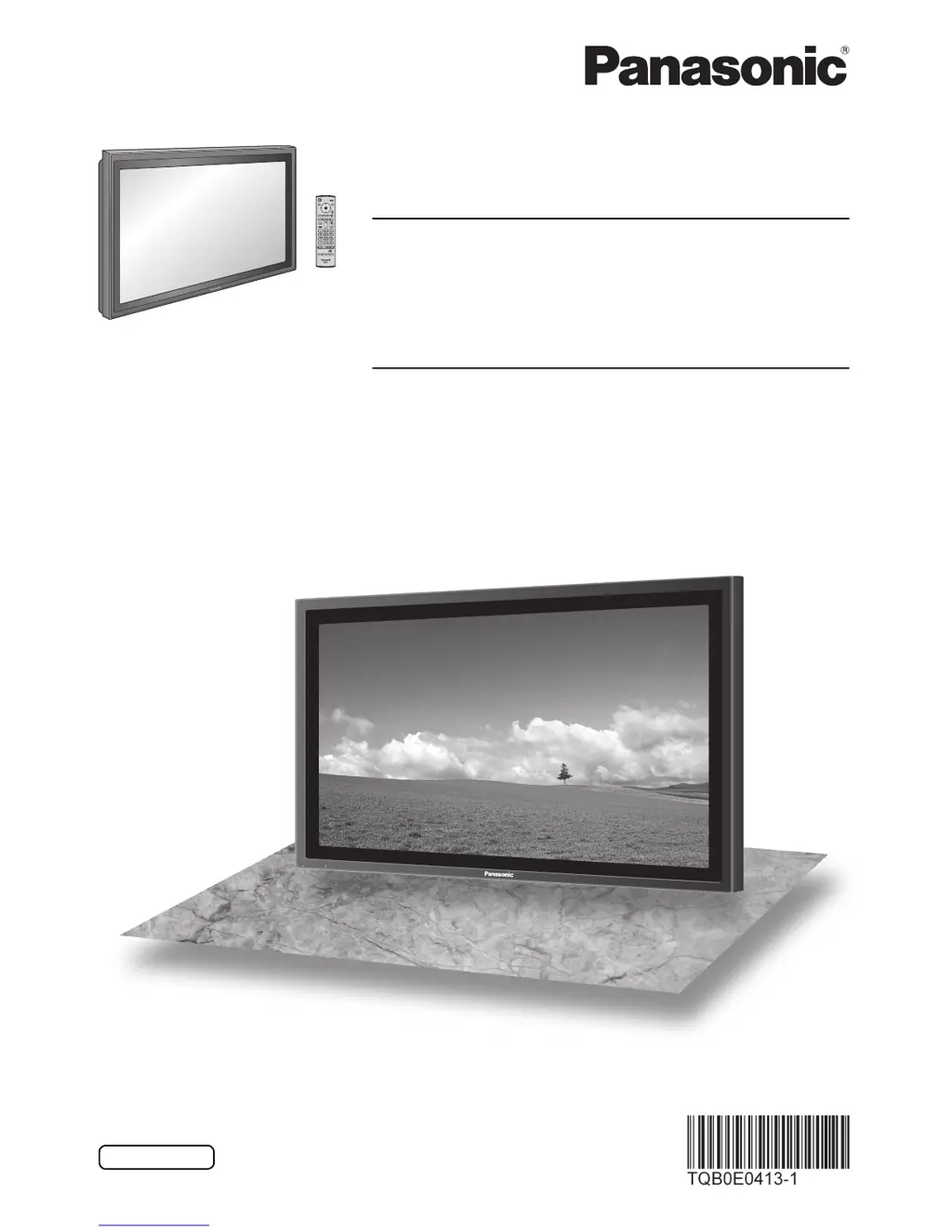
The illustration shown is an image.
TH-42PS10BK
TH-42PS10BS
Model No.
High De nition Plasma Display
TH-42PH10BK
TH-42PH10BS
TH-50PH10BK
TH-50PH10BS
TH-58PH10BK

Table of Contents

Questions and Answers

  • A
    Allison MendozaSep 9, 2025
    How to prevent image retention on Panasonic Monitor?
    • C
      cunninghamsergioSep 9, 2025
      To prevent image retention on your Panasonic Monitor, avoid displaying still pictures for extended periods. Displaying a still picture for a long time can cause a permanent image retention.
  • E
    Eugene ThompsonSep 7, 2025
    Why is my Panasonic TH-42PS10BK remote control not working?
    • S
      Sheila YoungSep 7, 2025
      If the remote control for your Panasonic Monitor isn't working, the batteries may be discharged or not inserted correctly; check them. Also, make sure the remote control sensor isn't exposed to bright light, like outdoor light or strong fluorescent light. Finally, confirm you're using the correct remote designed for your unit, as other remotes won't work.
  • F
    fuentesbethAug 22, 2025
    Why is there no sound on my Panasonic Plasma TV?
    • F
      feliciariddleAug 22, 2025
      There might be several reasons for the lack of sound on your Panasonic Plasma TV. First, ensure the TV is properly plugged into the AC outlet. Then, check if the unit is switched on by pressing the power switch or the stand-by button on the remote control. Finally, verify that the mute function on the remote control hasn't been activated.
  • C
    Carolyn GarciaSep 5, 2025
    How to fix no sound on my Panasonic TH-42PS10BK Monitor?
    • O
      ogonzalezSep 5, 2025
      If there is no sound on your Panasonic Monitor, it might be because the mute function has been activated on the remote control. Check the remote to see if the mute function is on and deactivate it.
  • L
    Luis BarreraSep 4, 2025
    Why does brightness change in 4:3 mode on my Panasonic Plasma TV?
    • K
      karenjohnsonSep 4, 2025
      The change in brightness on both sides of images in the 4:3 mode on your Panasonic Plasma TV is normal and depends on the kind of program shown.
  • K
    Kristin ThorntonSep 2, 2025
    Why do the edges of images flicker on my Panasonic Plasma TV?
    • J
      Jordan GibsonSep 3, 2025
      The flickering edges of images on your Panasonic Plasma TV are normal due to the characteristics of the system used to drive the panel.
  • P
    paige27Sep 1, 2025
    Why does it take long for the picture to appear on Panasonic Plasma TV?
    • N
      nicolasdickersonSep 1, 2025
      The delay in the picture appearing on your Panasonic Plasma TV happens as the unit digitally processes signals.
  • C
    cadamsAug 31, 2025
    Why does my Panasonic Plasma TV screen darken with bright, still images?
    • S
      spencerfordAug 31, 2025
      The slight darkening of the screen on your Panasonic Plasma TV when bright pictures with minimal movements are shown is normal and not indicative of malfunctioning.
  • S
    Samuel GrossAug 30, 2025
    Why are there missing image areas when I zoom on my Panasonic Plasma TV?
    • D
      Dawn SmithAug 30, 2025
      When using the zoom function on your Panasonic Plasma TV, understand that blank areas separated from images may occur with certain video software programs.
  • E
    eduardomartinezAug 29, 2025
    Why does my Panasonic Plasma TV make cracking sounds?
    • M
      Mr. Thomas ColemanAug 29, 2025
      The cracking sound sometimes heard from the Panasonic Plasma TV is the sound of the cabinet undergoing very slight contractions in response to changes in the room temperature.

Panasonic TH-42PS10BK Specifications

General IconGeneral
BrandPanasonic
ModelTH-42PS10BK
CategoryMonitor
LanguageEnglish

Related product manuals