EasyManua.ls Logo

Panasonic TH-42PS9EK - User Manual

Panasonic TH-42PS9EK
48 pages
Print Icon
To Next Page IconTo Next Page
Loading...
Please read these instructions before operating your set
and retain them for future reference.
T
H
-
4
2
P
S
9
TH-42PS9
Model No.
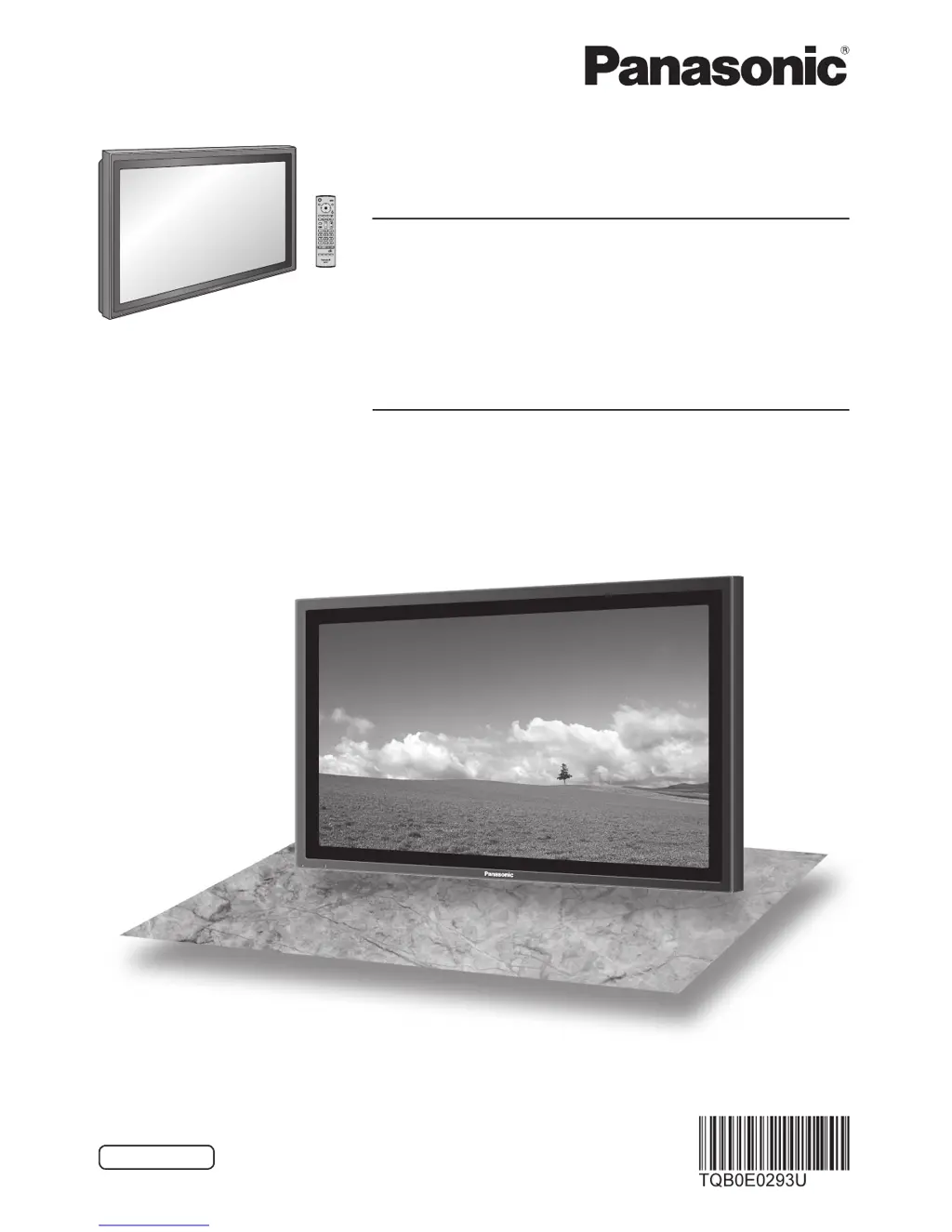
Operating Instructions
Progressive Wide Plasma Display
English
The illustration shown is an image.
TH-42PS9EK
TH-42PS9ES
Model No.
High De nition Plasma Display
TH-42PH9EK
TH-42PH9ES
TH-50PH9EK
TH-50PH9ES

Questions and Answers

  • S
    Seth BrownSep 9, 2025
    Why do the edges of the images flicker on my Panasonic TH-42PS9EK Monitor?
    • K
      Krystal FernandezSep 9, 2025
      Due to the characteristics of the system used to drive the panel, the edges may appear to flicker in the fast-moving parts of the images: This is normal and not indicative of malfunctioning.
  • D
    Devon SanchezAug 23, 2025
    Why does the screen on my Panasonic TH-42PS9EK Monitor darken?
    • J
      Jason BellAug 23, 2025
      This is normal. The screen darkens slightly when bright pictures with minimal movements are shown to reduce after-image on the screen and prevent shortening of the screen’s service life.
  • K
    Kimberly ShermanAug 25, 2025
    What to do if Panasonic remote control operations cannot be performed?
    • S
      salasmeganAug 25, 2025
      If remote control operations cannot be performed on your Panasonic unit, start by checking the batteries. Ensure they haven't discharged completely and are inserted correctly. Also, verify that the remote control sensor isn't exposed to outdoor light or strong fluorescent light. Finally, confirm that you are using the remote control specifically designed for use with your unit.
  • T
    tiffanyjohnsonAug 27, 2025
    Why does it take a while for the picture to appear on my Panasonic TH-42PS9EK?
    • E
      Emily ChenAug 27, 2025
      It takes a while for the picture to appear on the Panasonic monitor because the unit digitally processes various signals. As such, it sometimes takes a few moments for the picture to appear when the power has been turned on, when the input has been switched or when the images for the main picture and sub picture on the two screens are swapped.
  • A
    Alec DelgadoAug 28, 2025
    Why does my Panasonic Monitor make a cracking sound?
    • A
      Anna JohnsAug 28, 2025
      The cracking sound you sometimes hear from the Panasonic unit is the sound of the cabinet undergoing very slight contractions in response to changes in the room temperature. If there is nothing wrong with the picture or sound, this is normal.
  • H
    Heather RodriguezAug 29, 2025
    Why do I hear sounds coming from inside the Panasonic unit?
    • M
      Micheal RomeroAug 29, 2025
      When the power is turned on, a sound of the display panel being driven may be heard. This is normal and not indicative of malfunctioning.
  • S
    Samantha KingSep 18, 2025
    Why are areas missing when I zoom on my Panasonic TH-42PS9EK Monitor?
    • G
      gmcdowellSep 18, 2025
      When using a video software program (such as a cinema size program) with a screen wider than one in the 16:9 mode, blank areas separate from the images are formed at the top and bottom of the screen.
  • W
    wwatersSep 22, 2025
    Why can I hear sounds from inside my Panasonic Monitor?
    • C
      Cesar MarquezSep 22, 2025
      When the power is turned on, a sound of the display panel being driven may be heard: This is normal and not indicative of malfunctioning.
  • S
    Scott DuarteSep 7, 2025
    Why does it take so long for the picture to appear on my Panasonic TH-42PS9EK?
    • M
      Michael MooreSep 8, 2025
      The unit digitally processes the various signals in order to reproduce esthetically pleasing images.
  • J
    Jessica WilsonSep 5, 2025
    Why is there a lag between audio and image on my Panasonic TH-42PS9EK Monitor?
    • D
      Diane GonzalezSep 5, 2025
      This Plasma Display uses special image processing. Hence a slight time lag may occur between image and audio, depending on the type of input signal. However, this is not a malfunction.

Summary

Important Safety Notice

Safety Precautions

Setup

Lists required optional accessories for the Plasma Display to ensure stability.

When using the Plasma Display

Crucial warnings regarding ventilation, power handling, and potential electrical hazards.

Safety Precautions - Operation

If problems occur during use

Immediate actions to take if smoke, odor, or internal damage occurs.

Connections

PC Input Terminals connection

Details on connecting a computer via RGB (Mini D-sub 15P) and signal compatibility.

SERIAL Terminals connection

Information on connecting a computer for serial control and communication parameters.

AV connection

Instructions for connecting AV sources like VCRs or camcorders using S-Video and composite video.

Power On; Off

Initial selections

Basic Controls

Picture Adjustments

Advanced settings

Detailed picture adjustments including white balance, gamma, and black extension.

Sound Adjustment

PRESENT TIME Setup; Set up TIMER

Screensaver

Setup for MULTI DISPLAY

Setup for Input Signals

Options Adjustments

Shipping condition

Troubleshooting

Specifications

Panasonic TH-42PS9EK Specifications

General IconGeneral
Screen Size42 inches
Display TypePlasma
Resolution1024 x 768
Aspect Ratio16:9
Power Consumption295 W
Contrast Ratio10, 000:1
ConnectivityHDMI, Component, Composite, S-Video
Viewing Angle160 degrees

Related product manuals