English
72
Ɣ
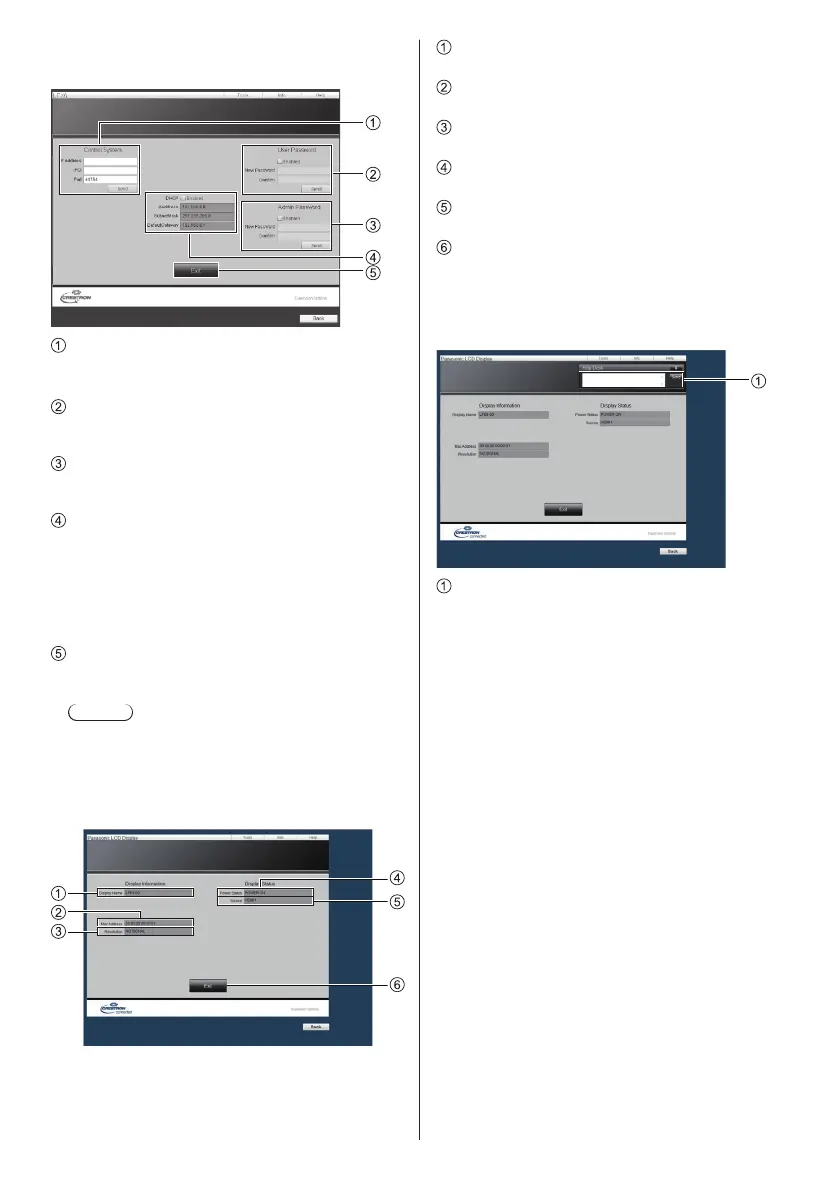
[Tools] page
Click [Tools] on the operation page.
Panasonic LCD Display
[Control System]
Sets the information required for the communication
with the controller that is connected to the Display.
[User Password]
Sets the password for the user rights in the operation
page of Crestron Connected™.
[Admin Password]
Sets the password for the administrator rights in the
operation page of Crestron Connected™.
[Network Status]
Displays the setting of LAN.
[DHCP]
[IpAddress]
[SubnetMask]
[DefaultGateway]
Displays the value in the current setting.
[Exit]
Return to the operation page.
Note
Ɣ
When you monitor or control the Display using
Crestron Connected™, set [Crestron Connected™]
to [On] in the [Network Settings] menu.
Ɣ
[Info] page
Click [Info] on the operation page.
[Display Name]
Displays the name of the Display.
[Mac Address]
Displays the MAC address.
[Resolution]
Displays the resolution of the Display.
[Power Status]
Displays the status of the power.
[Source]
Displays the selected video input.
[Exit]
Returns to the operation page.
Ɣ
[Help] page
Click [Help] on the operation page.
The [Help Desk] screen is displayed.
[Help Desk]
Sends or receive messages to the administrator who
uses Crestron Connected™.










 To Next Page