English
17
How to Use eHELP
[eHELP]isthedetailedoperatinginstructionsbuiltinto
theTV,andgivesamoredetailedexplanationfora
betterunderstandingoftheoperationofeachfeature.
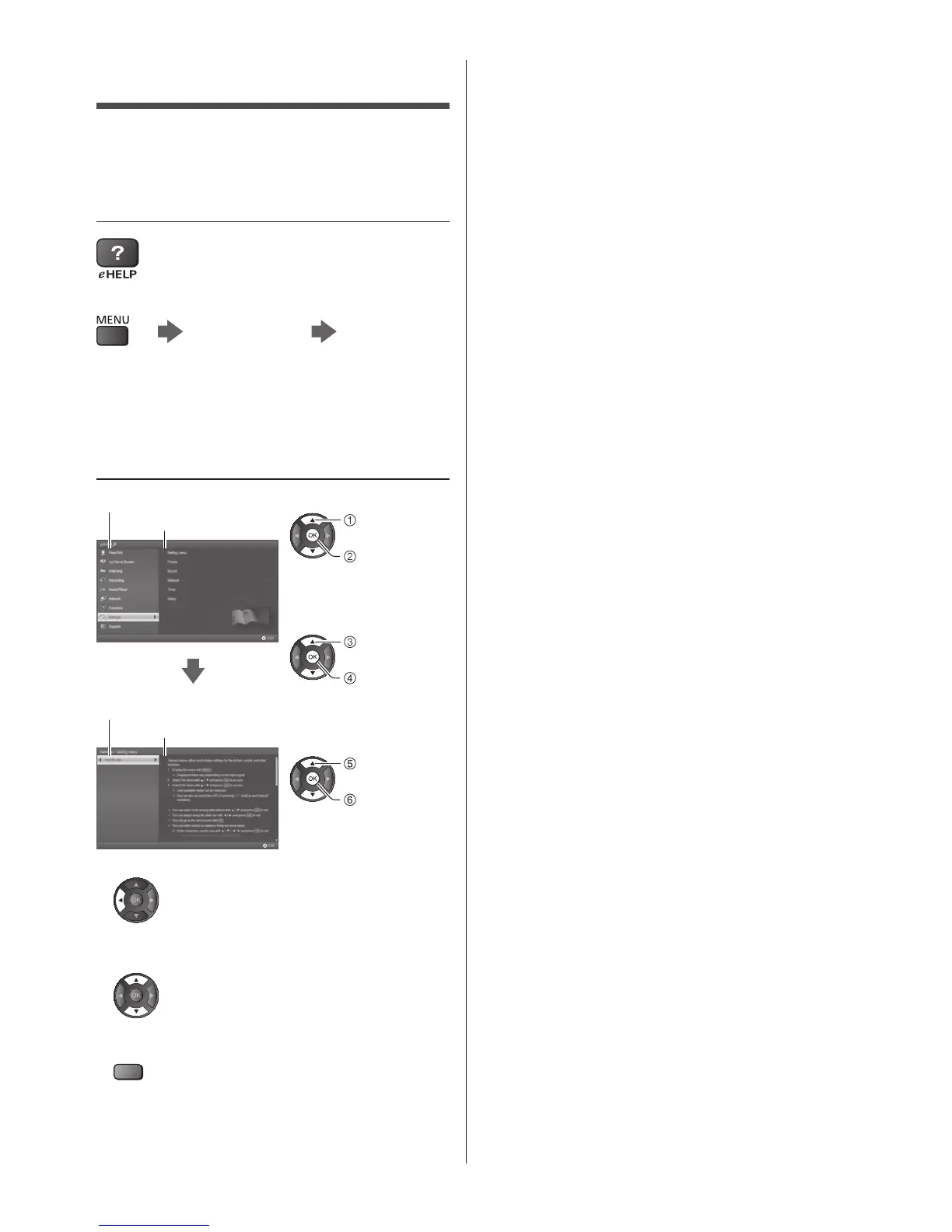
1 Display [eHELP]
or
[Help] [eHELP]
●
Ifthe[eHELP]hasbeenaccessedpreviouslysince
theTVwasturnedon,theconfirmationscreenis
displayedtoselectwhethertogotothe[Firstpage]or
tothe[Lastviewedpage].
2 Select the category and item
Categoryfield
Itemfield
select
category
access
selectitem
access
selectsub
item
access
Subitemfield
Description
●
Toreturntothepreviousfield
●
Toscrollthedescription(ifmorethan1page)
Whilethedescriptionishighlighted
●
Todisplaythemenurelatedtothedescription(only
forsomedescriptions)
(red)
●
TocheckthefeaturesofthisTV
Readfirst>Features








 To Next Page