- 16 -
OSD Colour
1. Display the menu with MENU.
2. Select Setup > Display Settings > OSD Colour with
/ and press OK
to access.
3. Set with
/ and press OK to store.
OSD Colour
(Jet black / Pale grey / Organic brown / Sand beige)
Selects the preferred colour type of on-screen displays.
●
This function is available for the information banner, menu screen, Home
Screen, etc.
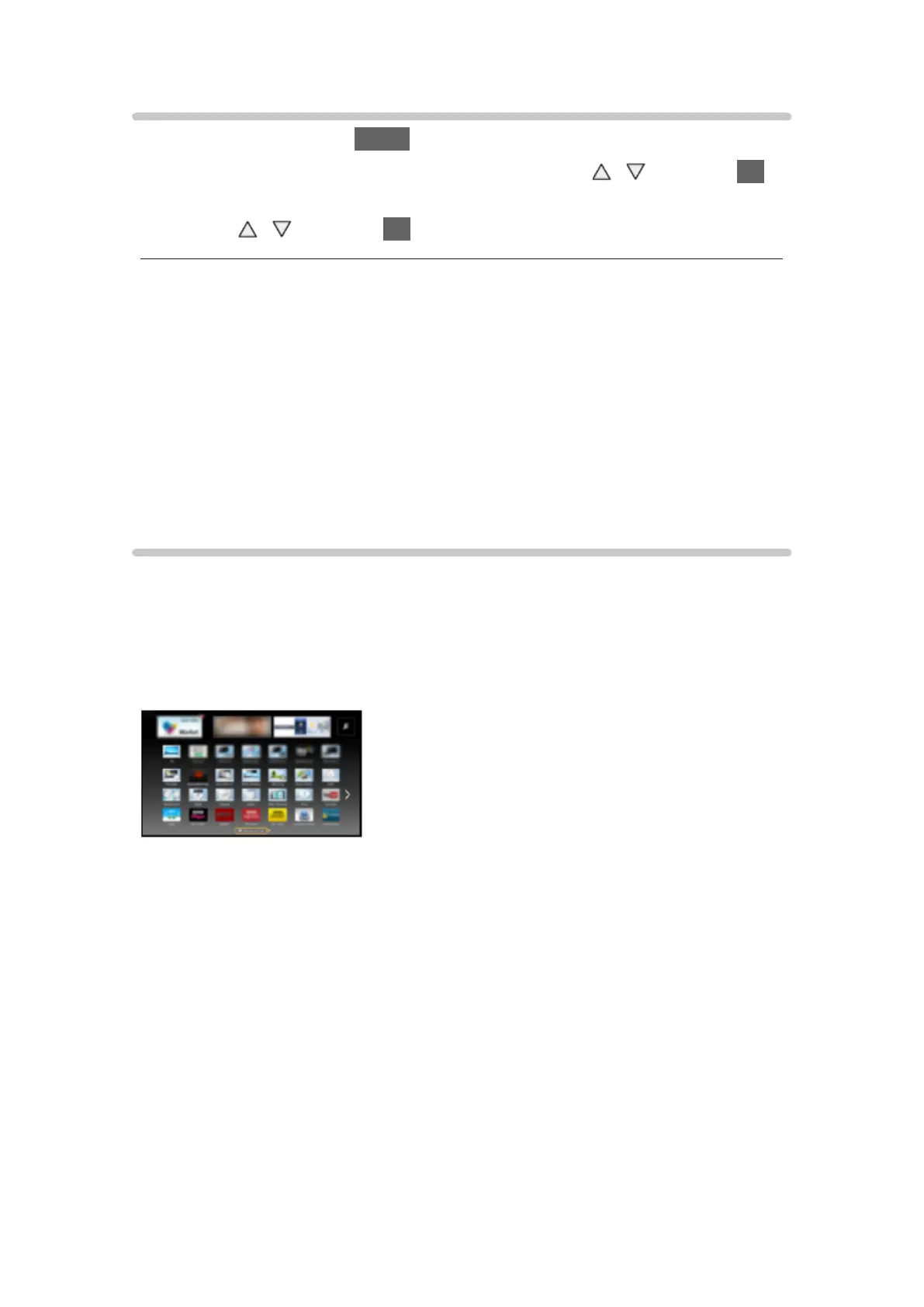
APPS List
Information
Various applications (internet contents, network contents, Media Player, etc.)
can be accessed easily from APPS List.
■ APPS List
(Example)
= Note =
●
APPS List is subject to change without notice.



 To Next Page