- 56 -
= Note =
●
If the screen size looks unusual when a widescreen-recorded programme
is played back on a VCR, adjust the tracking of the VCR. Read the manual
of the VCR.
Basic settings
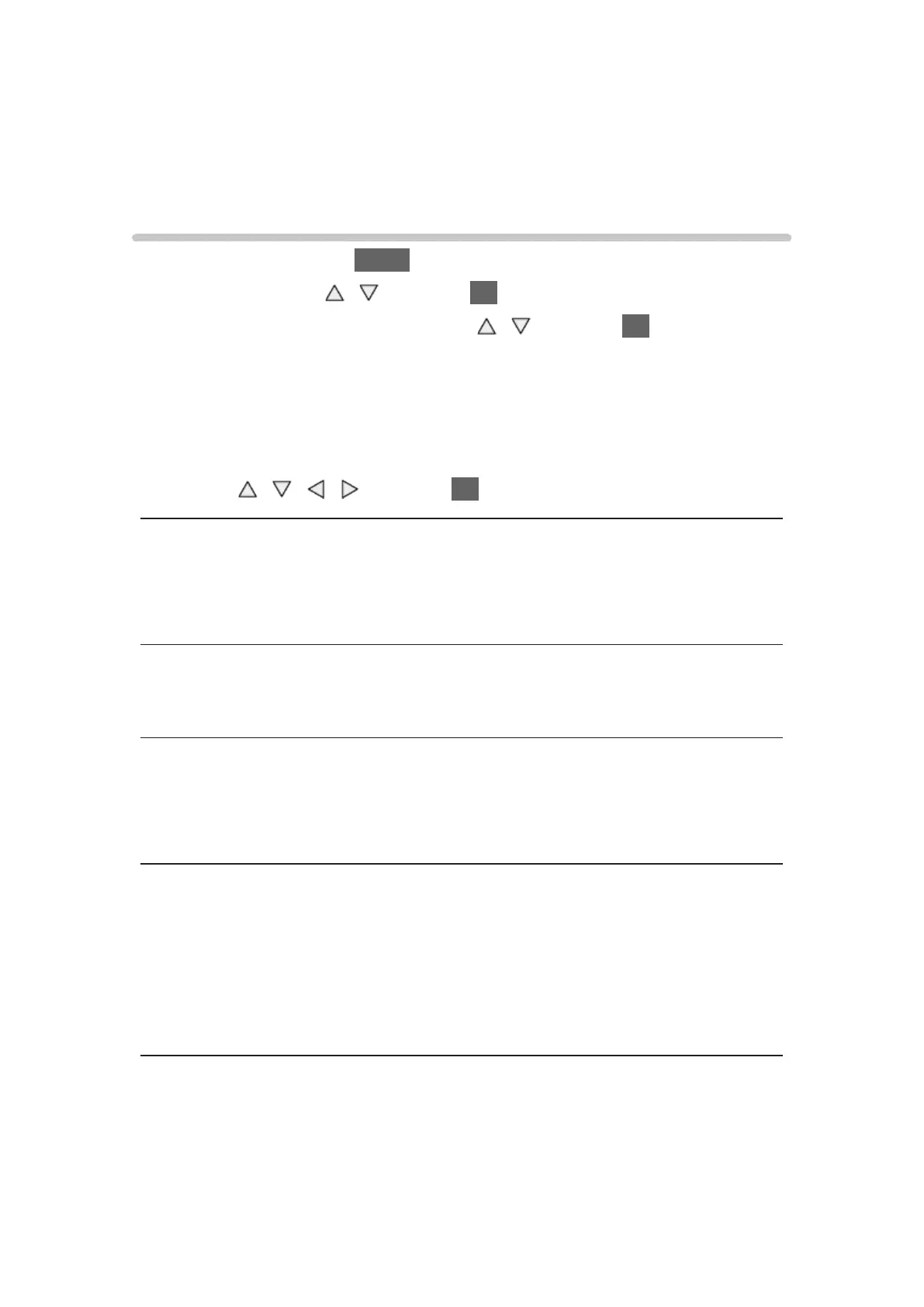
1. Display the menu with MENU.
2. Select Picture with
/ and press OK to access.
3. Select one of the following items with
/ and press OK to access.
Backlight / Contrast / Brightness / Colour / Tint / Sharpness / Colour
Temperature / Vivid Colour / Colour Remaster / Reversal Film Effect /
Adaptive Backlight Control / Letterbox / Resolution Remaster / Caption
Smoother / Brilliance Enhancer / Intelligent Frame Creation / 24p Smooth
Film
4. Set with
/ / / and press OK to store.
Backlight, Contrast, Brightness, Colour, Tint, Sharpness
Adjusts the levels of these options according to your personal preference.
●
Sharpness is not available when 1080p Pixel by 4pixels is set to On.
Colour Temperature
Sets the overall colour tone of the picture (bluer - redder).
Vivid Colour
(On / Off)
Automatically adjusts colours to vivid ones.
Colour Remaster
(Max / Min / Off)
Displays the vivid images with the expanded colour gamut.
●
For HDMI input or video contents of Media Player
●
Not valid when Viewing Mode is THX modes



 To Next Page