Another procedure
Adjustment of AV system
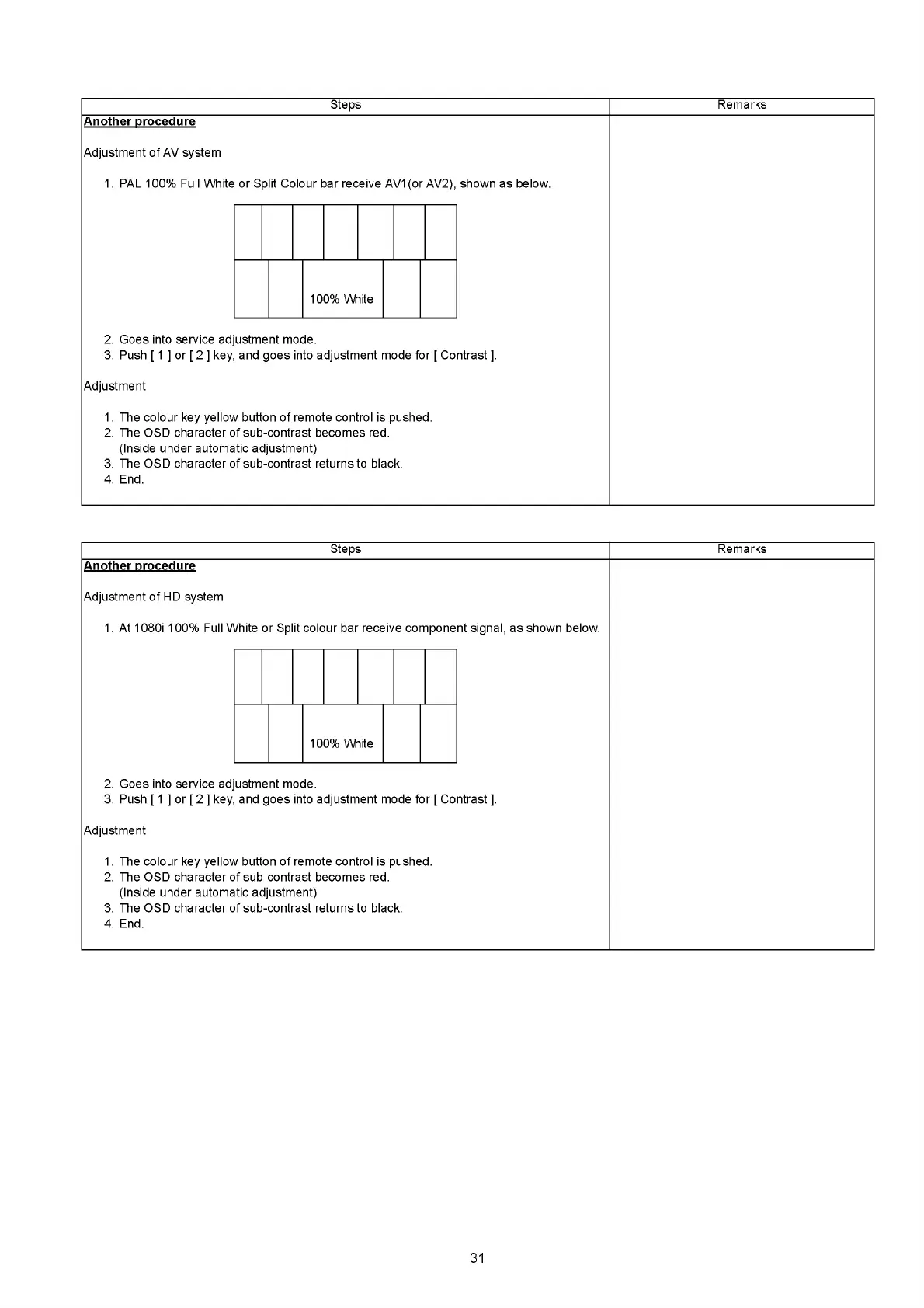
1. PAL 100% Full White or Split Colour bar receive AV1(or AV2), shown as below.
Steps Remarks
100% White
2. Goes into service adjustment mode.
3. Push [ 1 ] or [ 2 ] key, and goes into adjustment mode for [ Contrast ].
Adjustment
1. The colour key yellow button of remote control is pushed.
2. The OSD character of sub-contrast becomes red.
(Inside under automatic adjustment)
3. The OSD character of sub-contrast returns to black.
4. End.
Steps
Another procedure
Adjustment of HD system
1. At 1080i 100% Full White or Split colour bar receive component signal, as shown below.
Remarks
100% White
2. Goes into service adjustment mode.
3. Push [ 1 ] or [ 2 ] key, and goes into adjustment mode for [ Contrast ].
Adjustment
1. The colour key yellow button of remote control is pushed.
2. The OSD character of sub-contrast becomes red.
(Inside under automatic adjustment)
3. The OSD character of sub-contrast returns to black.
4. End.
31







 To Next Page