- 191 -
Built-in Camera
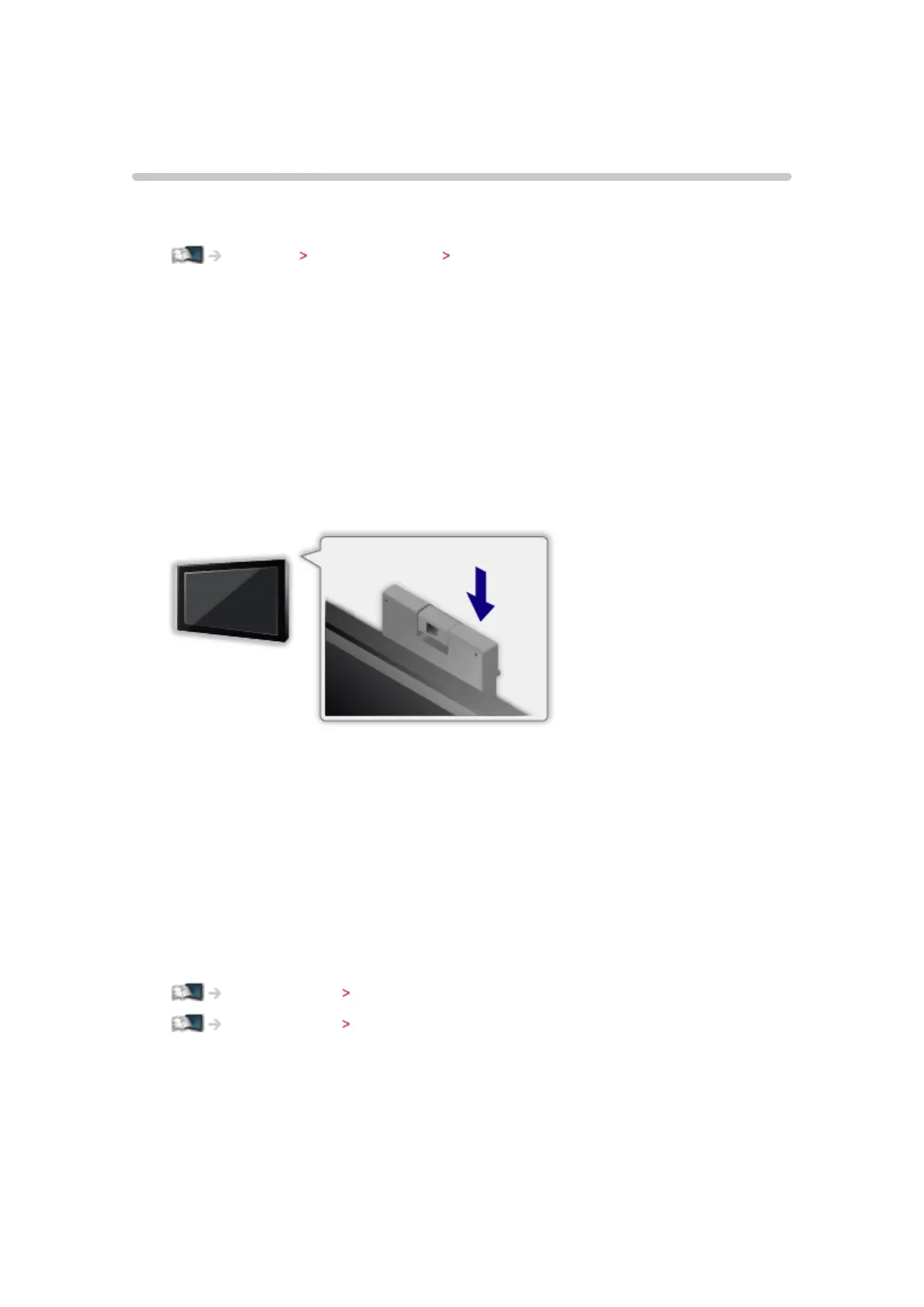
Using built-in Camera
You can use the built-in Camera as a communication tool for specific
applications such as face recognition, video message, etc.
Watching my Home Screen Settings
■ Auto pop-up
When the application for camera operation is activated, the built-in Camera
automatically pops up.
●
Do not slide up the built-in Camera by hands.
■ To close the built-in Camera
●
Push the top of the camera manually.
●
Applications for camera operation are not available when the built-in
Camera is pushed down.
= Note =
●
Face recognition may not work properly depending on surrounding
environment or condition (for example, darkened room, etc.).
●
The applications such as video communication need a broadband network
environment. Ensure the network connections and network settings are
completed.
Internet service Network connections
Internet service Network settings
●
This function is subject to change without notice.











 To Next Page