- 198 -
Keyboard / Gamepad
Keyboard
●
Keyboards requiring the drivers are not supported.
●
To change the language type, set Keyboard Layout.
Settings Setup System Menu
●
Characters may not be displayed correctly on the TV screen depending on
the connected keyboard or the keyboard layout setting.
●
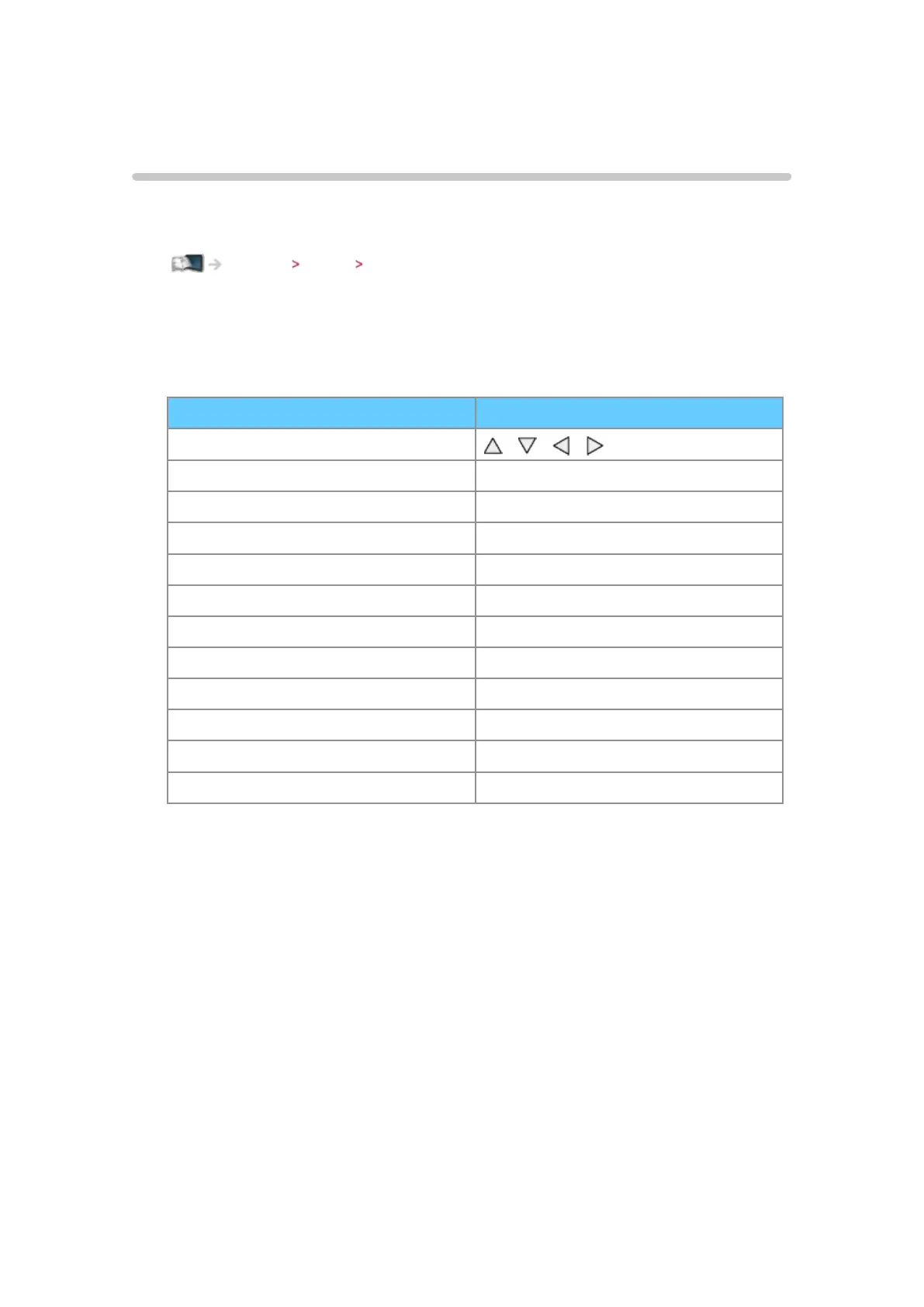
Some of the keys of keyboards may correspond to the operation of the
remote control.
Keyboard Remote Control
↑/↓/←/→
/ / /
Enter OK
Backspace BACK/RETURN
Esc EXIT
0 - 9 / Character Numeric buttons
F1 HOME
F2 APPS
F3 MENU
F4 AV
F5 / F6 Channel Down / Up
F7 / F8 Volume Down / Up
F9 / F10 / F11 / F12 Coloured buttons




 To Next Page