- 185 -
Common Interface
Caution
●
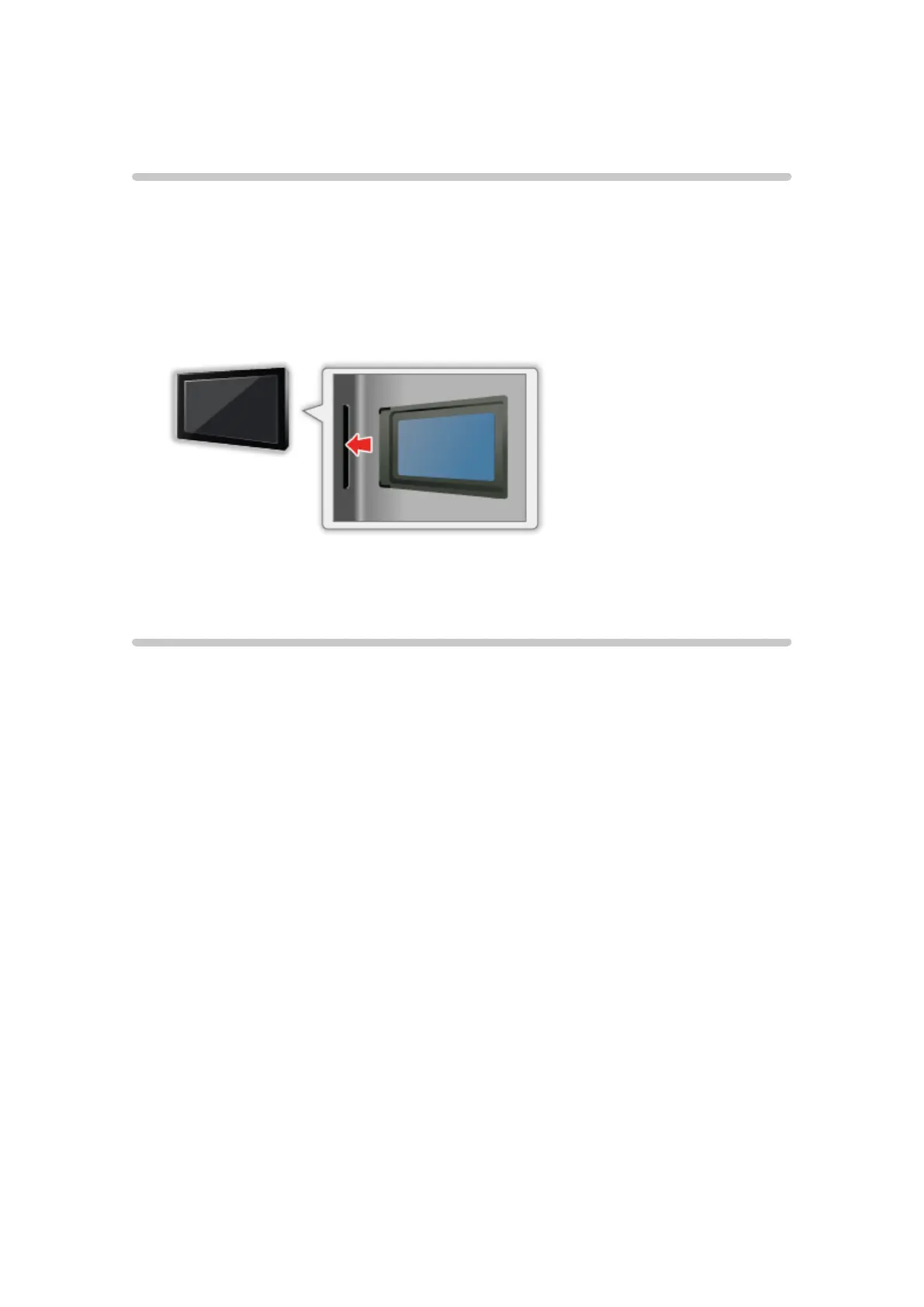
Turn the TV off with Mains power On / Off switch whenever inserting or
removing the Common Interface (CI) Module.
●
If a view card and a card reader come as a set, first insert the card reader,
then insert the view card into the card reader.
●
Insert or remove the CI module completely in the correct direction as
shown.
●
Remove the CI module from the TV when placing the TV facing upward.
This may cause damages to the CI module and CI slot.
Using Common Interface
The Common Interface Module menu provides access to software contained
in Common Interface (CI) Modules.
●
This function may not be available in some countries or regions.
●
Video and audio signals may not be output depending on broadcasts or
services.
Although CI module may enable you to view some services, this TV does not
guarantee all services (e.g. encrypted pay-TV channels). Please use only the
broadcaster-approved CI module. Consult the operator / broadcaster or CI
module manufacturer for more information and conditions of the services.











 To Next Page