- 81 -
Setting for USB HDD
Format and set up the USB HDD with this TV in order to use it for recording.
All the USB devices recognised as a mass storage device will be listed.
●
Please note that USB HDD will be formatted and all data in it will be
erased after this setup.
●
Before setting, connect the USB HDD and be sure to turn on the USB
HDD.
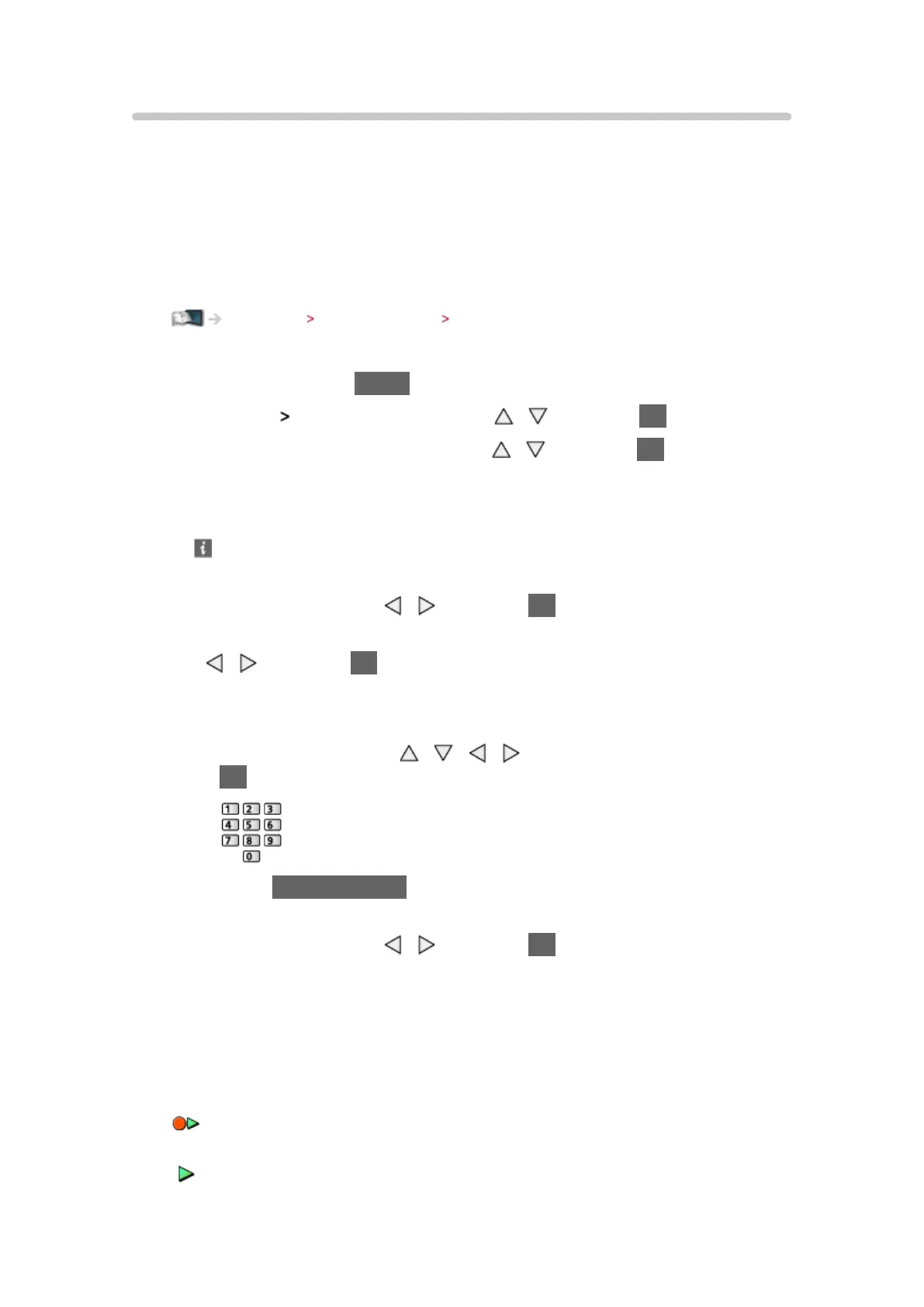
Recording USB HDD setup Preparations
1. Display the menu with MENU
2. Select Setup
USB Device Setup with / and press OK to access
3. Select the USB HDD for recording with
/ and press OK to start setup
●
Some USB HDD may not be displayed.
●
To display information of the highlighted device
4. When the caution and confirmation screen for using USB HDD is
displayed, select Yes with / and press OK to proceed
5. When the confirmation screen of USB HDD name is displayed, select Yes
with
/ and press OK to set
●
The name for the USB HDD is created automatically. If you want to edit
the name, select Yes.
1) Enter characters with
/ / / or numeric buttons, and press
OK to set
2) Press BACK/RETURN to store
6. When the confirmation screen to enable USB HDD for recording is
displayed, select Yes with
/ and press OK to set
●
If another formatted USB HDD for recording already exists, this
confirmation screen will be displayed to switch to enable this USB HDD
for recording.
●
Mode of the USB HDD
: The USB HDD is available for recording / playing back. Only one
USB HDD on the list is available for recording.
: The USB HDD is available for playing back.











 To Next Page