- 84 -
■ Analogue
Set Analogue channel manually after Auto Setup.
●
Set Sound System and Colour System, and then perform this function.
Normally set Colour System to Auto.
– SC1: PAL B, G, H / SECAM B, G
– SC2: PAL I
– SC3: PAL D, K / SECAM D, K
– F: SECAM L, L’
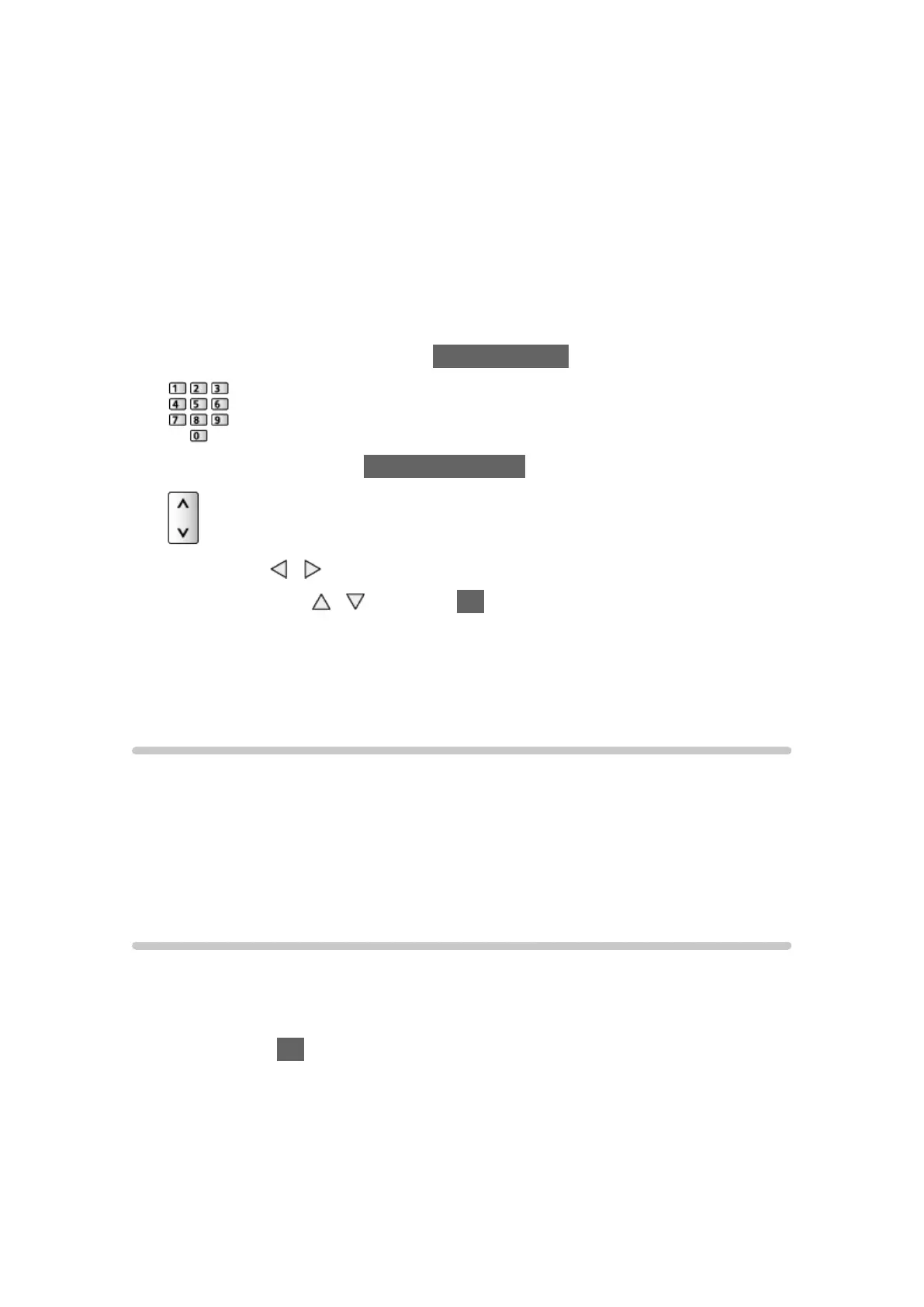
1. Select the channel position with Numeric buttons.
2. Select the channel with Channel Up / Down.
3. Search with
/ .
4. Select Store with
/ and press OK to set.
●
Use Fine Tuning to make small adjustments to the tuning of an individual
programme (affected by weather conditions, etc.).
●
If a VCR is connected only with the RF cable, select channel position 0.
Update Channel List
By updating the DVB channel list, you can add new channels, delete removed
channels or change channel names and positions automatically.
●
The channel list is updated while keeping your settings in Favourites Edit,
Channel List, Child Lock, etc.
●
Depending on the signal condition, the update may not work properly.
New Channel Message
Selects whether to give a notification message when a new DVB channel is
found or not.
●
When a notification message appears, you can perform Update Channel
List pressing OK.






 To Next Page