EasyManua.ls Logo

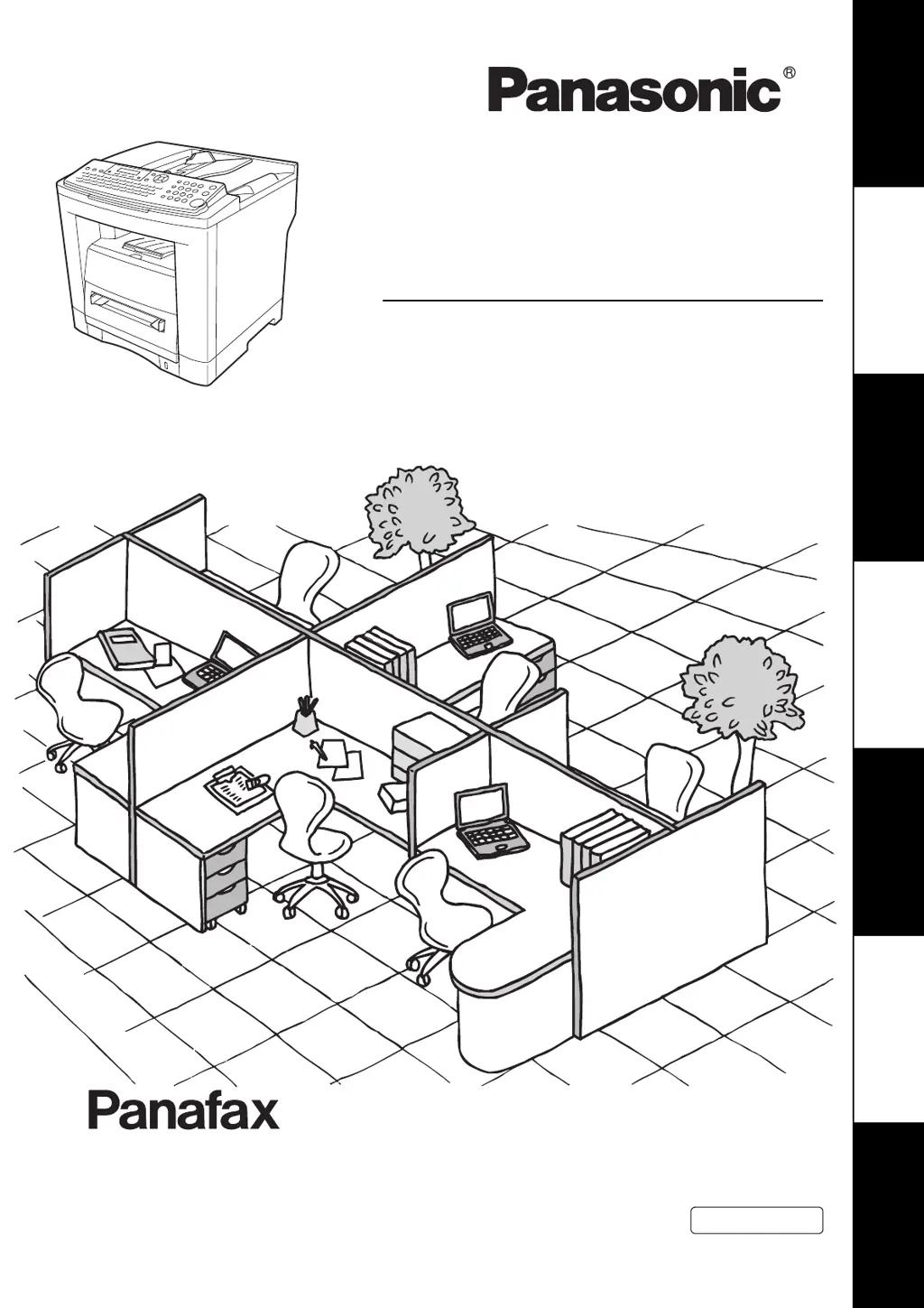
Panasonic UF-7100 - User Manual

Panasonic UF-7100
146 pages
Print Icon
To Next Page IconTo Next Page
Loading...
UF-7100/8100
Operating Instructions
Facsimile
Model No.
English
Before operating this equipment, please read these instructions completely
and keep these operating instructions for future reference.
(For Facsimile and Copy Functions)
Getting To Know
Your Machine
Facsimile FeaturesCopy FeaturesSetting Your MachinePrinting Journals
and Lists
Problem SolvingAppendix

Table of Contents

Questions and Answers

  • H
    Heather YoungAug 16, 2025
    What to do if recording paper doesn't eject after printing on Panasonic UF-7100?
    • U
      uwrightAug 16, 2025
      If your Panasonic Fax Machine isn't ejecting paper after printing, check for paper jams inside the machine. Also, make sure the paper exit tray is clear and free of any obstructions.
  • M
    Marcus StoneAug 19, 2025
    How to troubleshoot no dial tone on Panasonic UF-7100 Fax Machine?
    • B
      Bryan RuizAug 19, 2025
      If your Panasonic Fax Machine displays no dial tone, first, check the connection of the telephone line. Second, check the telephone line itself.
  • M
    Martin FarleyAug 22, 2025
    Why is there no auto answer on my Panasonic UF-7100?
    • J
      Jennifer RogersAug 22, 2025
      If your Panasonic Fax Machine is not automatically answering calls, first check the telephone line connection. Second, check the Reception mode setting (Fax Parameter No. 17). Third, if Fax Parameter No. 13 (Auto Journal Print) is set to “Valid” and the machine is printing the 200th transaction, it will not automatically answer until printing is complete.
  • J
    justin02Aug 25, 2025
    How to fix vertical lines on Panasonic UF-7100 Fax Machine copies?
    • B
      Bryce MackAug 26, 2025
      If your Panasonic Fax Machine displays vertical lines on transmitted or copied documents, first check your own copy quality. If the copy is okay, the issue lies with the receiving party. If the copy is not okay, clean the Document Scanning Area.
  • M
    Michelle JonesAug 27, 2025
    Why won't my Panasonic UF-7100 Fax Machine feed documents properly?
    • M
      Michael YoungAug 28, 2025
      If your Panasonic Fax Machine is not feeding documents correctly or is feeding multiple pages at once, ensure your document is free of staples and paper clips, and that it is not greasy or torn. Check that your document is the correct type for sending through an ADF. Also, verify that the document is loaded properly.
  • D
    Dominique BushAug 30, 2025
    What to do if there is no machine operation on Panasonic UF-7100 Fax Machine?
    • C
      Carlos WilliamsAug 30, 2025
      If your Panasonic Fax Machine is not operating, reset the machine by turning the power switch off for a few seconds, and then turn it back on.
  • C
    Colleen TaylorSep 2, 2025
    Why won't recording paper advance in my Panasonic Fax Machine?
    • N
      nwaltersSep 2, 2025
      If your Panasonic Fax Machine recording paper doesn't advance into the machine, make sure there is paper in the Paper Tray and follow the instructions for loading paper.
  • J
    John AndersonSep 5, 2025
    What to do if recording paper misfed on Panasonic Fax Machine?
    • L
      lisahumphreySep 5, 2025
      If your Panasonic Fax Machine recording paper is misfed, remove the misfed paper.
  • K
    Karla AguilarSep 7, 2025
    What to do if there is no recording paper in Panasonic UF-7100?
    • G
      Glenn TuckerSep 8, 2025
      If your Panasonic Fax Machine has no recording paper, replenish the recording paper.
  • G
    gilmorekatherineSep 12, 2025
    Why is the stamp too light on Panasonic Fax Machine?
    • M
      Mindy StricklandSep 12, 2025
      If the stamp on your Panasonic Fax Machine is too light, replace the stamp or refill the ink.

Panasonic UF-7100 Specifications

General IconGeneral
Modem Speed33.6 Kbps
Transmission SpeedApprox. 3 seconds per page
Resolution600 x 600 dpi
Print TechnologyLaser
Print Resolution600 x 600 dpi
Paper SizeA4, Letter, Legal
CompatibilityG3
Scanning WidthA4
Printing WidthA4
Paper Capacity250 sheets
Power ConsumptionApprox. 12 W (Standby)
TypeLaser Fax Machine

Related product manuals