Tuning and Editing Channels
40
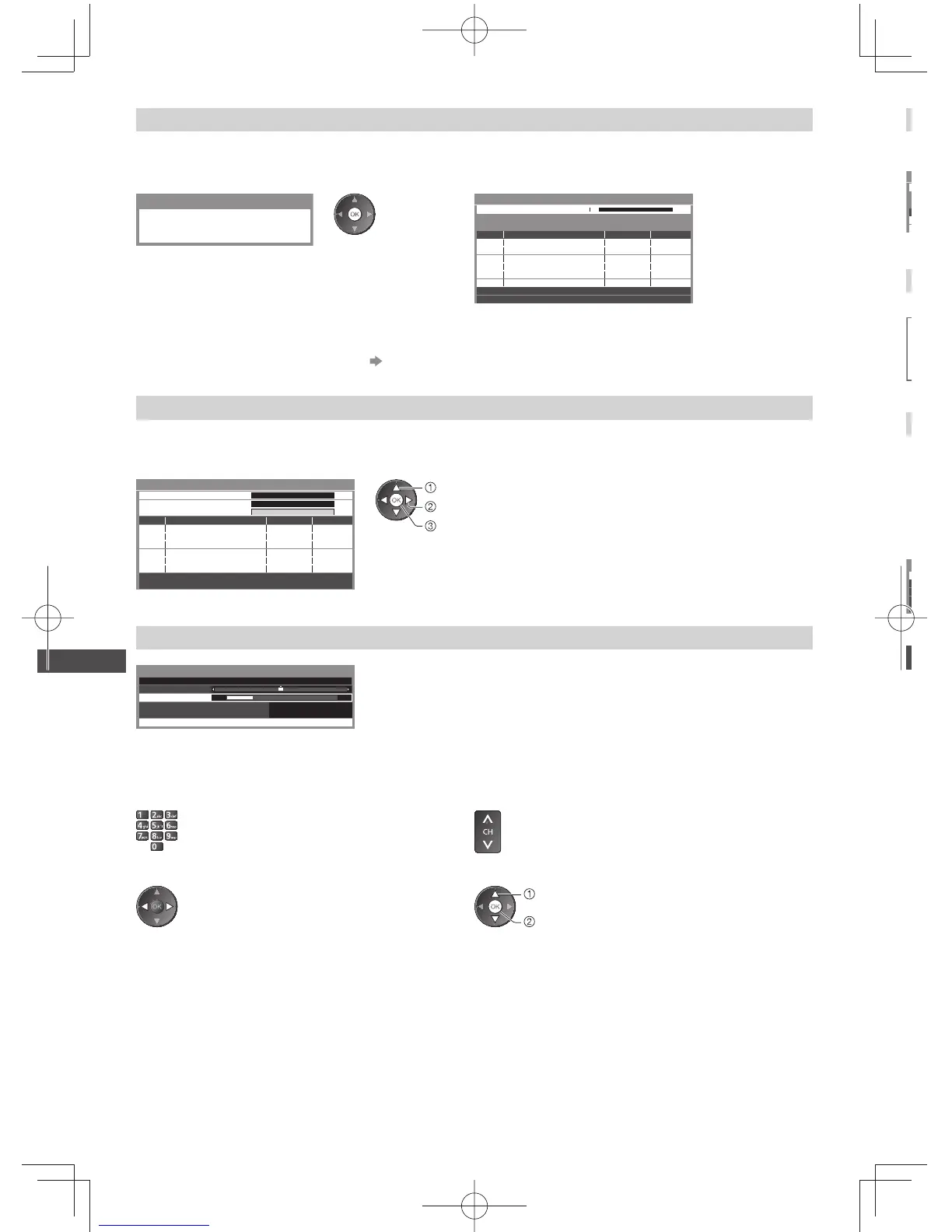
Set all channels automatically [Auto Tuning]
Automatically retune all channels received in the area.
1 Start Auto Tuning 2 Settings are made automatically
Example: Digital TV Example: Digital TV
Digital TV Auto Tuning
All digital TV tuning data will be erased
CH C1 69
TV Fin land
Boxer Navigator
SVT HD
9
9
9
32
32
32
Searching
Digital TV Auto Tuning
Scan
This will take about 7 minutes.
CH Channel Name Type Quality
Digital TV: 4
Digital TV
Digital TV
Digital TV
●
All the previous tuning settings are erased.
●
When the operation is completed, the channel at the lowest position will be displayed.
●
Search begins in the order from the lower channels to the higher channels.
●
If tuning has not been done completely [Manual Tuning] (see below)
Set Digital TV channel manually [Manual Tuning]
Normally use [Auto Tuning] or [Update Channel List] to retune Digital TV channels.
If tuning has not been done completely or for adjusting the direction of the aerial or dish, use this function.
●
All channels found will be added to the Channel List.
474.00
[CH21]
MHz
0
0
10
10
Digital TV Manual Tuning
Frequency
Signal Quality
Signal Strength
No. Channel Name Type New
Digital TV: 0
select frequency
select offset
start scan
Set Analogue TV channel manually [Manual Tuning]
CH 570
1120
5.5MHz
Analogue TV Manual Tuning
Manual Tuning
Store
Fine Tuning
Sound System
Colour System Auto
Fine Tuning
●
Use to make small adjustments to the tuning of an individual channel
(affected by weather conditions, etc.)
Manual Tuning
Set Analogue TV channel manually after Auto Tuning.
●
Set Sound System and Colour System, and then perform this function. Set
Colour System [Auto] normally.
●
If a VCR is connected only with the RF cable, select channel position [0].
1 Select the channel position 2 Select the channel
3 Search 4 Select [Store]
select
store




 To Next Page