10
11
21
22
23
24
25
26
02
03
04
05
06
07
01
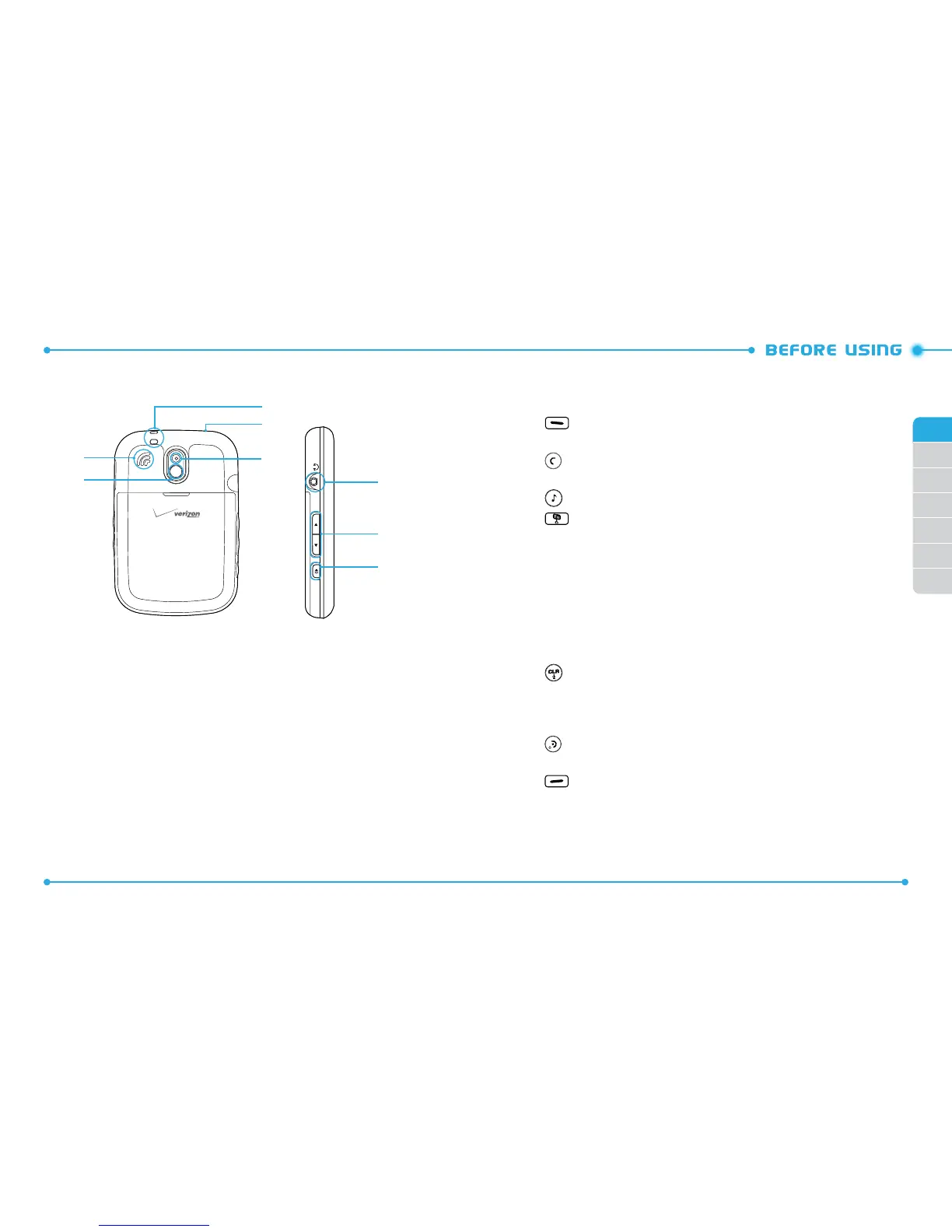
19. Self-Portrait Mirror
20. External Speaker
21. Wrist Strap Eyelet
22. microSD Card Slot
23. Camera Lens
24. Headset Jack
25. Volume Keys
26. Speakerphone Key
HANDSET DESCRIPTIONS
20
19
KEY DESCRIPTIONS
The following list correlates to the previous page’s phone illustration.
1.
[ ] Left Soft Key:
Press to display the Message menu or access the
function listed above the key.
2. [ ] SEND Key:
Press to make or receive a call. From idle mode, press to
access the All Calls list.
3. [ ] Music Key:
Press to access the built-in Music Player.
4. [ ] Favorites/Mode Change Key:
Press to access the Favorites menu.
In text entry mode, press to change the character input type.
5. International Dial Key:
Press to enter an asterisk (*) character for calling
features. Press and hold to display the plus sign (+) for international dialing.
6. Vibration Mode Key:
Press and hold to turn Vibration Mode on or o.
7. Notepad + Key:
Press to access the Notepad + menu or to add a space
between characters.
8. TXT Composer Key:
Press to access the New TXT Message menu.
9 . [ ] CLR Key / Voice Recognition Key:
Press to clear a character from the
display. Press and hold to clear all characters. Within a menu, press to return
to the previous menu. From idle mode, press and hold to access the VOICE
COMMANDS menu.
10. [ ] END Key:
Press to end calls or close applications. Press and hold to
power your phone on or o.
11. [ ] Right Soft Key:
Press to display the Contacts menu or access the
function listed above the key.
12. Directional Key:
The Directional Key allows you to scroll through phone
menu options and provides a shortcut to phone functions from idle mode.



 To Next Page