GeneralInformationPrepareOperateHelpTechnology
Customer menu
81
12.6 Button illumination, color
Continue with
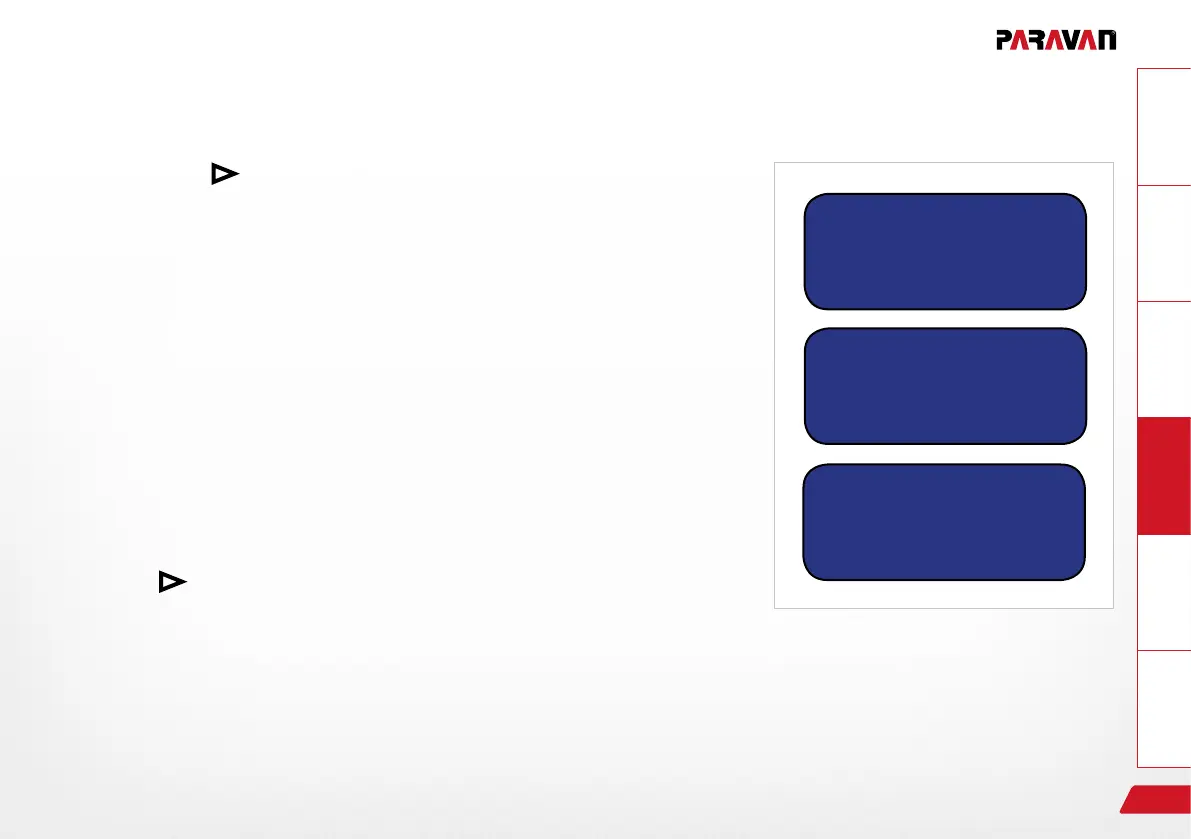
› The "button illumination" menu screen is shown.
Continue with SEL.
› The "button illumination colour" menu screen is shown.
Continue with SEL.
› The "button illumination colour: cyan" menu screen is shown. Se-
lect further colors (yellow, white, red, green, blue, purple) as required
using
.
Continue with ESC.
› The value will automatically be stored after the change.
› Jump back to the previous menu.
Fig. 28: Button illumination
Button illumination
Button illumination
Colour
Button illumination
Color: cyan


 To Next Page