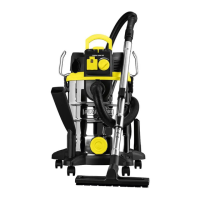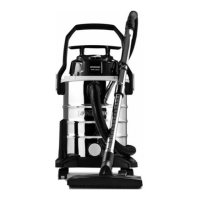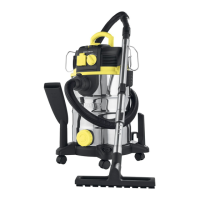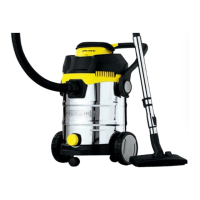
EasyManua.ls Logo

Parkside PNTS 1300 D3 - User Manual

Parkside PNTS 1300 D3
48 pages
Print Icon
To Next Page IconTo Next Page
Loading...
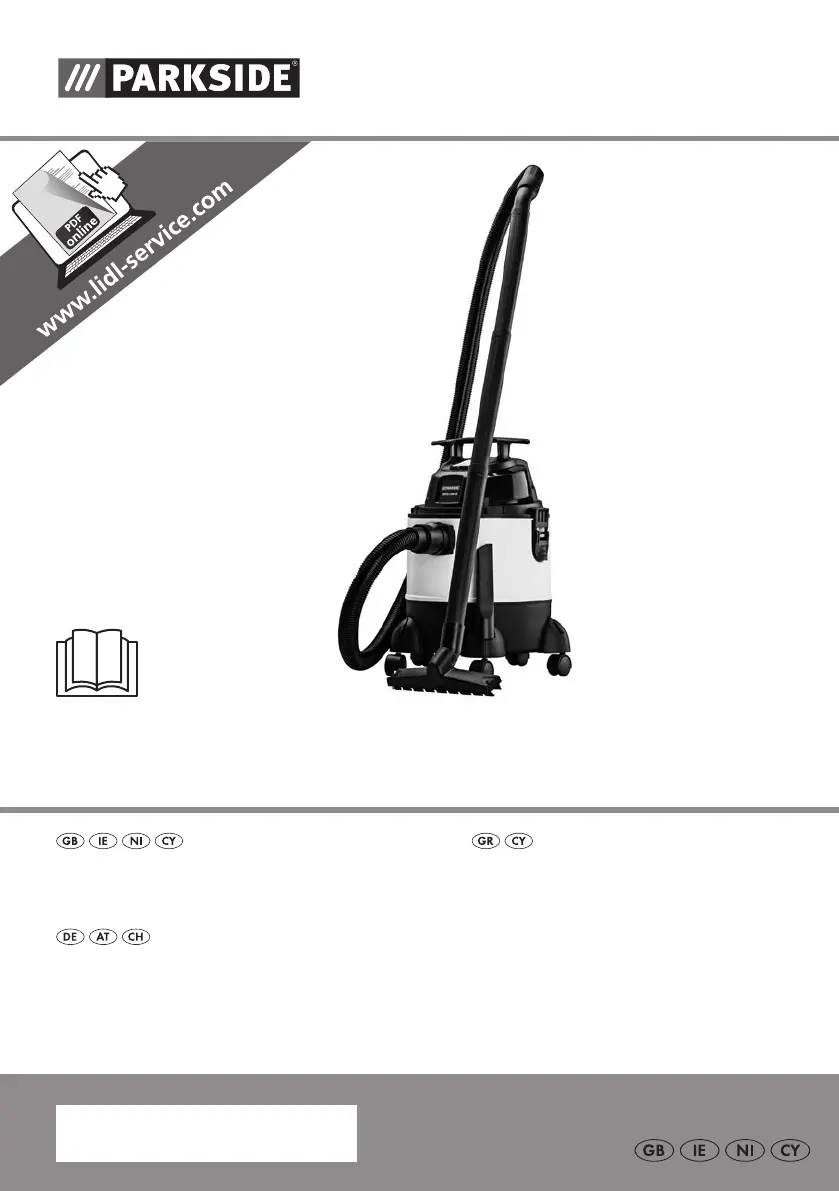
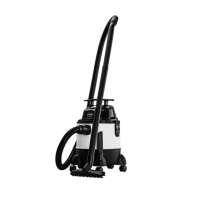
WET & DRY VACUUM CLEANER
PNTS 1300 D3
IAN 290887
NASS- / TROCKENSAUGER
Originalbetriebsanleitung
WET & DRY VACUUM CLEANER
Translation of the original instructions
ΗΛΕΚΤΡΙΚΗ ΣΚΟΥΠΑ ΥΓΡΩΝ
/
ΣΤΕΡΕΩΝ
Μετάφραση των αυθεντικών οδηγιών λειτουργίας
290887_par_Nass/Trockensauger_cover_GB_IE_NI_CY.indd 2 17.08.17 11:31

Questions and Answers

  • T
    Tara BryanJul 27, 2025
    Why Parkside PNTS 1300 D3 has low suction?
    • P
      Paula BarnesJul 27, 2025
      The Parkside Vacuum Cleaner might have low suction due to several reasons: a blocked hose system or jets (clear any obstructions); incorrect assembly of the suction pipe (assemble it correctly); an open container (close it securely); a full container (empty it); a full or clogged filter; incorrect position of the float in the filter basket (switch off the equipment so the ball drops then switch on again); or a faulty float in the filter basket (repair by Customer Care).
  • A
    Amber SandersAug 2, 2025
    Why does my Parkside PNTS 1300 D3 have low suction?
    • C
      Christopher LoweryAug 2, 2025
      If your Parkside Vacuum Cleaner has low or no suction, several factors could be responsible. Check for blockages in the hose system or jets and remove any obstructions. Ensure the suction pipe is correctly assembled and that the container is properly closed and not full. If the filter is full or clogged, it may also cause suction issues. Additionally, jerky movements can cause issues; in this case, switch the equipment off so the ball drops, then switch it on again. Finally, a faulty filter basket may be the reason, and it should be repaired by Customer Care.
  • R
    reginaldsimmonsAug 6, 2025
    What to do if my Parkside PNTS 1300 D3 does not start?
    • A
      Andrea MurphyAug 6, 2025
      If your Parkside Vacuum Cleaner doesn't start, the possible causes include: no mains voltage (check the plug socket, cable, line, plug, and fuse, and repair through an electrical specialist if needed); a defective on/off switch (repair through customer service); worn carbon brushes; or a defective motor.
  • C
    crosbyseanAug 11, 2025
    What to do if Parkside PNTS 1300 D3 Vacuum Cleaner blows out dust?
    • E
      Edward SimsAug 11, 2025
      If dust or dirt is being blown out of your Parkside Vacuum Cleaner, it might be because the filter is not assembled correctly.
  • D
    Diana MooreAug 16, 2025
    What to do if float does not switch off Parkside Vacuum Cleaner?
    • N
      nbanksAug 16, 2025
      If the float in the Parkside Vacuum Cleaner isn't switching off the appliance, it could be because the float in the filter basket does not move or is faulty (repair by Customer Care).
  • C
    crystal70Aug 21, 2025
    Why is my Parkside PNTS 1300 D3 not starting?
    • M
      Michael CastroAug 21, 2025
      If your Parkside Vacuum Cleaner isn't starting, the issue might stem from several causes. First, ensure that the plug socket is working and check the cable, line, plug, and fuse for any damage, repairing through an electrical specialist if needed. Alternatively, the on/off switch could be defective, requiring repair through customer service. Other potential issues include worn carbon brushes or a defective motor.

Summary

Introduction

General Description

Overview of the appliance's principal functioning parts and components.

Safety Information

Guidelines for safe operation, handling, and potential hazards.

Assembly

Instructions for putting the appliance together before first use.

General Description

Overview

Detailed list of appliance parts and accessories with corresponding numbers.

Contents of the Package

List of items included with the appliance upon purchase.

Functional Description

Pictograms for Nozzles and Filters

Visual guide to the symbols indicating the use of various nozzles and filters.

Technical Data

Specifications of the appliance, including voltage, power, and dimensions.

Safety Information

Symbols Used in the Instructions

Explanation of hazard, precaution, and notice symbols used in the manual.

Symbols on the Device

Meaning of safety class and usage symbols marked on the appliance itself.

General Notes on Safety

General safety guidelines to avoid accidents, injuries, and damage.

Assembly

Nozzle Usage

Instructions on how to use the different vacuum cleaner nozzles for various tasks.

Wet Vacuuming

Step-by-step guide for performing wet vacuuming with the appliance.

Operation

Dry Vacuuming

Instructions for performing dry vacuuming using the appropriate filters.

Vacuuming Fine Dust

Recommendations for vacuuming fine dust and suitable filter combinations.

Blowing

How to use the appliance's blowing function.

Cleaning and Maintenance

Cleaning the Appliance

Detailed steps for cleaning the waste container, filters, and exterior parts.

Maintenance

Information on the maintenance requirements of the appliance.

Storage

Disposal and Environmental Protection

Guidelines for environmentally friendly disposal of the product and packaging.

Replacement Parts and Accessories

Troubleshooting

Guarantee

Guarantee Cover

Details on what the guarantee covers and its limitations.

Processing in Case of Guarantee

Steps to follow when making a guarantee claim for the product.

Repair Service

Service-Center

Importer

Parkside PNTS 1300 D3 Specifications

General IconGeneral
BrandParkside
ModelPNTS 1300 D3
CategoryVacuum Cleaner
LanguageEnglish

Related product manuals