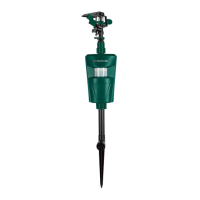
PWT 11 A1
■ 12
│
GB
│
IE
Switching the appliance on and off, adjusting the detection
range
The sensor sensitivity controller r is located on the rear side of the
appliance. The sensor sensitivity controller r has an adjustable range
of 0 to 9.
■ Level 0: The appliance is switched off.
■ Level 1–9: the higher the level, the more sensitive the motion sensor 9
becomes and the detection range is increased.
Small animals
Detection range 3 m Level 6–7
Detection range 4.5 m Level 8–9
Medium-sized animals
Detection range 3 m Level 4–5
Detection range 4.5 m Level 6–7
Detection range 6 m Level 8–9
Large animals
Detection range 4 m Level 1–3
Detection range 5 m Level 4–6
Detection range 7 m Level 7–9
NOTE
► Uninvolved third parties who are larger than large animals can be
detected beyond 7 metres.
♦ Turn the sensor sensitivity controller r clockwise to switch the appli-
ance on and increase the detection range.
♦ Turn the sensor sensitivity controller r anticlockwise to reduce the
detection range.
♦ Turn the sensor sensitivity controller r anticlockwise to level 0 to
switch the appliance off.
IB_360872_PWT11A1_LB8.indb 12 04.02.2021 15:16:31


 To Next Page
 Loading...