17
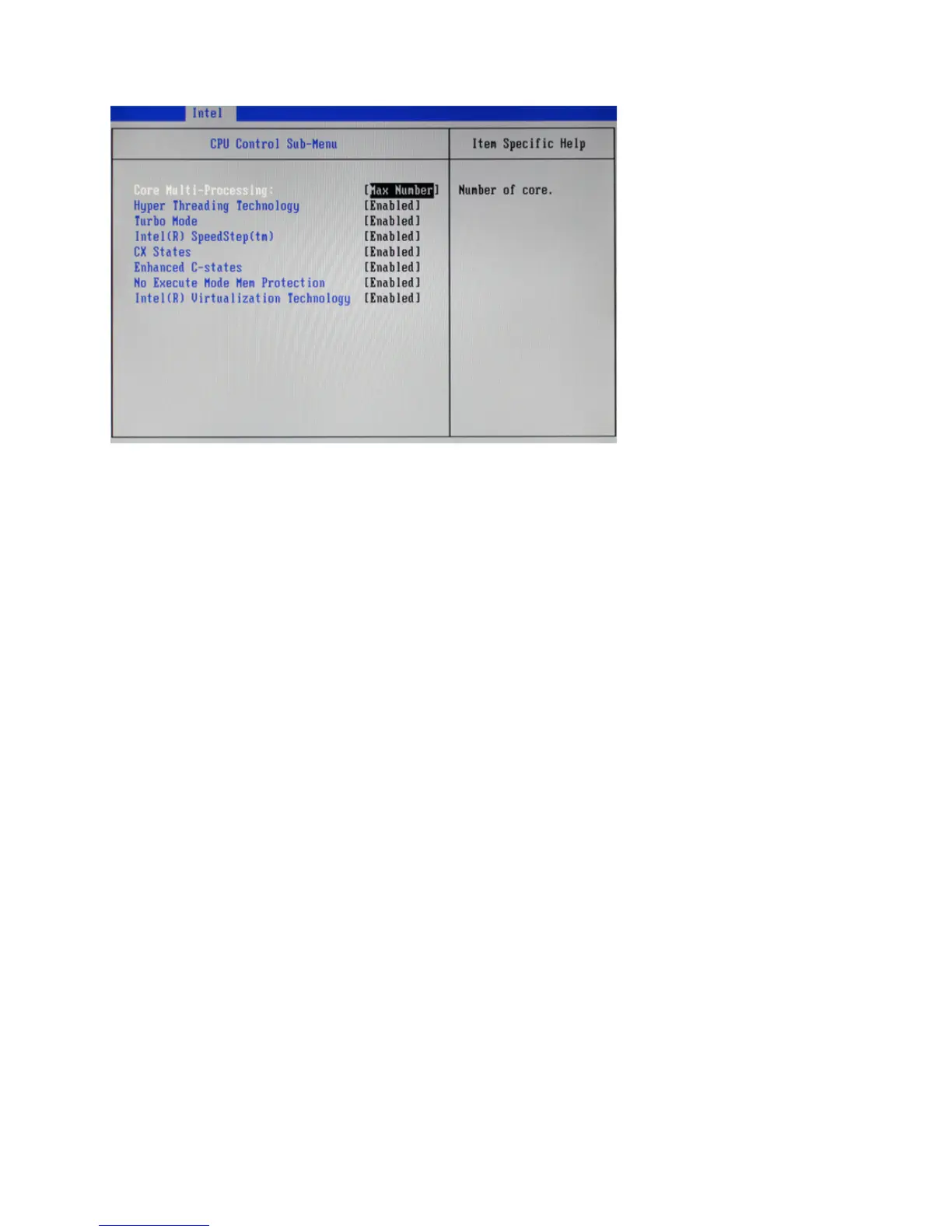
CPU Control Sub-Menu
Core Multi-Processing
This option is used to select the number of CPU core .
Hyper Threading Technology
This item is used to enable/ disable Hyper Threading Technology.
Turbo Mode
This item is used to enable/ disable Turbo Mode.
Intel(R) SpeedStep(tm)
This item is used to enable/ disable Intel SpeedStep, that allow the clock speed of the processor to be
dynamically changed by software.
CX States
This item is used to enable/ disable CX States.
Enhanced C-states
This item is used to enable/ disable Enhanced C-states.
No Execute Mode Mem Protection
This item is used to enable/ disable the function of No Execute Mode Mem Protection.
Intel(R) Virtualization Technology
This item is used to enable/ disable the function of Intel Virtualization Technology.
Figure 2.5 CPU Control
sub-menu



 To Next Page