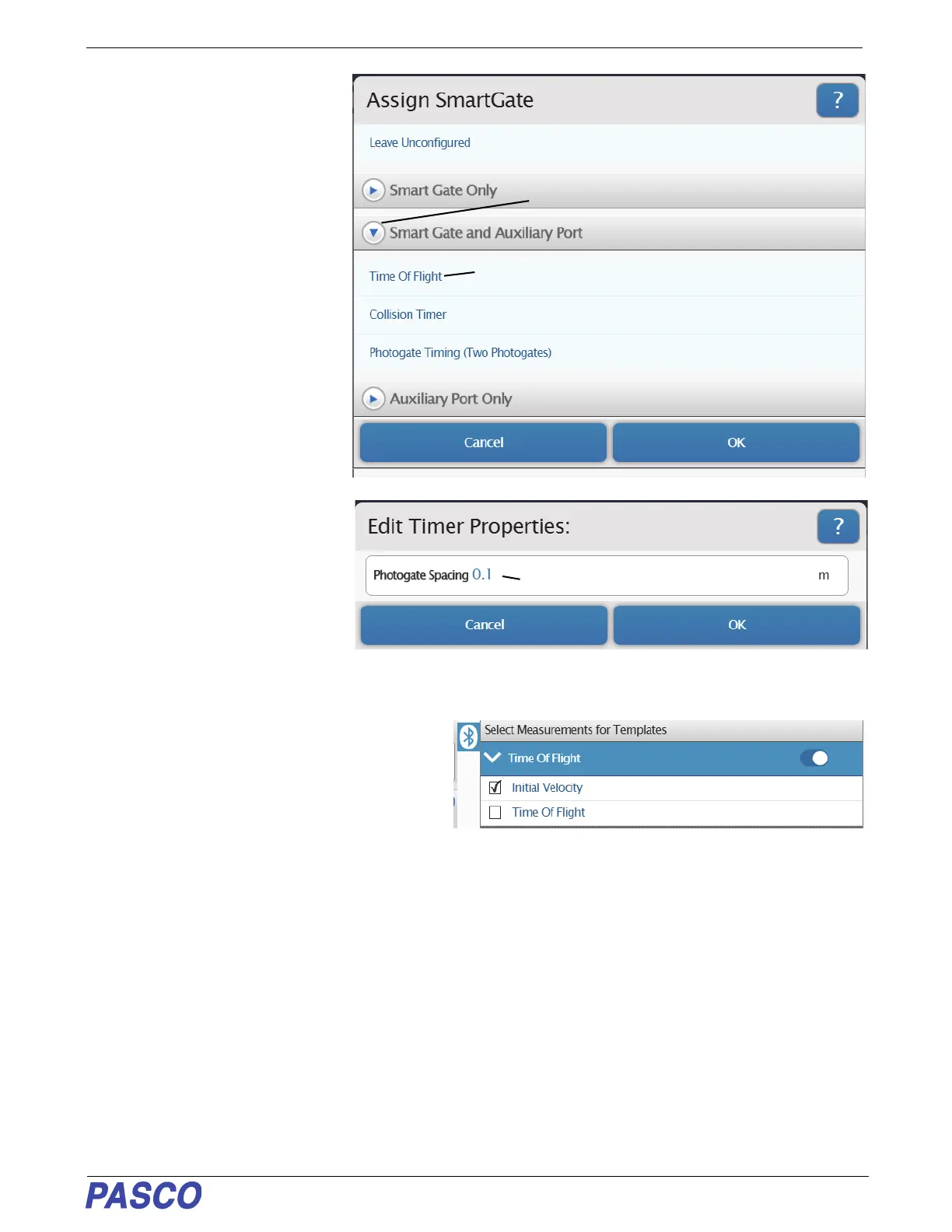
PS-3225 Assign SmartGate- Smart Gate and Auxiliary Port
15
013-16123A
2. Click or touch the menu arrow for
“Smart Gate and Auxiliary Port”
to show the various choices.
• Click or touch “Time of Flight” to
select that choice.
3. Click or touch “OK” to accept the
choice and close the dialog.
• The “Edit Timer Properties”
panel is revealed. In the “Edit
Timer Properties” panel, the
“Photogate Spacing” default value
is 0.1 m.
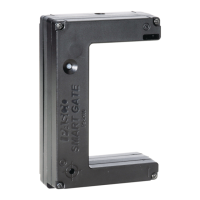
4. However, if you are using a Smart
Gate, then the “Photogate
Spacing” is 0.015 m. Highlight the
default value in the “Edit Timer
Properties:” panel and enter the actual value. Click or touch “OK” to accept the change and close the dialog.
• The “Select Measurements for Templates” panel
is revealed.
• The panel shows “Initial Velocity” and “Time of
Flight” with “Initial Velocity” as the default
choice. This measurement gives the velocity of
the projectile fired by the Projectile Launcher as
calculated based on the Photogate Spacing and the time from when the projectile blocked “Port 1” until it
blocked “Port 2”.
• The “Time Of Flight” measurement gives the time from when the projectile blocks “Port 1” of the Smart Gate
until the projectile hits the Time-Of-Flight Accessory pad.
Click or Touch the Menu arrow
Smart Gate and Auxiliary Port Choices
Click or Touch
Default value -
Change to 0.015 m for Smart Gate


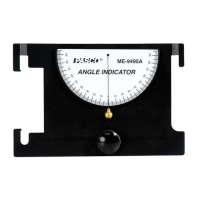
 To Next Page