PS-3225 Software Setup
7
013-16123A
Software Setup
Software Help
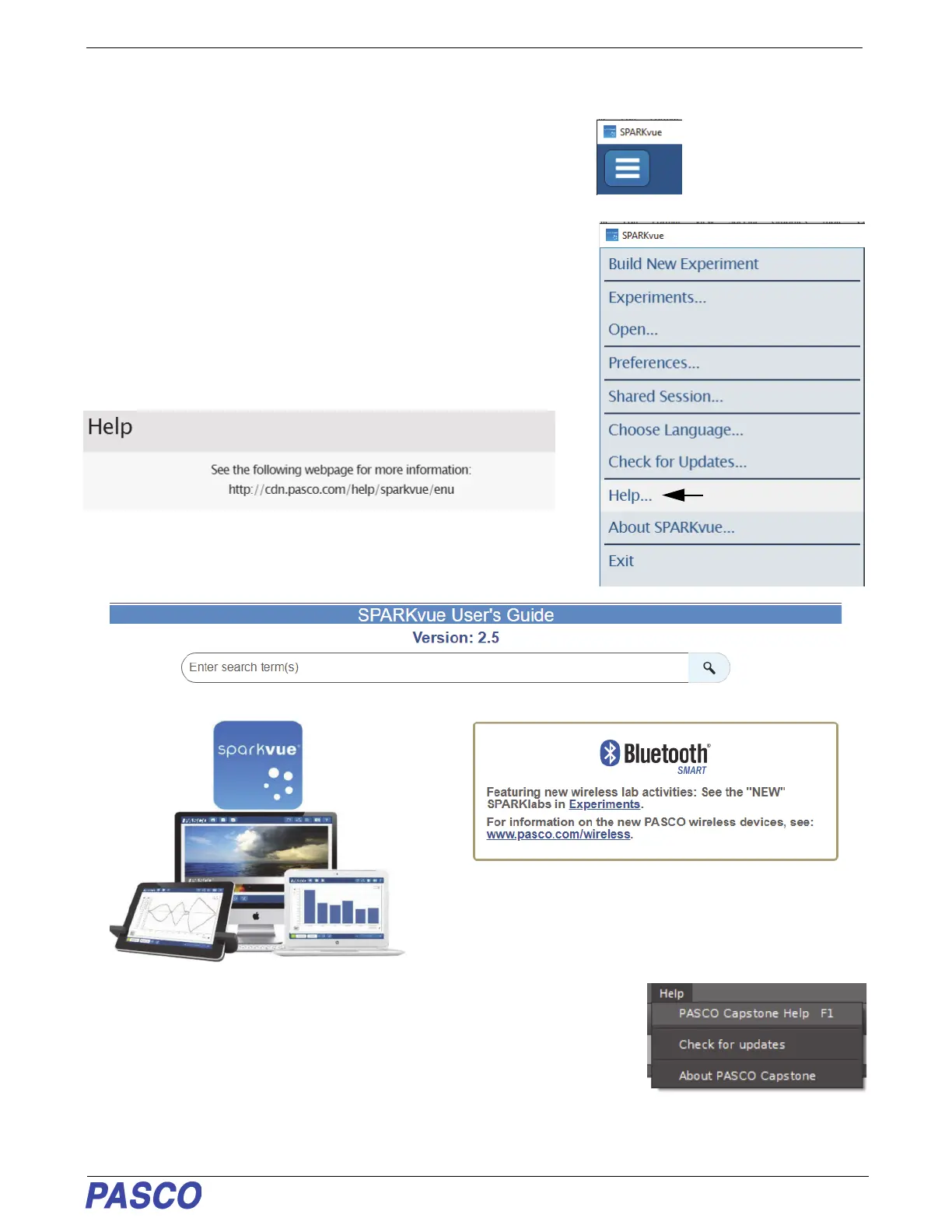
• In Sparkvue, tap or click the Main Menu icon.
• In the menu, select “Help...” for information about
collecting, displaying, and analyzing data.
• In the window that opens is the address of the web page for Help.
Copy and paste the address into a web browser program to open
the Sparkvue User’s Guide web page.
.
• SPARKvue User’s Guide web page”
.
• In PASCO Capstone, select PASCO Capstone Help from the Help menu, or
press F1.



 To Next Page