Wireless Smart Gate Appendix A: Bluetooth Compatibility
32
013-16123A
Appendix A: Bluetooth Compatibility
Check the PASCO website at www.pasco.com/compatibility.
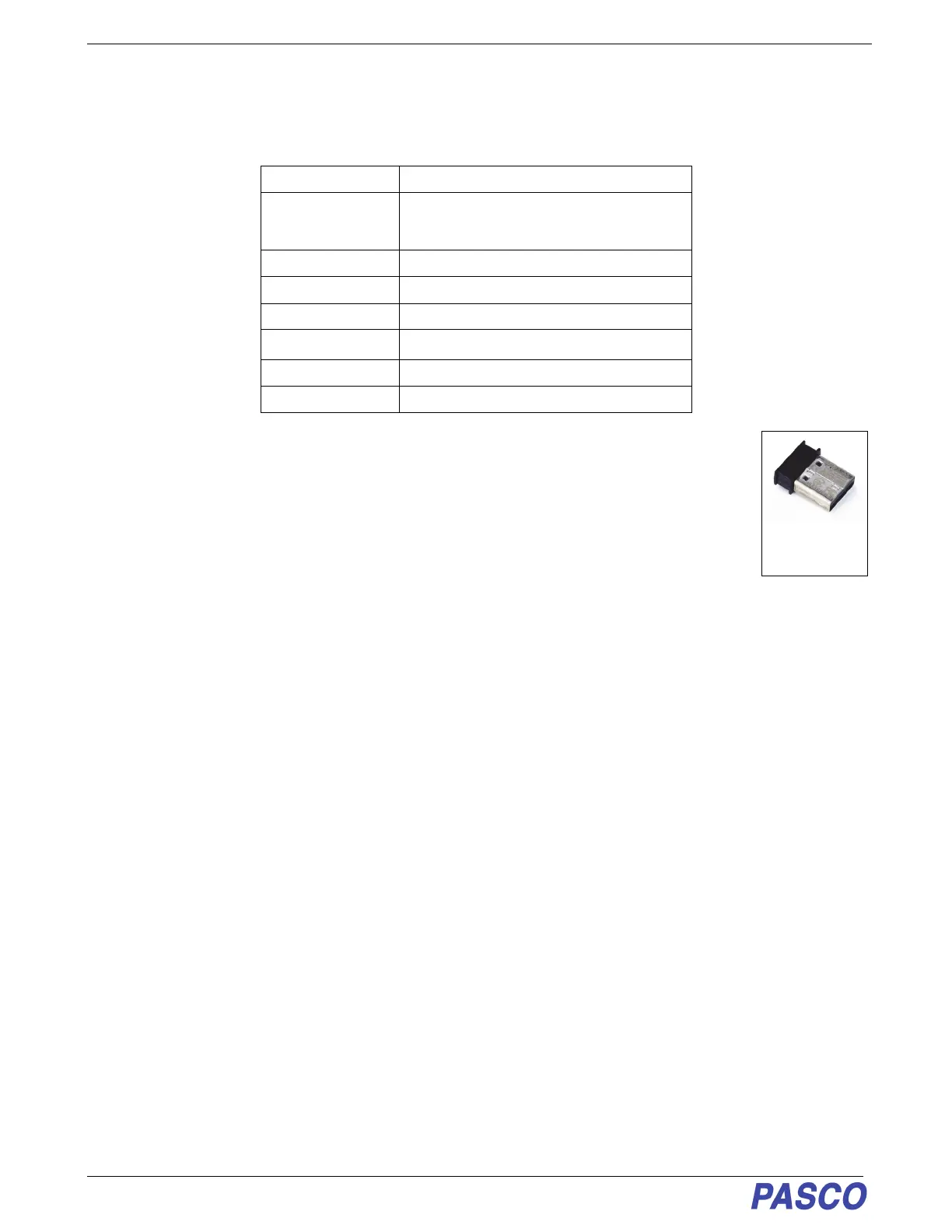
*The PS-3500 USB Bluetooth 4.0 Adapter, when connected to a USB port, allows up to three
Bluetooth SMART devices, such as this PASCO wireless device, to connect to some Windows
computers, some Chromebooks, and older Macintosh computers.
Note: The PS-3500 USB Bluetooth 4.0 Adapter is the only adapter we can currently recommend.
Many other Bluetooth 4.0 adapters are available but this adapter has a specific design that
enables in-app pairing of Bluetooth SMART sensors.
1
To check the Mac computer’s Bluetooth compatibility, do the following:
• Click the (Apple) Menu.
• Select About This Mac
• Click the System Report... button.
• Select Bluetooth from the sidebar on the left, underneath Hardware.
• Scan down the list of information until you find “LMP Version”.
• If your Mac is equipped with Bluetooth SMART, the LMP Version will show 0x6. (Anything lower than 0x6
means an older version of Bluetooth. Your device will need the PS-3500 USB Bluetooth 4.0 Adapter.)
1
The Mac Mini and MacBook Air were updated with Bluetooth SMART support in 2011. The MacBook Pro was
updated in 2012. The Mac Pro that debuted in December 2013 has Bluetooth SMART support.
Exception: Before you upgrade to El Capitan (Mac OS X 10.11.x), if you have a Macintosh with LMP version “0x4”
that requires the PS-3500 USB Bluetooth 4.0 Adapter, please contact PASCO Technical Support for further
instructions.
Platform Bluetooth SMART Compatibility
iOS iPad 3 and later
iPhone 4S and later
iPod touch 5 and later
SPARK LX / LXi All models
Android Android 4.4 and later
Chrome OS Chromebooks with Bluetooth 4.0
Mac OS X
Models introduced July 2011 or later
1
Windows Windows 7 and later (requires PS-3500 Adapter*)
Windows 10 Creator All models
PS-3500 USB
Bluetooth 4.0
Adapter


 To Next Page