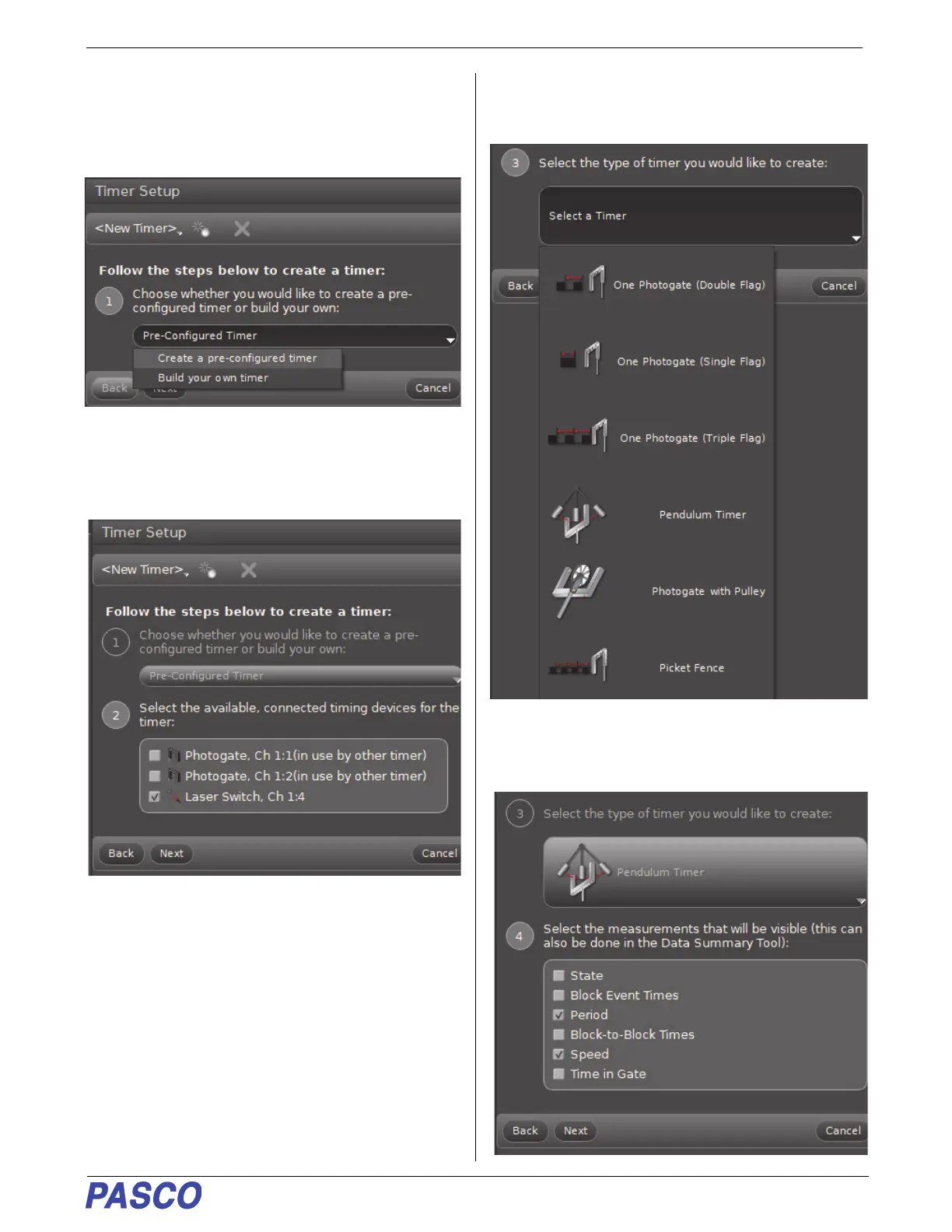
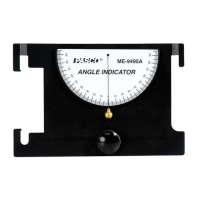
PS-3225 Port 4, Laser Detector Port Setup
29
013-16123A
• The new Timer Setup panel is revealed and it
shows the choices in the Pre-Configured Timer
menu.
.
6. Select “Create a pre-configured timer”. Make sure
that there is a checkmark in front of “Laser Switch,
Ch 1:4” and then click Next.
• Step 3 opens. You can select the type of timer to
create.
7. Click the “Select a Timer” menu button and then
select “Pendulum Timer”.
• Step 4 opens and shows the list of measurements
with “Period” as the selected default.


 To Next Page