PS-3225 Appendix B: UK Timing Modes in SPARKvue
35
013-16123A
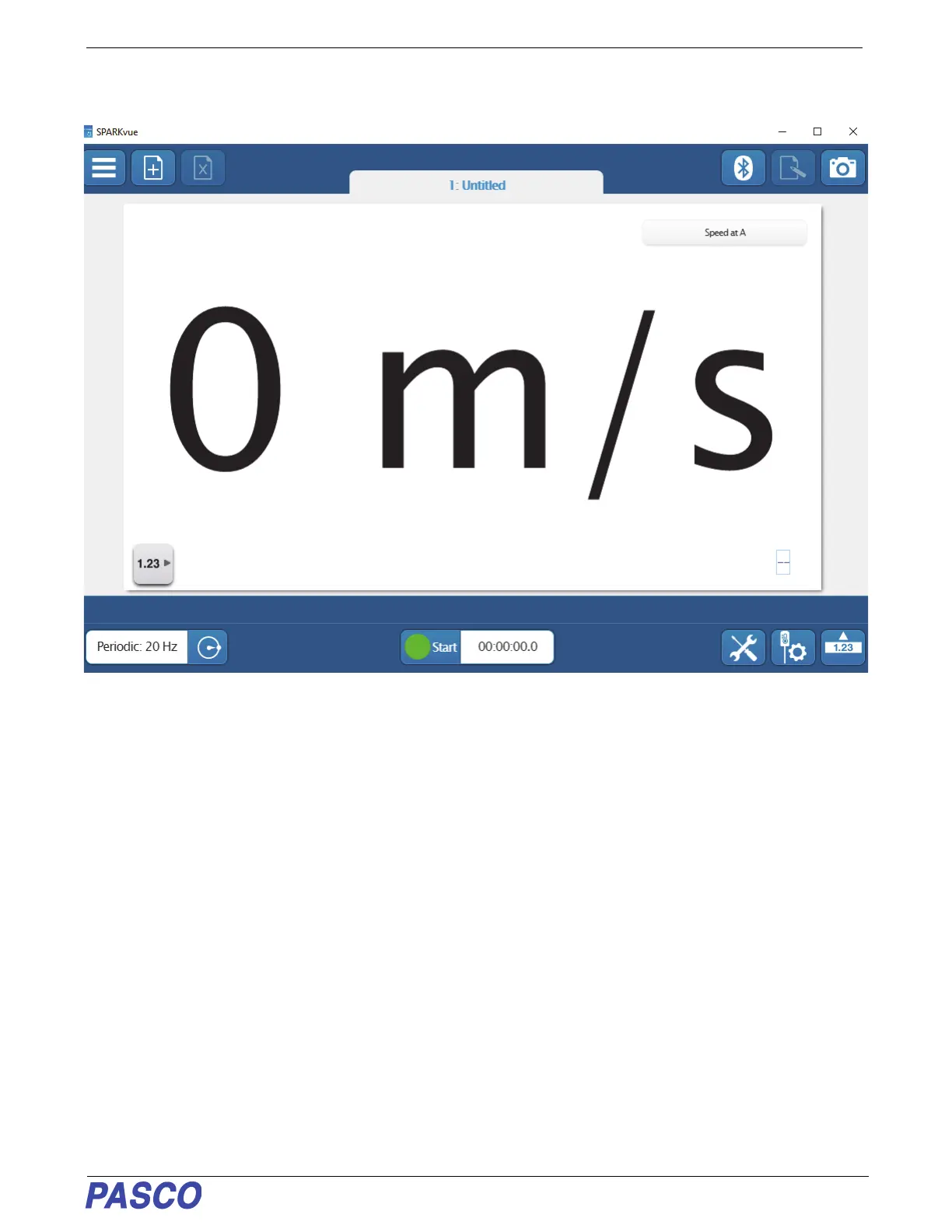
• The selected Display Template appears with “Speed at A” as the default measurement choice.
2. Click or Touch the green “Start” button to start collecting data. Watch the display as you pass a finger back and
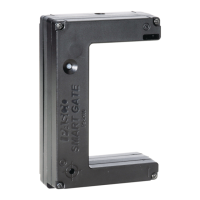
forth through the Wireless Smart Gate.
• The Display shows the values of the Speed at A. The “Start” button changes to a red “Stop” button.
3. Click or Touch the red “Stop” button to stop collecting data.


 To Next Page