6.8 USB Charging
Plug in the USB device before power on the instrument,
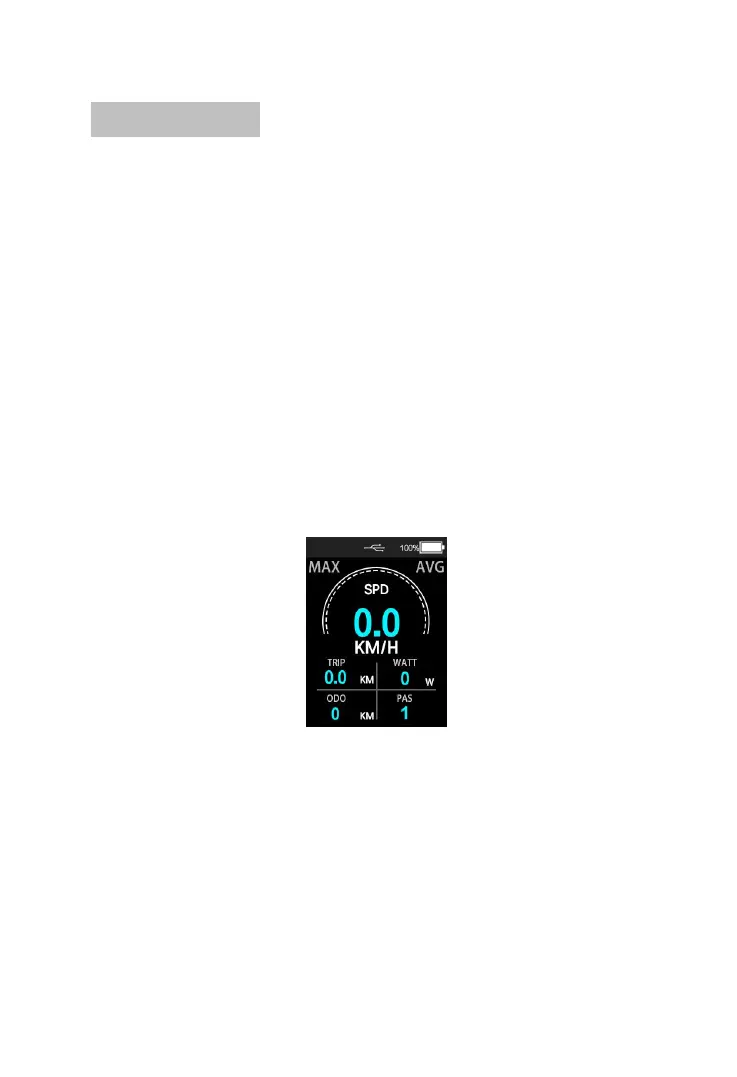
turn on the power to charge the USB device, the USB icon
will lights up, unplugs the USB device, and the USB icon
turns off after 2 Seconds; after starting up the instrument,
insert the USB device, and long press the “UP”, “Down”
and “Mode” buttons to start the charging function. If
there is a USB device connected, the USB device will be
charged, and the USB charging icon will be on. If the USB
device is pulled out, the USB charging icon will be turned
off after 2S.
Normal display interface:
USB Charging interface
Detailed information interface:


 To Next Page