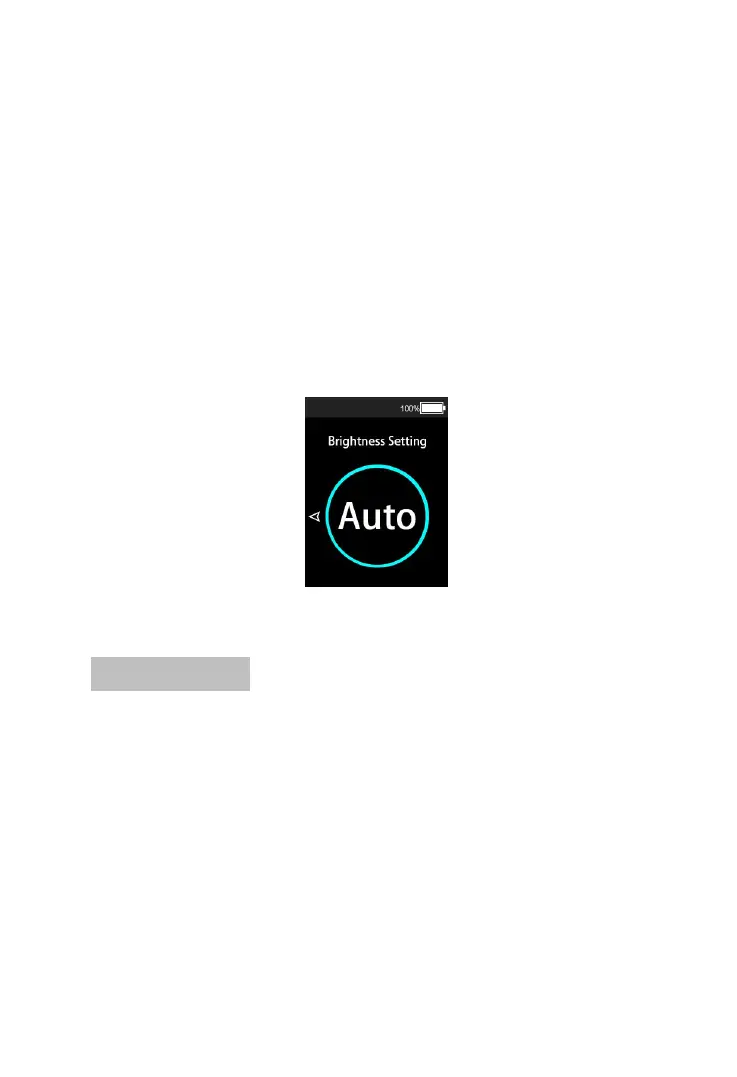
The backlight brightness setting can set the backlight
brightness value of the instrument. The default value of
the instrument backlight is automatic adjustment mode.
Short press the “MODE” button to enter the backlight
brightness setting interface. Short press the “UP” button
or “DOWN” button to select the backlight brightness value
(20 / 40 / 60 / 80 / 100 / auto). Press the “MODE” button
again to confirm the setting items, save and exit the
backlight setting interface at the same time.
Backlight brightness setting interface
7.6 unit settings
Unit setting can set the unit of speed and mileage
displayed by the instrument. The default setting is metric
unit (Km/h, Km). When in the setting interface, short press
the “MODE” button to enter the unit setting interface.
Short press the “UP” or “DOWN” button to switch
between metric unit (km/h) and imperial unit (mph). Press
the “MODE” button again to confirm the setting item, save
and exit the unit setting interface at the same time.


 To Next Page