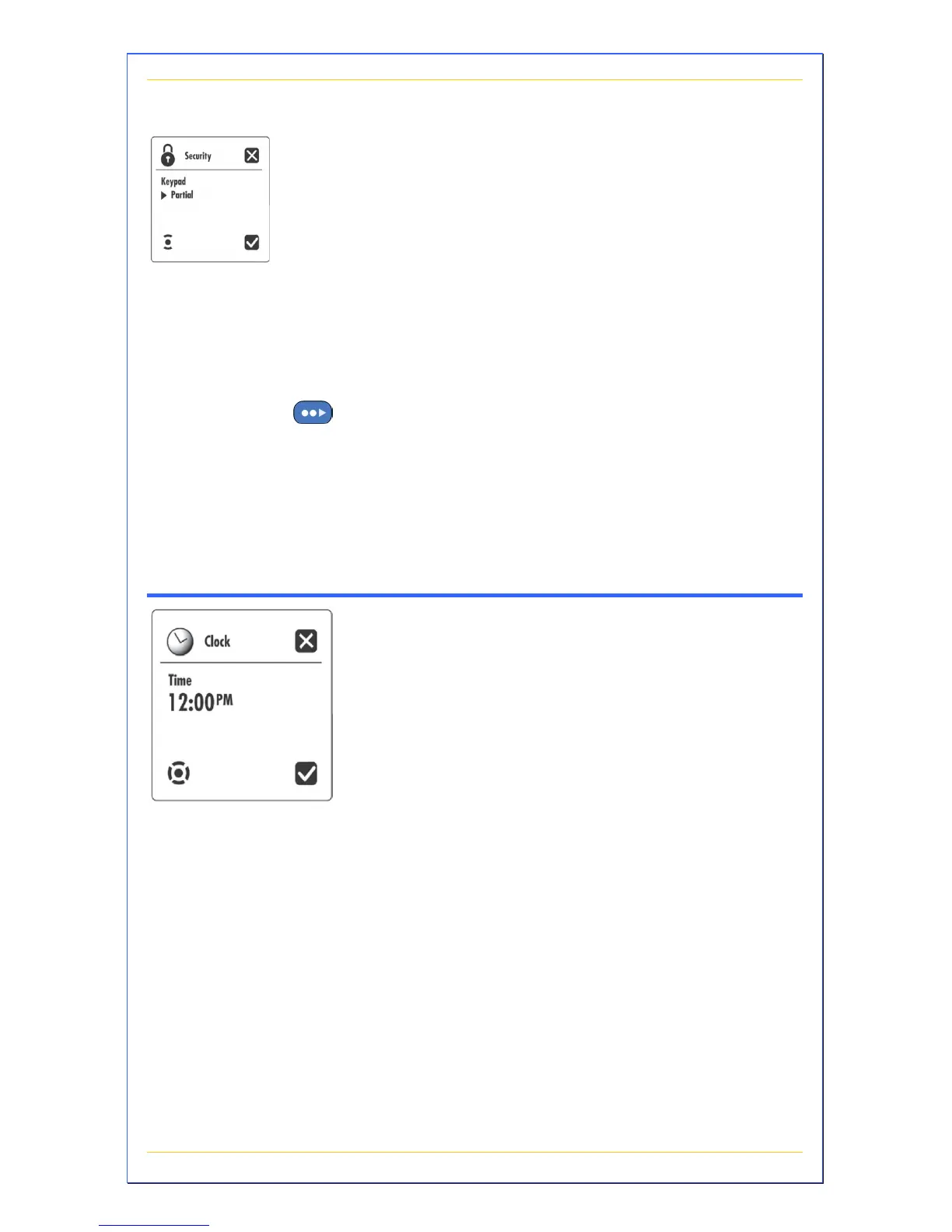
This submenu allows you to personalize the keypad
security of your spa to prevent unauthorized
changes to the settings. When the keypad is locked
the lock icon is displayed.
A Partial keypad lock allows access to basic spa
functions (pumps, blower, light) but blocks access
to the temperature set point and Programming
mode.
A Full keypad lock is a total keypad lockout.
Press +/- to set a partial or full keypad lock. Press
to go to the next screen.
Note: To unlock the partial keypad, select and hold
Options menu key for 5 seconds.
Note: To unlock the full keypad, select and hold
Light menu key for 5 seconds.
Clock Submenu
This submenu allows you to set the time of the
clock.
Press +/- to set the hours. Press > to access
minutes. Press +/- to set the minutes. Press the
checkmark button to save the settings.


 To Next Page