Operator's Manual DS 350 / 1361 RT 875 CC
© PAT Revision E // SB // 09/03/02 190137_E
28
5.4 Display Dimmer
This function enables the LCD illumination to be dimmed for better visibility during night
operations . During the initial power up of the console, the LCD default position is bright.
Using the function key below toggle between the two positions bright and dim LCD
illumination.
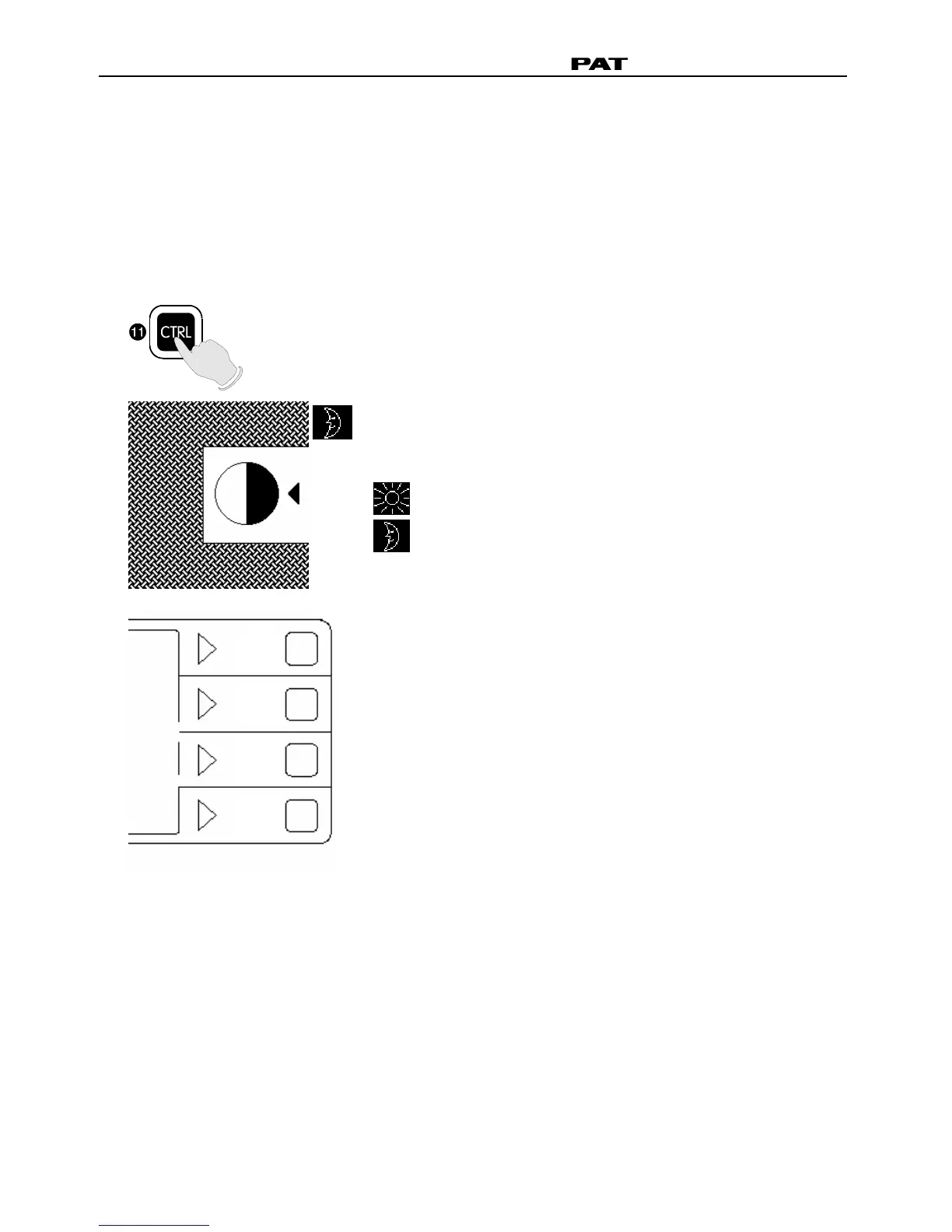
LCD illumination adjustment
Press "CTRL" to select the contrast
adjustment mode.
While in contrast adjustment mode, use the
function key 1 to toggle between the two
conditions,
brighten LCD illumination and
dim LCD illumination.
Press function key 4 (OK) to exit the LCD
illumination adjustment and return to the
previously selected screen.
n
o
p
q


 To Next Page