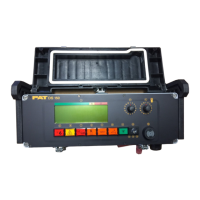
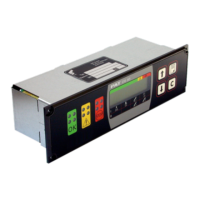
Main Board Replacement
Refer to Drawing 1, central unit parts list for board location.
1.
Turn system power off.
2.
Remove the central unit lid.
NOTE: Take care not to damage the boards with the screwdriver, when removing and inserting
screws.
3.
Remove the system and data software from the main board.
4.
Remove the relay from the main board.
5.
Mark all connection wires before removing, to identify location for reconnecting. Disconnect
all X1 terminal wires from the main.
6.
Remove the 9 large Philips screws holding the main board in place.
7.
Note the orientation of the main board in the central unit. Remove main board and place it in
the same packing material that the replacement in which the main board came.
8.
Carefully insert the new main board in place.
9.
Insert the 9 Philips mounting screws.
10.Insert the relay into the main board.
11.
Insert the system and data software into the main board.
12.
Connect the X1 terminal wires to the main board. Refer to Wiring Diagram.
13.Zero pressure transducers using the zeroing procedure in this section.
14.Inspect the gasket for nicks, cuts, or damages. Refer to 031-300-340-003 DS 350 Central
Unit Gasket Recommendations, Revision - and 031-300-340-002 Central Unit Cover
Installation and Tightening Procedure, Revision A


 To Next Page