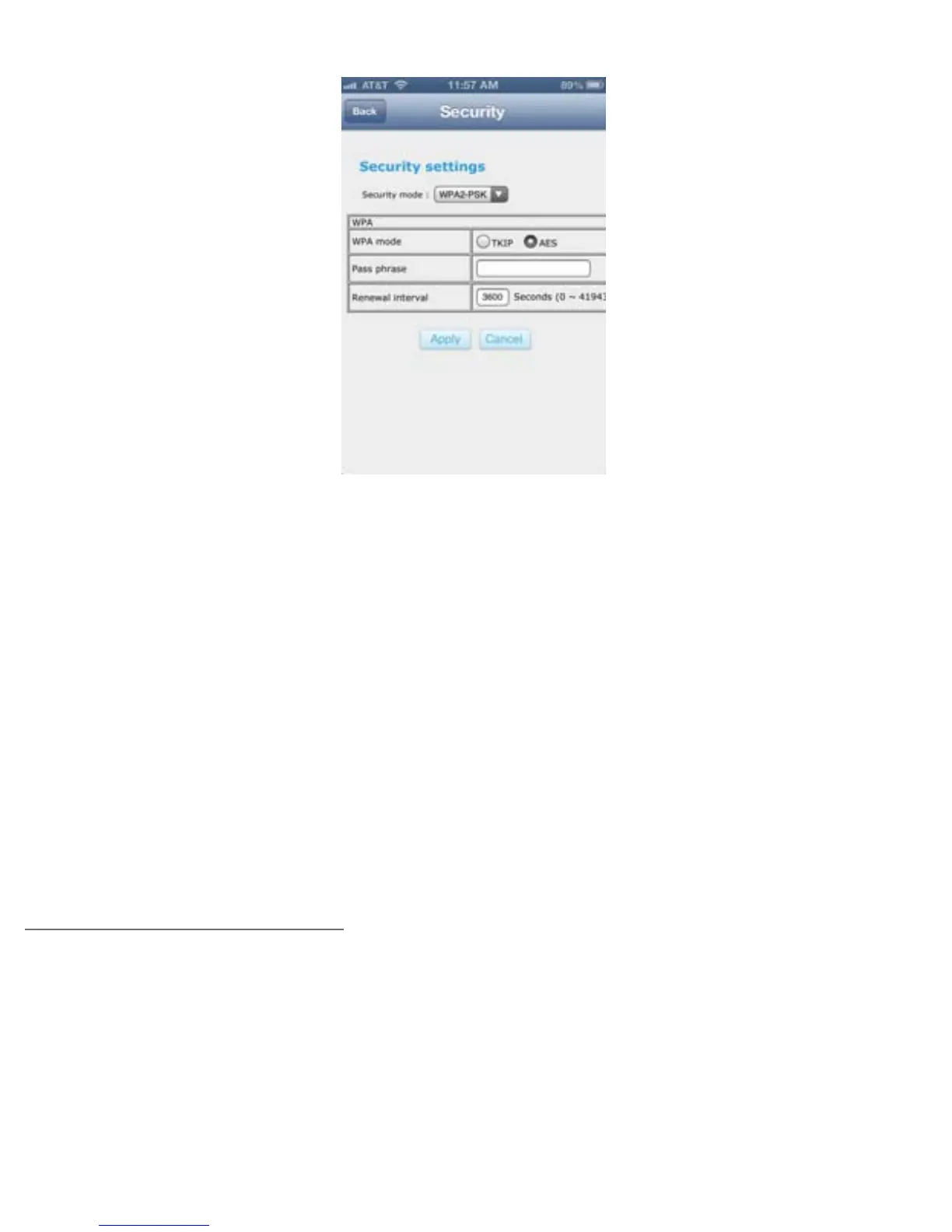
iPhone/iPod
Wi-Fi:
Tap this box to connect your Gauntlet unit to your home or work wireless internet. This will
enable you to have access to the Internet and the Gauntlet unit at the same time. It is called
Internet Pass-Thru. Any devices connecting wirelessly to the Gauntlet Drive will also all be able
to access the internet thru the Gauntlet drive once connected to your home or public wireless
network.
To connect to your home or work wireless connection: make sure the Gauntlet Drive Wi-Fi is set
to ON position > once the desired wireless SSID (name) appears on the screen, click on the SSID
and enter the wireless password (if applicable). The Gauntlet unit will reboot to nish the
conguration. Once the Gauntlet unit has rebooted exit the app > make sure your phone or
tablet is wirelessly connect to Gauntlet unit, and launch the “Gauntlet Connect” app.
CHANGING THE APP LANGUAGE
The app supports many languages. It will automatically display the same language as the
smartphone or tablet it is used on. If your tablet is set to Italian, then the app will display in
Italian also and so forth. There is no setting required.
30


 To Next Page