FORMATTING THE DRIVE
For Gauntlet Node Enclosure or if you must reformat your drive, you must use NTFS only.
PARTITION THE DRIVE
The Gauntlet drive may be partitioned like any other storage drive using your computer’s
operating system or 3rd party software application. The partitions will show up as separate
drives with separate folders in the app or in your computer’s le listing.
Note: The name of the drive and any partition created cannot be changed.
USING A MAC ADDRESS
The MAC address is located on the label on the bottom of the unit. Some units may only have
the number of the original product carton.
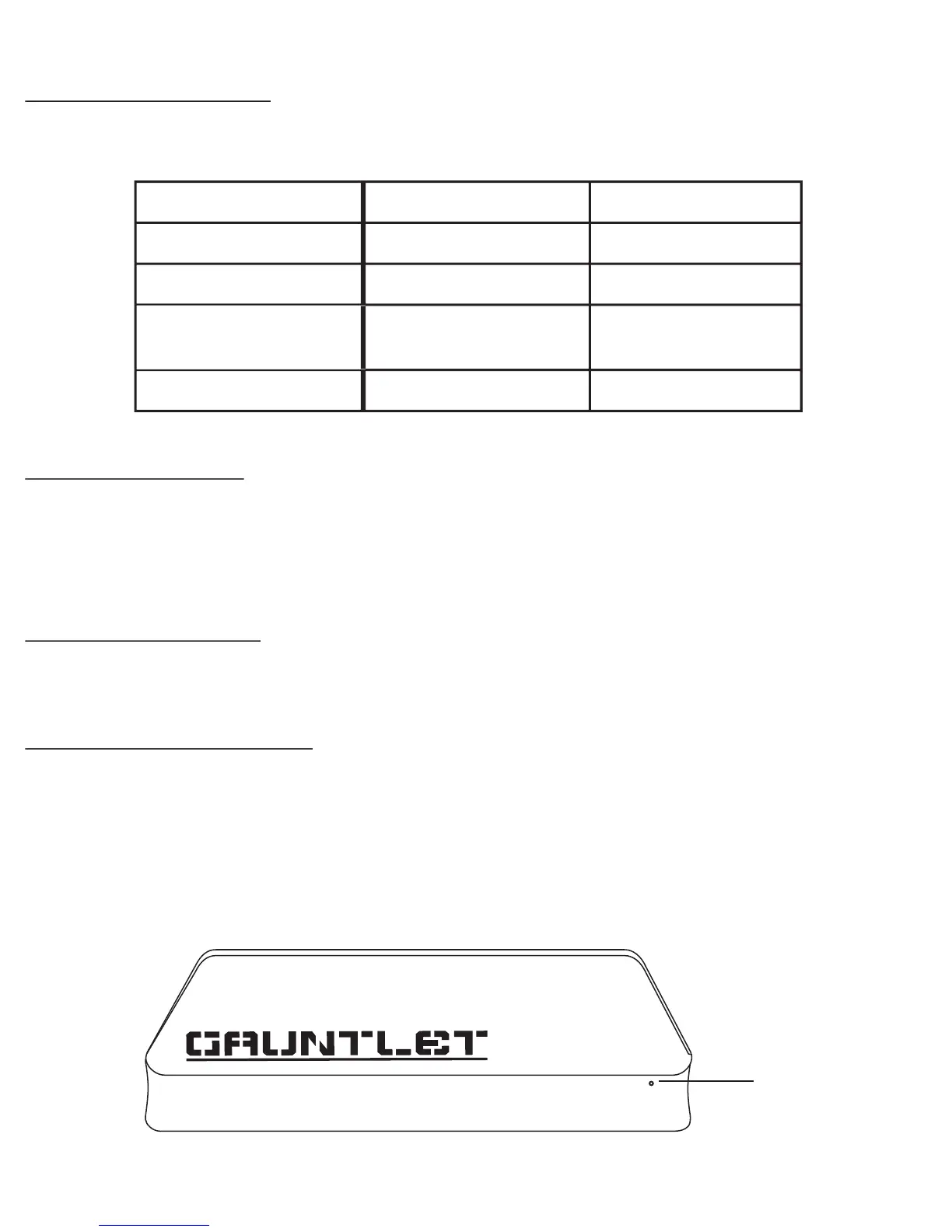
RESTORE DEFAULT SETTINGS
In order to reset the unit or to restore default settings, you must reset the Gauntlet drive. Reset
the unit by pushing a pin or end of a paper clip in the reset hole on the side of the unit. It is not
marked to avoid accidental reset.
Note: Resetting the unit will NOT delete, change, or aect your les stored on the drive in any
manner.
Operating System
Windows
Windows
Windows/Mac
Mac
NTFS
FAT
Uninitialized new
drive
FAT / Journaled
None, Enjoy!
Format to NTFS
Initialize /
Format to NTFS
Format to NTFS*
Filing System Action
Reset to Default
Settings
31


 To Next Page