SecureTablePay PAX A920 User Guide v1.0
Copyright © 2019 SecureTablePay. Page 11
2.9
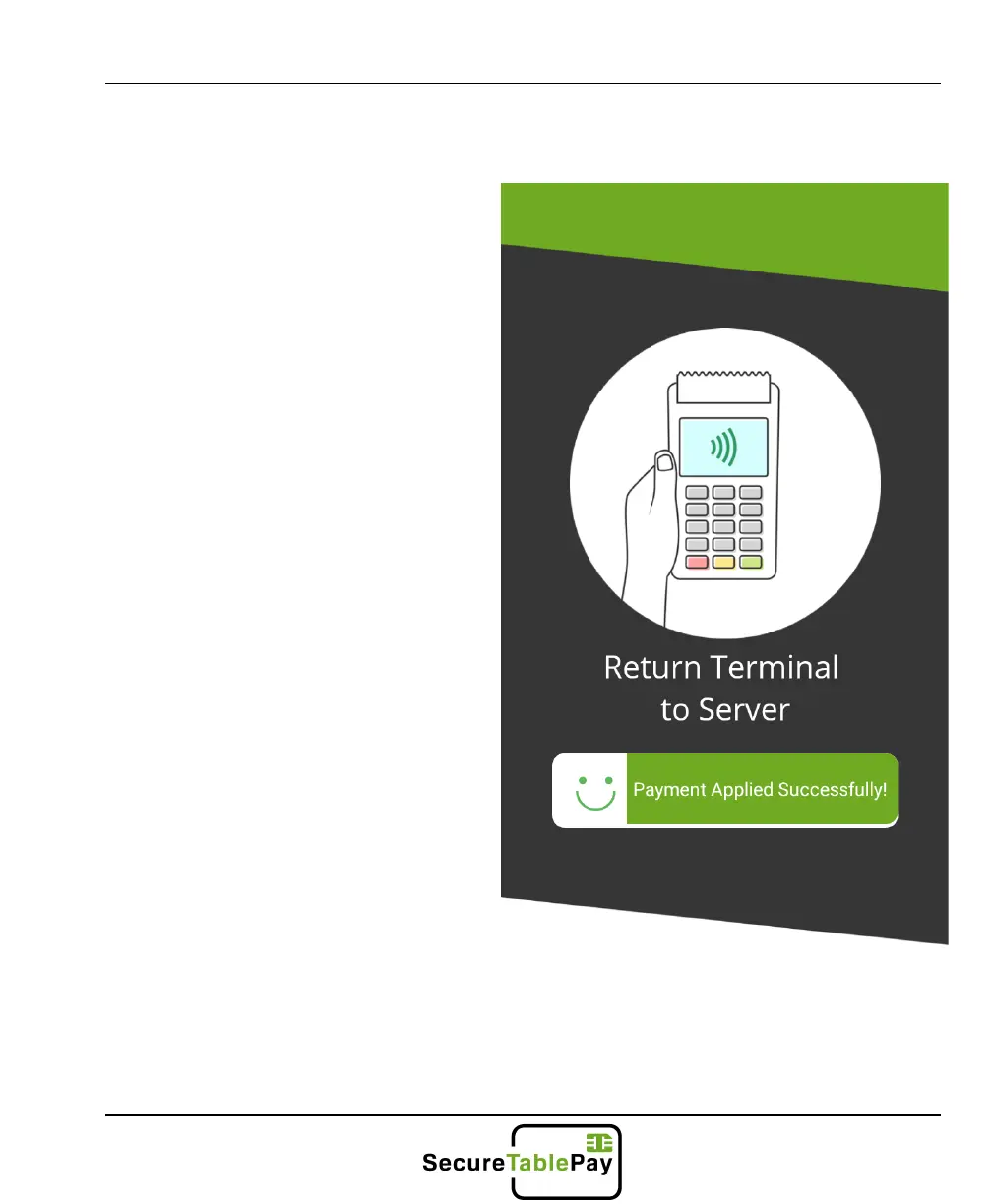
If the payment applied successfully
you will be taken back to the
SecureTablePay home screen.
Note: If there were more than one
check on the table, you will be
taken back to the check selection
screen to continue closing out the
remaining checks on the table. If
you do not wish to close those
checks out, just touch the home
button in the upper right part of the
screen.



 To Next Page