Chapter 2
Installing a Slot-1 Processor Cartridge
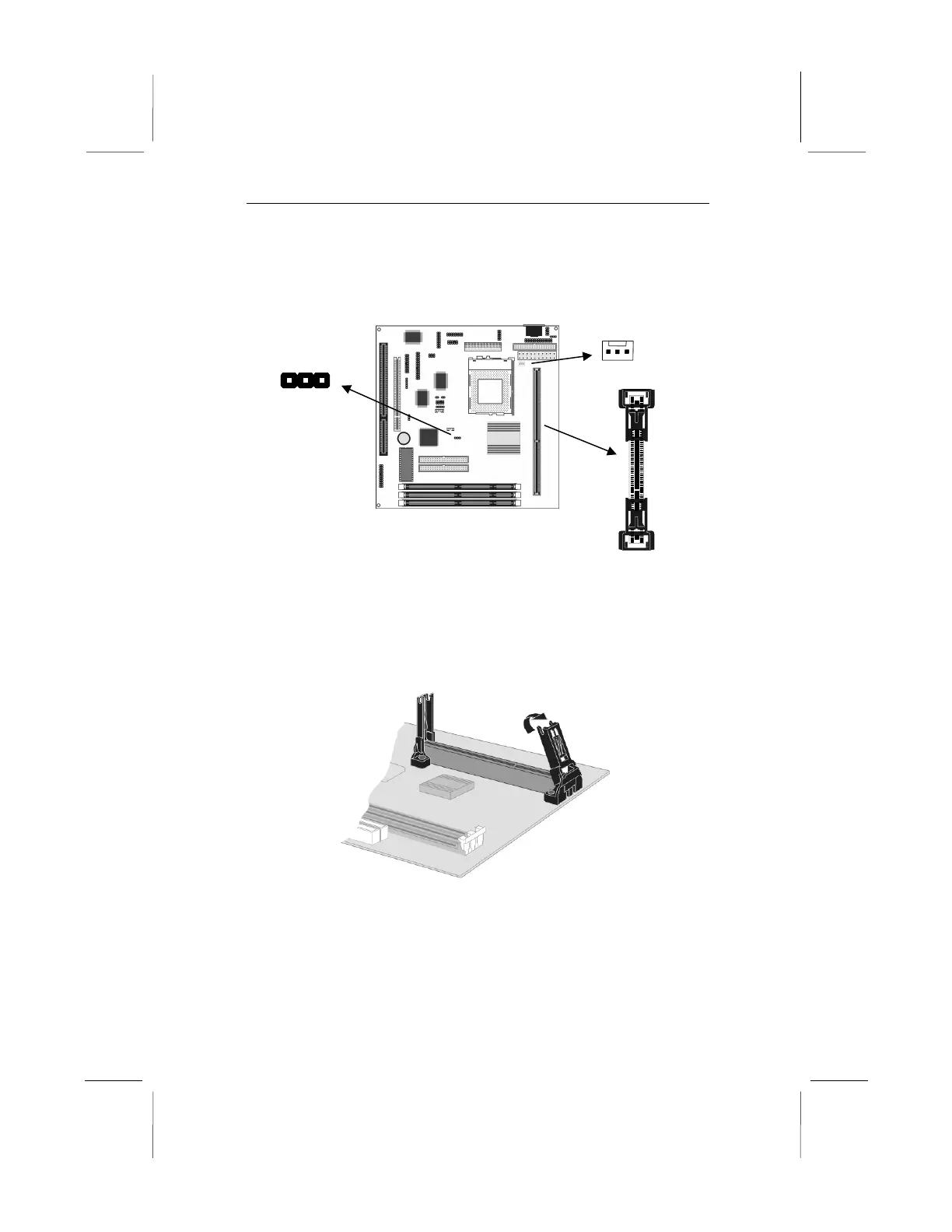
1. Locate Slot-1, FAN1, and JP7 on the mainboard.
2. The Slot-1 is installed with a cartridge holder. The upright
struts of the cartridge holder are folded down for shipping. Pull
the struts upwards so that they are in the upright position.
3. Insert the processor cartridge into the cartridge holder. Follow
the instructions given with your processor cartridge. The edge
connector on the cartridge has a notch so that it only fits into
the Slot-1 in the correct way.



 To Next Page