Brought to you by PCS Electronics, www.pcs-electronics.com
Appendix D – Using and setting up the RDS encoder
Software installation
Look for the RDSMAX 4000+ driver on the provided CD or download the latest setup from our website. You can access
all resources for our RDSMAX 4000+ RDS encoders here:
http://www.pcs-electronics.com/phpBB2/viewtopic.php?t=2018
Once you have the driver run the setup file and install the program on your computer. This process is very straight-forward
and should only take a few minutes. Wait for the installation to complete and click Finish when done.
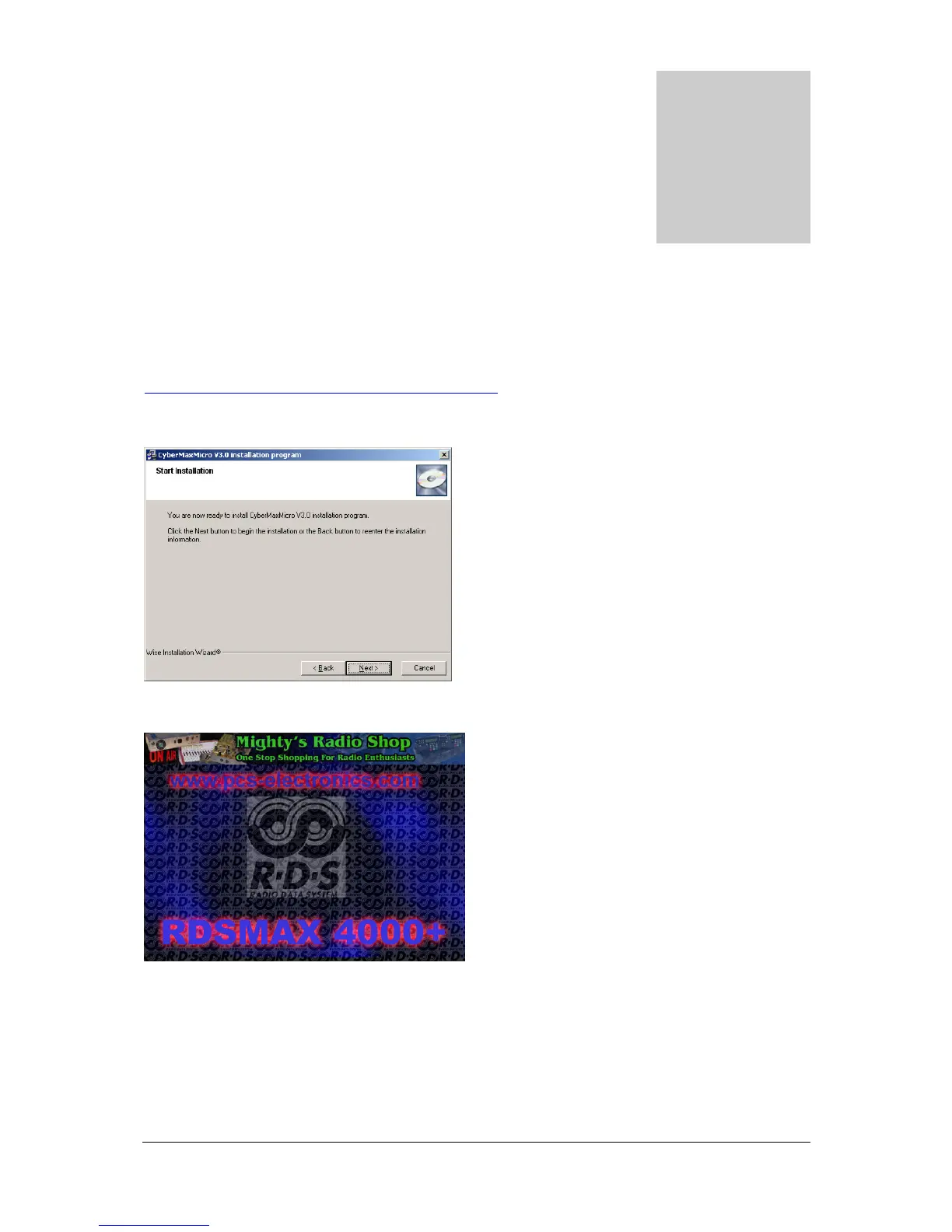
Fig. 24: RDSMAX 4000+ setup is about to start
Fig. 25: RDSMAX 4000+ windows application splash screen
Once the installation is done you are ready to start the program. You are now ready to establish connection with the RDS
encoder and configure all the RDS parameters.



 To Next Page