DocumentNumber:PD196‐220R5 PDI‐P14W Page7of23
PDiCommunicationSystems,Inc.40GreenwoodLaneSpringboro,Ohio45066USAPH1‐800‐628‐9870FX937‐743‐5664
Source
Choose desired function of the device by touching the SourceIcononthekeypaduntilthedesiredsourceis
displayed:TV,Auxiliaryinputs,Android,orUSBMedia.
TVMode
SeeProgrammingMenusandSetupinstructionsonfollowingpage.
ChannelEntry
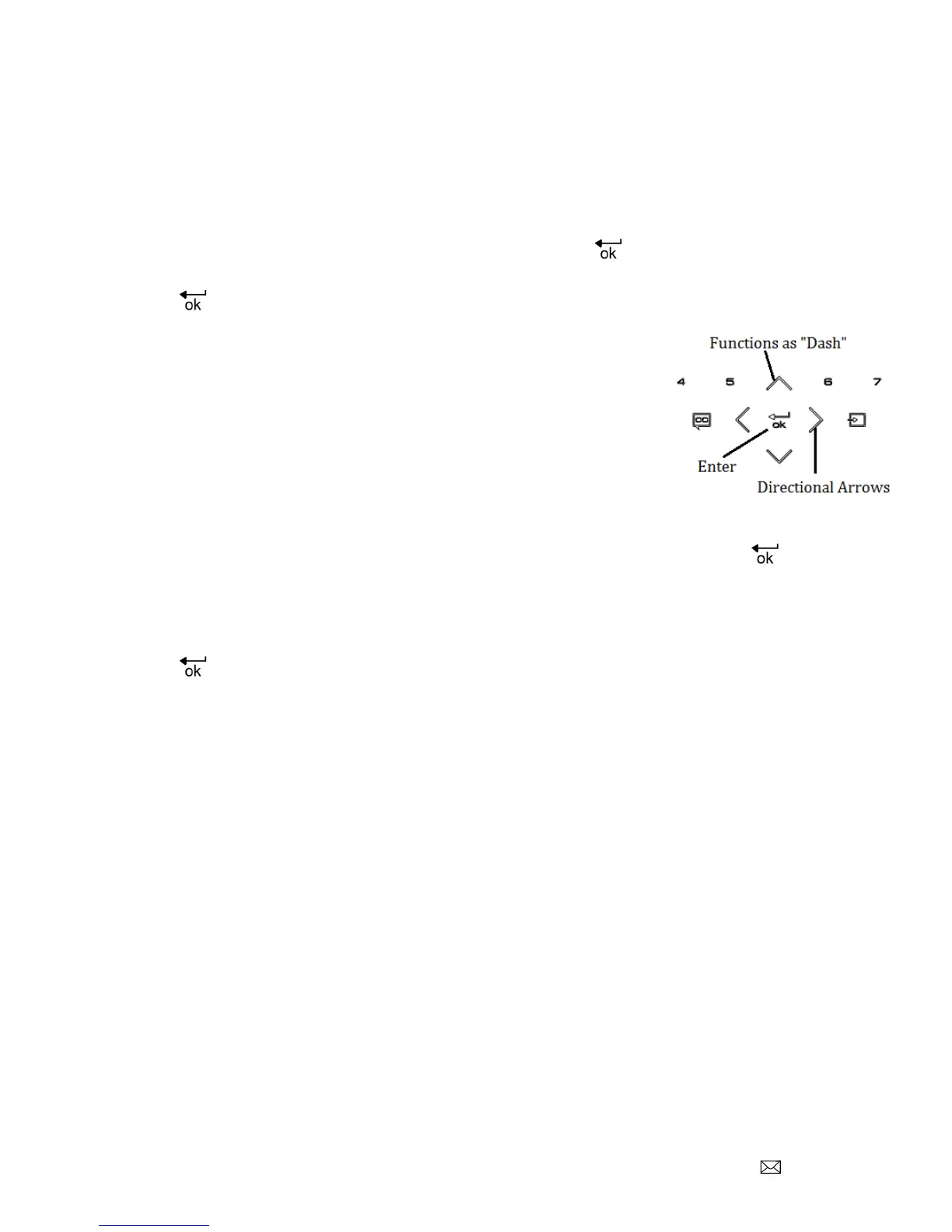
Todirectlyenterthedesiredchannel,touchchannelnumbersandEnter.Thedirectionalarrowupfunctions
asthedashforchannelentry.
ChoosingEnteragainwillgiveyouthechannelinformationsuchas:
Channelnumber
Title
Resolution
Signalstandardthatisused(NTSC,QAM,ATSC)
Guide
TouchingtheGuideiconwillaccess:
ChannelList
ChannelHistory
Source
Fromthismenu,usingtheCH
˄˅
willsearchprogrammedchannelsandupontouchingEnter,willaccess
thechosenchannel.
Usingthedirectional
˄
and
˅
arrowswillscrolltoHistoryandSourcefunctions.Using
<
and
˃
directionalarrows
willletyouchoosearecentlywatchedchannelintheHistorylistorchooseanothersourceintheSourcelist.
TouchingEnterwilltakeyoutothatchannelintheHistorylistorselectanothersourceintheSo urcelist.



 To Next Page