EasyManua.ls Logo

PDi PDI-P20LCD - User Manual

PDi PDI-P20LCD
24 pages
Print Icon
To Next Page IconTo Next Page
Loading...
PDI-P20LCD User Manual
Document Number: PD196-040 Rev4
- 1 -
User
Manual
Communication
Systems, Inc.
40 Greenwood Lane
Springboro, Ohio
45066
PH: 937-743-6010
FX: 937-743-5664
http://www.pdiarm.com
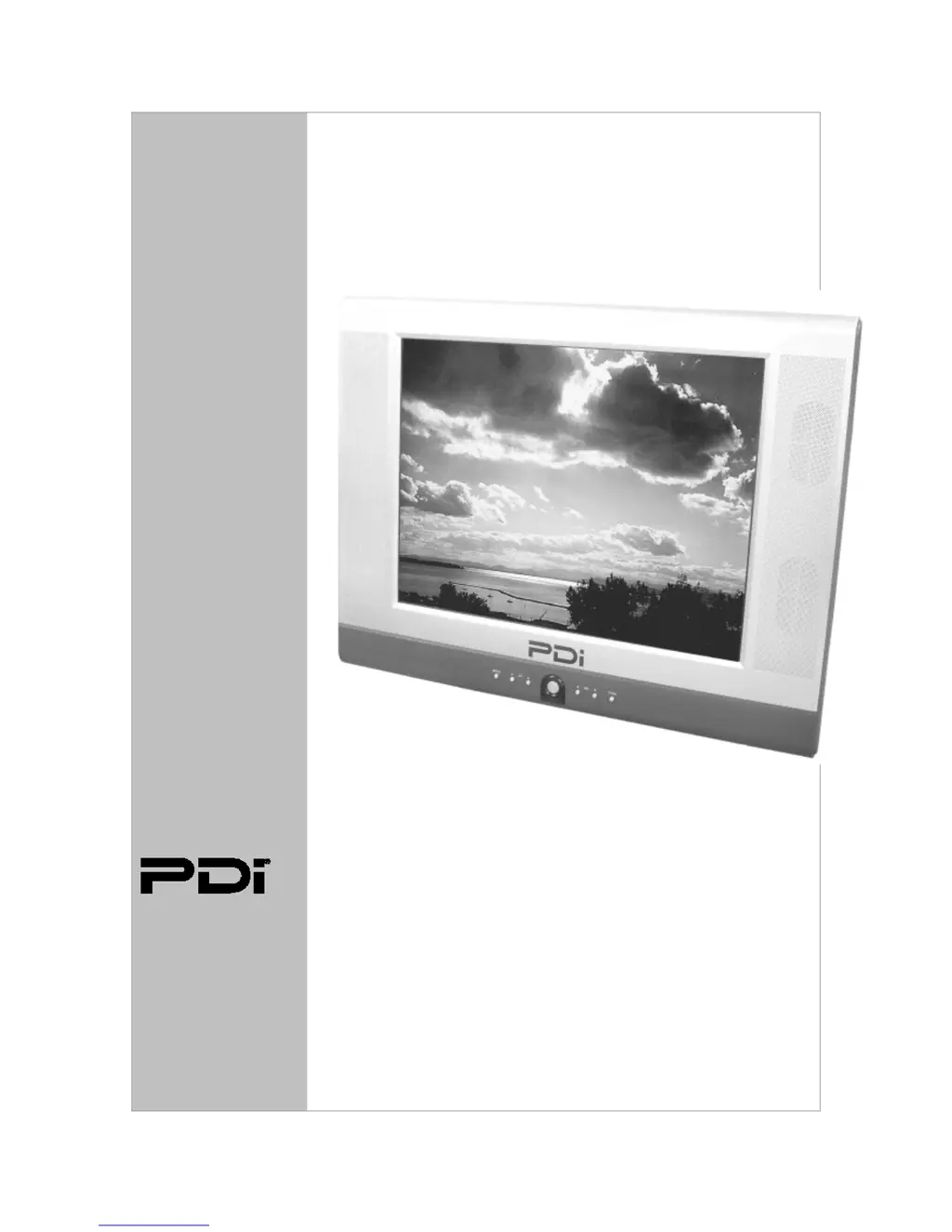
PDI-P20LCD TV
Pillow Speaker Controlled
Model PDI-P20LCD
Hospital Grade LCD TV
Better Solutions Are Within Reach
®

Questions and Answers

Summary

Warnings

Risk of Electric Shock

Instructions to reduce the risk of electric shock by not removing the cover.

Maintenance and Servicing

Do not remove the back cover; refer servicing to qualified personnel for safety.

Rain and Moisture Precautions

Warning to avoid fire or electrical shock by not exposing TV to rain or moisture.

Oxygen Environment Use

Warning against use in oxygen tents or chambers due to fire hazard.

Wet Location Warning

Apparatus should not be exposed to dripping or splashing liquids.

Service Instructions for Qualified Personnel

Servicing instructions are intended for use by qualified service personnel only.

Product Modification and Power

Power Connection Guide

Instructions on connecting the AC-DC adaptor and power cord for TV operation.

Important Safety Instructions

Installation Guide

Wall Mounting Instructions

Step-by-step guide for wall mounting the LCD TV using the supplied bracket.

Pillow Speaker Wiring

Pillow Speaker Circuit Safety

Warning against grounding pillow speaker common to prevent shock hazards.

Installer Cautionary Notes

Installer caution regarding pendant control markings and oxygen-enriched atmospheres.

Remote Control Operations

TV Controls and Connections

Remote Control Functions Overview

Explanation of the TV's remote control buttons and their operational functions.

Connection Panel Ports

Description of the TV's rear connection panel ports and their respective uses.

Pillow Speaker System

Pillow Speaker Connection Guide

How to connect and use the pillow speaker for TV control and audio.

TV Menu Navigation

Program Tuning and Management

Auto Program Tuning

Detailed steps for automatically scanning and memorizing TV channels.

Manual Program Tuning

Detailed steps for manually adding or deleting channels, including storage options.

Picture Settings Adjustment

TV Lock and Parental Controls

Control Lock Functionality

Disabling TV controls to prevent tampering by patients or visitors.

Parental Control Setup

Setting content restrictions based on ratings, hours, and password protection.

Glossary and Specifications

Product Specifications

Technical details and specifications of the PDI-P20LCD TV model.

Troubleshooting Guide

PDi PDI-P20LCD Specifications

General IconGeneral
BrandPDi
ModelPDI-P20LCD
CategoryLCD TV
LanguageEnglish

Related product manuals