PDI-P20LCD User Manual
Document Number: PD196-040 Rev4
- 15 -
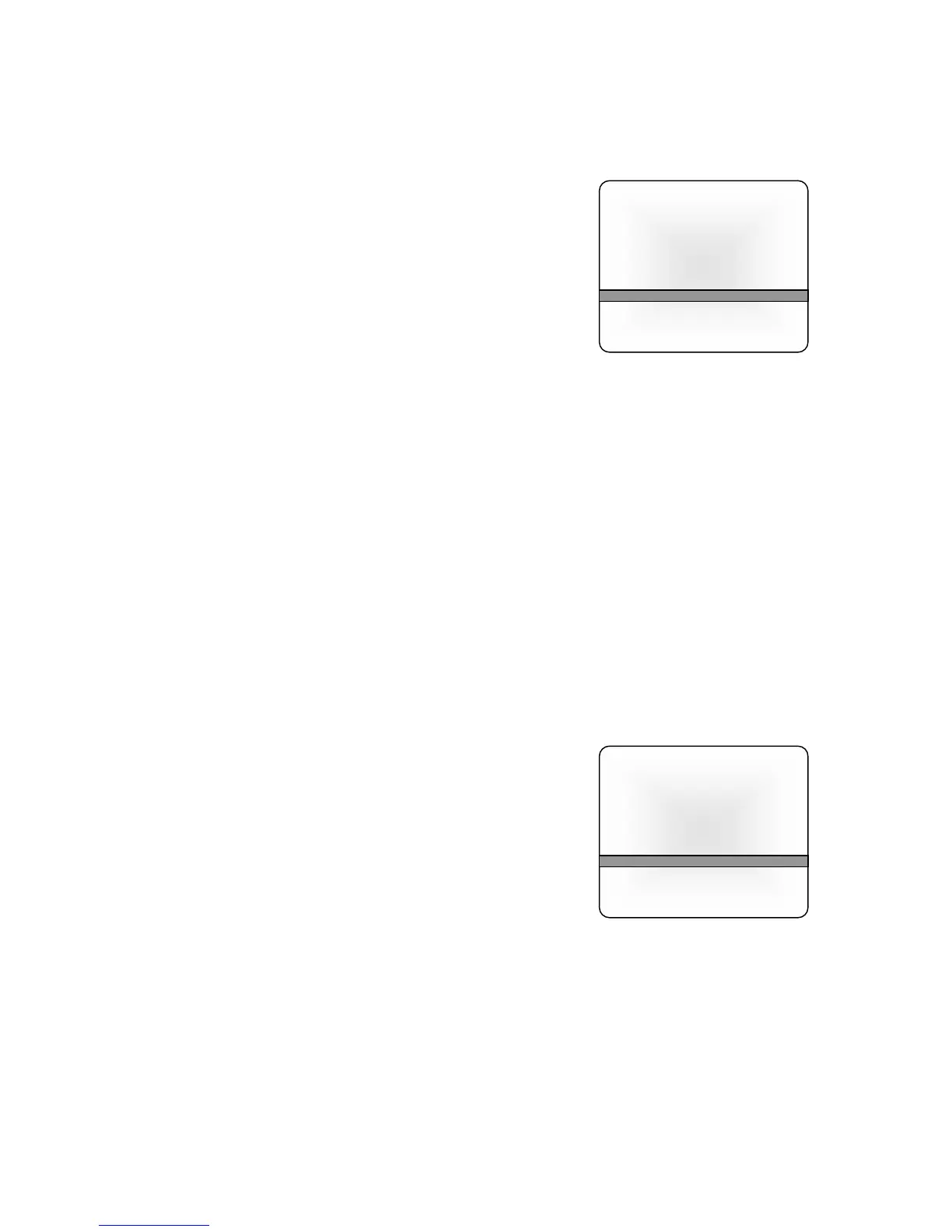
AUTO PROGRAM
Automatically memorizes all of the receivable channel on a hospital’s cable TV system.
Press the MENU button on the remote.
1. Select the Setup menu.
2. Select Auto Program.
3. Press the CH▲▼ button and select Tuner Mode.
4. Select the TV cable system in your hospital with the
VOL◄► button.
NOTE: Tuner Mode = TV is used for a cable system that
has a master antenna and usually can only receive local
TV Stations.
Tuner Mode = CATV is used when a hospital cable
system has both local and satellite TV channels
available. CATV tuner mode is most common in
hospital TV cable systems.
5. Select the Start menu with the CH▲▼ button.
6. Press the VOL◄► button to start Auto Programming. The TV will now search all
available channels looking for signals and memorizing those channels that are active.
Occasionally, strong over-the-air stations sneak onto the cable system. To remove
unwanted channels see Manual Program.
7. Press the MENU button to finish auto programming.
8. Press the TV/AV button to return to normal TV viewing.
HINTS
• Press the CH▲▼ buttons to check the memorized channels after auto programming is
finished.
• If you press the MENU button during auto programming, the function will stop and only
channels programmed up to that point in time would remain.
• The auto programming function can memorize only those channels that are active at the time
of programming. For example, a hospital educational channel may not be actively playing a
tape and would not be memorized using auto program. See the Manual Program section for
adding and deleting channels.
MANUAL PROGRAM
Manual Program allows you to manually add or delete channels.
1. Tune to the channel you wish to add or delete.
Press the MENU button.
2. Select the Setup menu.
3. Select the Manual Program menu.
4. To fine tune the channel, select the Fine menu and
adjust the received signal with the VOL◄►. Note:
Fine tuning is usually not required with today’s modern
cable TV equipment. This adjustment is best left alone.
5. Select Storage On or Off with the VOL◄►
button.
With Storage On, the current channel will be stored into the TV’s memory and made
available for viewing by the patient. With Storage Off, the current channel will be
removed from the TV’s memory and not be available for viewing by the patient.
However, the deleted channel can still be viewed by directly entering the channel’s
number using the IR remote’s keypad.
6. Press the TV/AV button to return to normal TV viewing.
HINT: For quick channel programming, use the remote control’s dedicated “MEMORY” button to
directly delete a channel. To add a channel not currently in memory, enter the channel number
using the remote control’s keypad and then press the “MEMORY” button to add the channel.
Auto Program
Tuner mode TV
Start
▲▼:Move ◄►: Adjust
MENU:Return TV/AV Exit
Manual Program
Fine ►►►
Storage On
▲▼:Move ◄►: Adjust
MENU:Return TV/AV Exit



 To Next Page