PDI-P20LCD User Manual
Document Number: PD196-040 Rev4
- 19 -
BLUE BACK
Channels that are empty without any signal will be expressed as a blue screen rather than a
snowy picture.
1. Press the MENU button.
2. Select the Special menu.
3. Press the CH▲▼ button to select Blue Back.
4. Press the VOL◄► button to select On.
5. Press the TV/AV button to return to normal TV viewing.
LOCK
Lock disables the television’s MENU and TV/AV buttons and prevents patient and visitors from
tampering with the TV. Once a TV is locked, the only way to gain access to the MENU or TV/AV
controls is by using the remote control.
1. Press the MENU button.
2. Select the Special menu.
3. Press the CH▲▼ button to select Lock.
4. Press the VOL◄► button to select On.
5. Press the TV/AV button to return to normal TV viewing.
Parental Control
A parental control feature is available to restrict or block undesirable programs from appearing on
the TV. This feature is of particular importance for TVs installed in pediatric wards.
1. Press the MENU button.
2. Select the Setup menu.
3. Select the Parental Control Menu.
4. Press the CH▲▼ button to select.
5. Adjust each item with VOL◄► buttons.
Parental Control
Selected Item Setting Change
MPAA
Unblock ↔ G and Above ↔ PG and Above ↔ PG-13 and Above ↔
R and Above ↔NC-17 and Above ↔X
Ect.Sources
Unblock ↔ Block
Block Hours
00 ~ 99 hours
Parental Lock
On ↔ Off
Movie Rating
General
Unblocked ↔TV-G and Above↔ TV-PG and Above ↔ TV-14 and
Above ↔ TV-MA
Children
Unblock ↔ TV-Y and Above ↔ TV-7
Dialog
Unblock ↔ TV-Y and Above ↔ TV-14
Language
Unblock ↔ TV-PG and Above ↔ TV-14 and Above ↔ TV-MA
Sex Scenes
Unblock ↔ TV-PG and Above ↔ TV-14 and Above ↔ TV-MA
Violence
Unblock ↔ TV-PG and Above ↔ TV-14 and Above ↔ TV-MA
F-Violence
Unblock ↔ TV-Y7
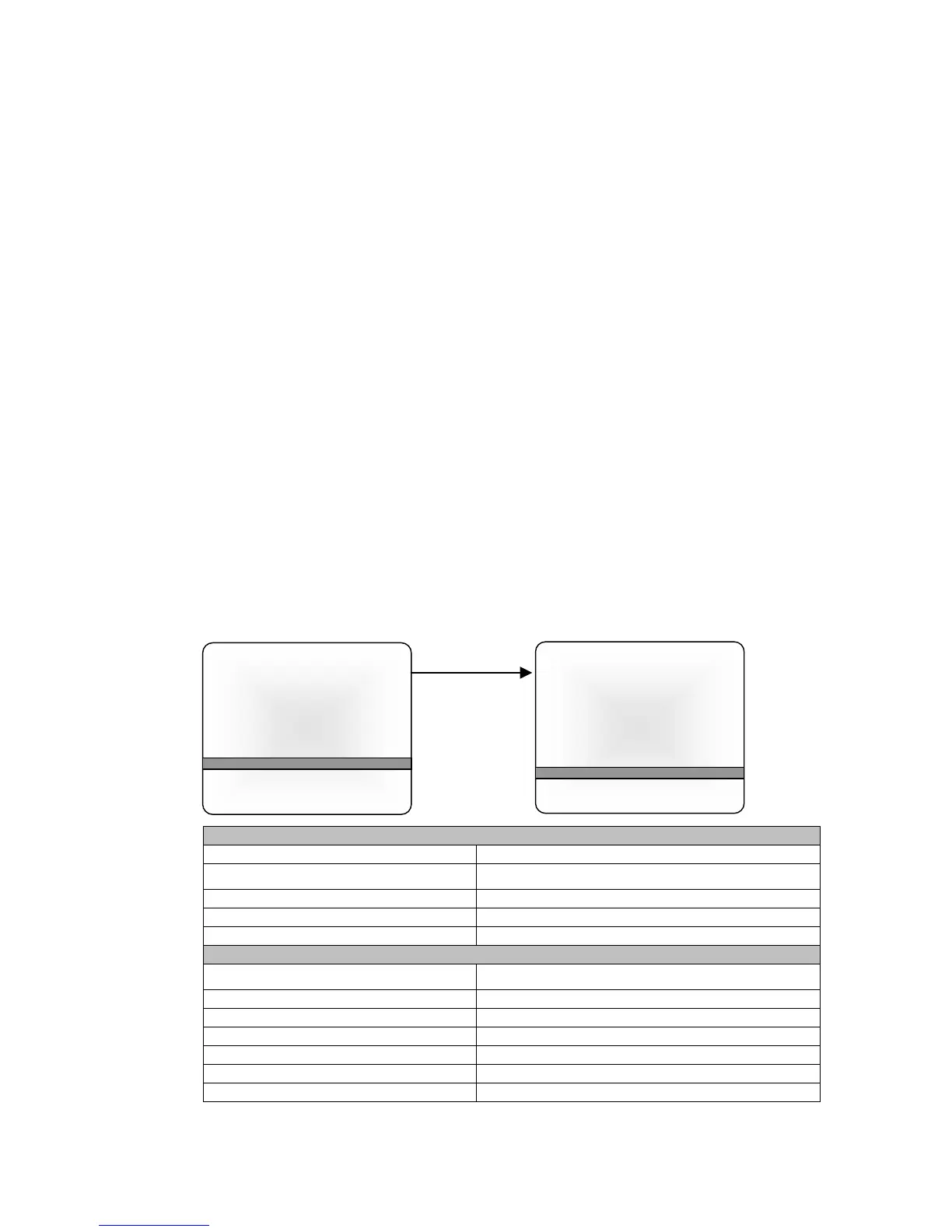
Parental Control
Movie rating ►
MPAA Unblock
Ect. Sources Unblock
Block Hour 00 Hours
Password To Set ◄►
Parental Lock Off
▲▼:Move ◄►: Adjust
MENU:Return TV/AV Exit
Parental Control
General Unblock
Children Unblock
Dialog Unblock
Language Unblock
Sex Scenes Unblock
Violence Unblock
F-Violence Unblock
▲▼:Move ◄►: Adjust
MENU:Return TV/AV Exit



 To Next Page