EasyManua.ls Logo

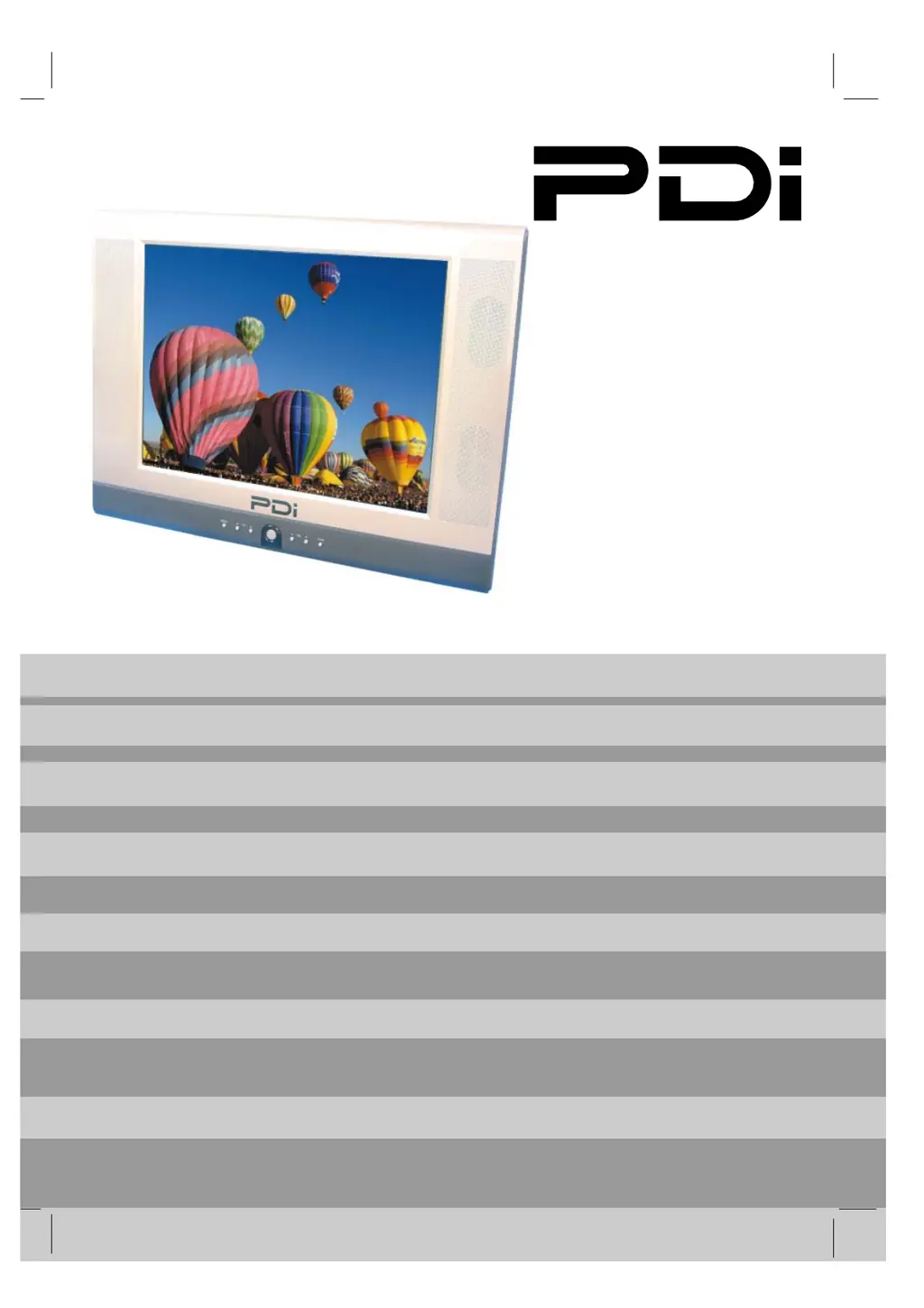
PDi PDI-P20LCDC - User Manual

PDi PDI-P20LCDC
51 pages
Print Icon
To Next Page IconTo Next Page
Loading...
1 Document Number: PD196-103 Rev 1
PDI-P20LCDC
Hospital Grade
LCD Television
Rev 1
Pleas
e
read this manua
l
carefull
y
befor
e
operatin
g
y
our set.
User Manual

Table of Contents

Questions and Answers

Summary

PDI-P20 LCDC LCD Television User Manual

Safety Warnings and Precautions

General Safety Warnings

Covers electrical shock, maintenance, cleaning, and general cautions.

Environmental Hazards

Warns against exposure to rain, moisture, oxygen environments, and wet locations.

Mounting Safety

Highlights the risk of falling TVs from elevated positions when not properly mounted.

Regulatory and Service Information

Service Instructions and Product Modification

Guidelines for qualified service personnel and warnings against unauthorized modifications.

FCC Regulatory Information

Details FCC compliance and measures to correct radio or television interference.

Underwriters Laboratories Listing

Information regarding UL safety testing and product suitability for healthcare facilities.

Important Safety Instructions

General Safeguards

Numbered list of essential safeguards for product operation and safety.

Copyright and Trademarks

Information on proprietary rights, disclaimers, and registered trademarks.

Accessories

Supplied and Optional Accessories

Lists included accessories and optional items like programming and patient remotes.

Remote Control Battery Installation

Instructions for inserting batteries into remote controls and usage notes.

Controls Overview

Front Panel Controls

Detailed description of each button and indicator on the TV's front panel.

Rear Panel Connections

Input;Output Ports

Identifies and describes all rear panel input and output connection jacks.

Pillow Speaker Voltage Switch

Explanation of the switch for selecting voltage compatible with different pillow speakers.

Remote Control Operations

Programming Remote Overview

States the requirement for a programming remote for TV setup adjustments.

Basic Remote Functions (Part 1)

Describes functions like Power, Mute, Number Buttons, Setup, TV/AV, OK, and Channel.

Remote Control Functions (Part 2)

Volume and Input Selection

Covers volume adjustment and switching between TV and FM Radio modes.

Picture and Caption Settings

Details aspect ratio control and caption function settings.

Timer and Preference Recall

Explains sleep timer, last channel recall, and picture/sound preference recall.

Installation Guidelines

Location Requirements

Specifies ideal locations, considering AC outlets, lighting, and cable connections.

VESA Mounting Warning

Alerts to using correct M4 metric screws and PDI mounts to prevent falling hazards.

Cable System Grounding

Provides guidelines for grounding the coaxial cable system according to the National Electrical Code.

Wall Mounting

Mounting Location and Bracket Setup

Steps for selecting a wall location and positioning the wall bracket.

Attaching the Back Mount

Instructions for attaching the back mount to the TV cabinet using provided screws.

Connecting Cables and Adjusting Tilt

Guides for connecting power, pillow speaker, CATV cables and adjusting TV tilt.

Wall Mounting on Supplied Bracket

Bracket Components

Illustrates and names the key components of the wall mounting bracket assembly.

Pillow Speaker Switch Note

Important caution regarding setting the pillow speaker selection switch correctly.

Across-Room Wiring

Pillow Speaker Connections

Details wiring for pillow speakers and includes a critical warning about grounding.

Connections

Antenna (ANT) Connection

Explains connecting the coaxial cable and provides a caution about powered coaxial cables.

Composite Video;Audio Input

Instructions for connecting external audio/video devices like VCRs and DVD players.

Component Input Connection

Connecting Component Video and Audio

Guides for connecting DVD players using component video and audio cables.

Source Setup for Component

Notes on enabling the component source in the Source Setup menu.

S-Video Connection

Connecting S-Video and Audio

Instructions for connecting external equipment via S-Video for improved picture quality.

Source Setup for S-Video

Notes on enabling the S-Video source in the Source Setup menu.

Pillow Speaker Connection

Selecting Pillow Speaker Type

Explains how to use the slide switch to select the appropriate pillow speaker brand.

Connecting and Testing Pillow Speaker

Steps for connecting the pillow speaker and verifying its control functions.

Basic Operation

Powering On and Off

Step-by-step guide for turning the TV on and off using power buttons.

Channel and Volume Control

Instructions for selecting channels and adjusting the volume level.

Mute and Sleep Timer Functions

Details on using the mute function and setting the sleep timer.

On-Screen Menu and Source Selection

On-Screen Menu Language

Procedure for changing the language displayed on the On-Screen Display (OSD).

Changing the Source Input

How to switch between different input sources like VCR, DVD, or PC.

On-Screen Menu Navigation

Main Menu Structure

Overview of the main SETUP menu and its navigation using the remote control.

Picture and Sound Settings

Details the sub-menu options available for Picture and Sound adjustments.

Channel, Source, and Features

Details the sub-menu options for Channel Setup, Source Setup, and Features.

Service Level and Picture Settings

Understanding Service Levels

Explains service levels for channel programming and how to change them.

Adjusting Picture Settings

Guides on customizing picture parameters like brightness, contrast, and color.

Picture Controls: Color Temperature

Color Temperature Options

Describes selectable color temperature modes: Standard, Reddish, Greenish, Bluish, and User.

User Color Adjustment

Details the USER setting for individual adjustment of primary colors for custom tuning.

Picture Controls: Component Input

Component Input Picture Settings

Lists available adjustments for component input, including Temperature, Clock, Phase, and ARC.

Picture Positioning

Explains H-Position (Horizontal) and V-Position (Vertical) for picture alignment.

Sound Control: Equalizer

Sound Menu Overview

Introduction to the Sound menu for precise adjustment of sound parameters.

Equalizer Settings

Details preset equalizer modes (Flat, Music, Movie, Speech) and User mode for custom tuning.

Sound Control: Memory, Balance, AVL, Surround

Sound Status Memory

How to recall preset sound equalizer settings using the SSM button.

Balance Adjustment

Adjusts the sound balance between left and right TV speakers.

AVL and Surround Sound

Explains Automatic Volume Level and Surround sound features.

Sound Control: Volume Settings

Minimum Volume Control

Sets the minimum volume level the TV can reach, ensuring some sound is always heard.

Maximum Volume Control

Sets the maximum volume level, useful for managing loudness and preventing disturbance.

Power On Volume Setting

Determines the initial volume level when the TV is powered on.

Sound Control: Speaker and Mode Settings

Internal Speaker Enable

Allows enabling or disabling internal speakers based on service level or source.

Composite;S-Video Sound Mode

Sets the sound mode independently for Composite and S-Video input sources.

Channel Setup: Signal Configuration

Channel Setup Overview

Explains programmable channel banks (Service Levels) and remote control requirements.

Selecting Signal Type

Guides on choosing the correct signal type (Air, Cable STD, IRC, HRC) for channel recognition.

Channel Setup: Auto Program

Auto Program Scanning

Instructions to initiate automatic channel scanning and memorization.

Configuring Scan Mode and Sequence

Settings for digital/analog scanning scope and channel sequence.

Channel Setup: Add;Delete Channels

Managing Analog Channels

Procedure for adding missing analog channels or deleting existing ones.

Managing Digital Channels

Procedure for enabling or disabling registered digital channels.

Channel Setup: Managing Channels

Adding or Deleting Analog Channels

Detailed steps for selecting analog channels and marking them as Added or Deleted.

Enabling or Disabling Digital Channels

Detailed steps for selecting digital channels and changing their status to Enabled or Disabled.

Channel Setup: Clear Service Level

Clearing Programmed Channels

Explains how to empty a service level of all its programmed channels.

Confirming Service Level Clear

Describes the confirmation prompt that appears before clearing a service level.

Channel Setup: Copy Service Level

Copying Service Level Data

Procedure for copying the settings from one service level to another.

Confirming Copy Operation

Describes the confirmation prompt before copying service level data.

Channel Setup: Parental Control

Enabling Parental Lock

Instructions on how to access and enable the parental control feature.

Password Management

Details on entering, confirming, and resetting the parental control access password.

Parental Control: TV Rating

Understanding TV Ratings

Explains how TV ratings function to selectively present or block programming content.

Blocking or Unblocking TV Categories

Guides on setting 'U' (Unblocked) or 'B' (Blocked) for TV rating categories and sub-ratings.

Parental Control: MPAA Rating

Understanding MPAA Ratings

Details the Motion Picture Association of America (MPAA) rating system and its meanings.

Blocking MPAA Content

Guides on setting 'U' (Unblocked) or 'B' (Blocked) for MPAA rating categories.

Parental Control: Advanced Features

Changing Access Password

Instructions for changing the Parental Control access password.

Blocking Auxiliary Sources and Hours

Covers blocking auxiliary sources and setting active hours for Parental Control.

Parental Lock Toggle

How to enable or disable the overall Parental Lock function.

Rating System Guides

MPAA Rating System Explained

Details the MPAA grades (G, PG, R, etc.) and their corresponding content meanings.

TV Parental Guideline Ratings

Explains the TV Parental Guideline ratings (TV-Y, TV-G, etc.) and their sub-ratings.

Source Setup

Enabling and Disabling Inputs

Guides on enabling or disabling TV signal sources to prevent nuisance calls.

Configuring Power On Source

Sets the default source the TV powers on to, including a 'LAST' option.

Features: Power and Caption Settings

Power On Captions Mode

Memorizes caption settings upon power off, or defaults to captions disabled.

Auto Power On Function

Enables the TV to turn on automatically when electrical power is applied.

Features: Management and Caption Modes

Power Management Settings

Automatically powers off the TV after a period of inactivity for energy savings.

Bed A;B Remote Control Selection

Selects which patient remote control (Bed A or Bed B) the TV recognizes.

Caption Text Mode Configuration

Configures how caption text is displayed, including different CC and Text modes.

Features: Time and Diagnostics

Digital Mode Time Setup

Automatically sets the current time from a digital channel signal.

TV Diagnostics Information

Provides readouts of the TV's internal operation status, firmware versions, and factory code.

Features: Channel and Source Management

Channel Up Power Off

Turns the TV off upon reaching the highest channel, or continues to the lowest if disabled.

Channel To Other Source

Manages display of external sources in the channel lineup; requires TV/AV button press if disabled.

FM Radio Setup

FM Radio Auto Program

Scans for and memorizes available FM radio stations combined with cable TV signals.

Adding and Deleting FM Stations

Instructions for manually adding or deleting specific FM radio frequencies.

Technical Specifications

Model and System Details

Provides model number, television system, program compatibility, and panel specifications.

Performance and Connectivity

Details panel resolution, power consumption, antenna impedance, audio output, and ports.

Physical and Electrical Data

Lists AC input voltage, current, frequency, dimensions, and weight of the television.

Troubleshooting Common Issues

No Picture or Sound Problems

Addresses issues like no picture, no sound, or sound only from internal speakers.

Remote Control and Picture Quality

Troubleshoots remote control failures and common picture quality issues.

Signal and Interference Issues

Diagnoses problems related to weak cable TV signals or interference.

Limited Warranty Information

Warranty Coverage and Duration

Details the 2-year warranty period and what product defects are covered.

Service and Shipping Procedures

Outlines the process for obtaining warranty service, including notification and shipping.

Warranty Exclusions and Limitations

Specifies what is excluded from warranty and limitations on liability for damages.

Company Contact Information

PDi PDI-P20LCDC Specifications

General IconGeneral
Screen Size20 inches
Display TypeLCD
Aspect Ratio16:9
Brightness250 cd/m²
Contrast Ratio1000:1
Response Time5 ms
Speakers2 x 3W
Power Consumption30W
Weight8.8 lbs
ConnectivityHDMI, VGA, Composite
Viewing Angle170°/160°
Resolution1600 x 900

Related product manuals